



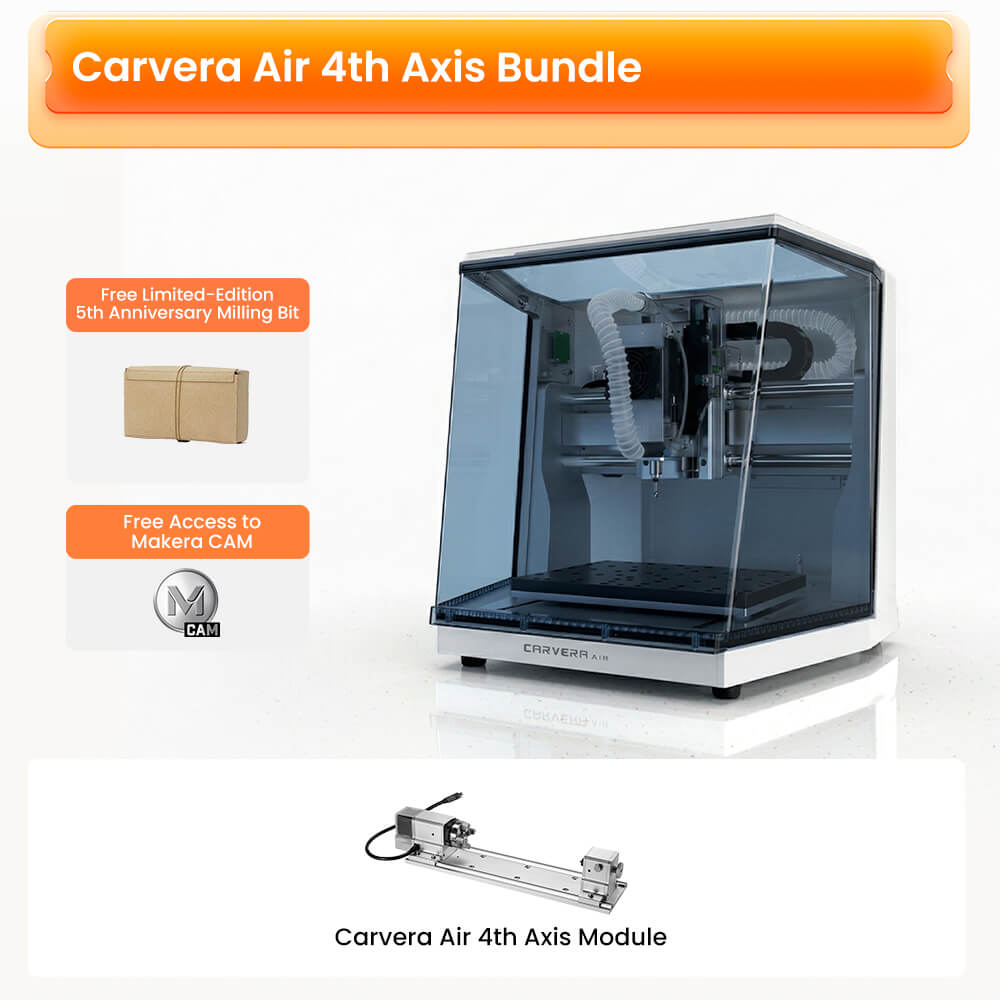
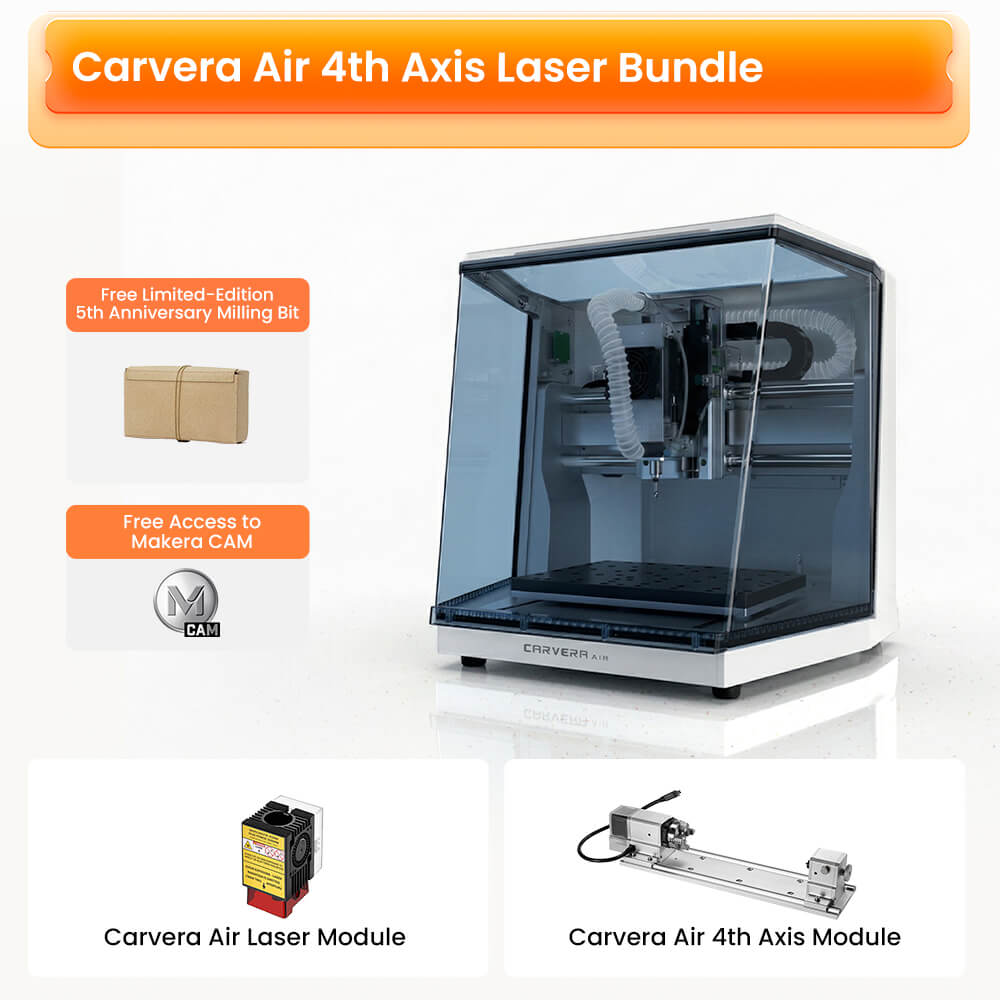
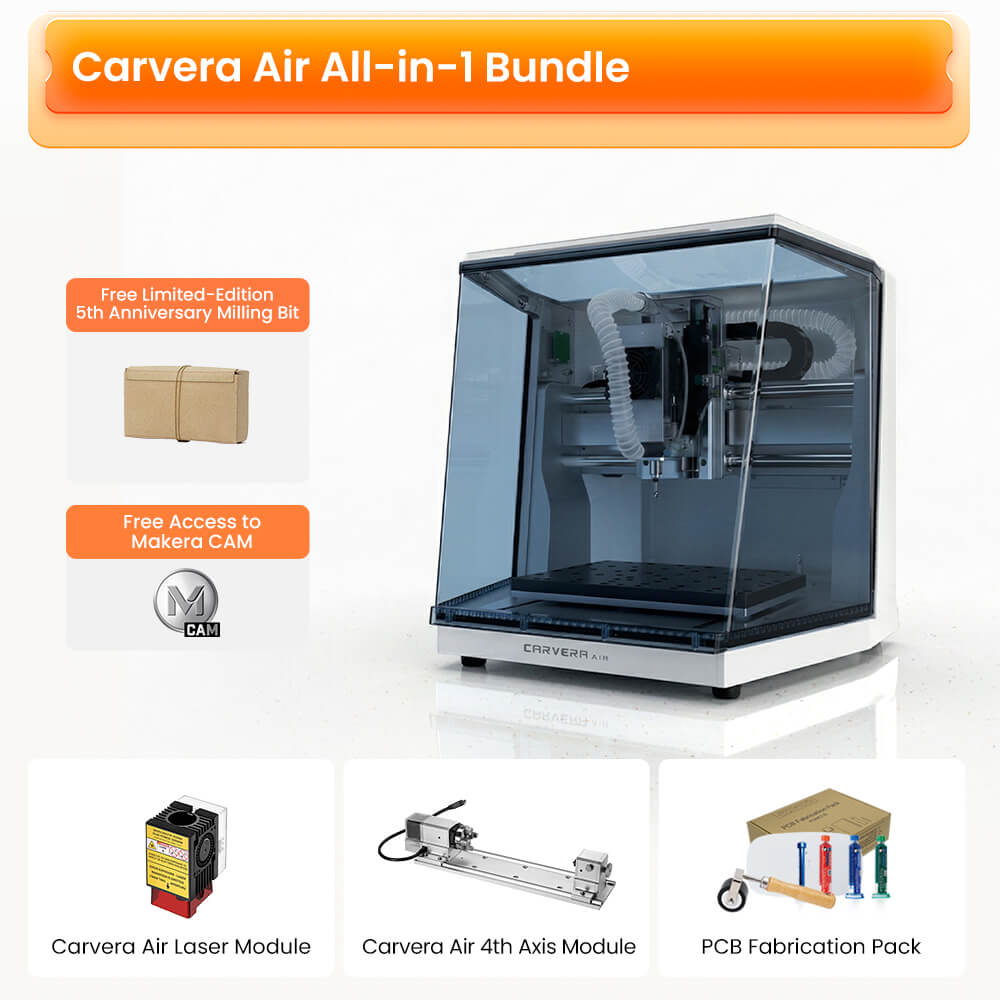
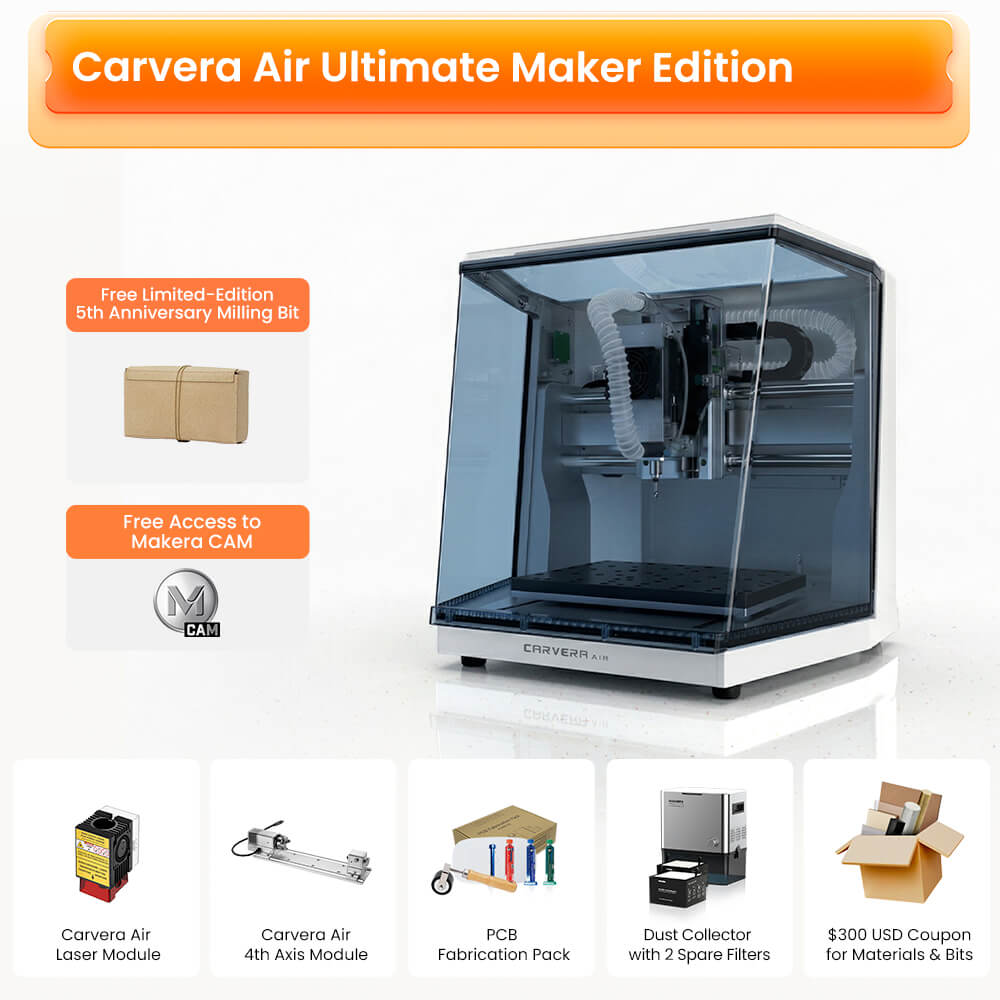
Makera
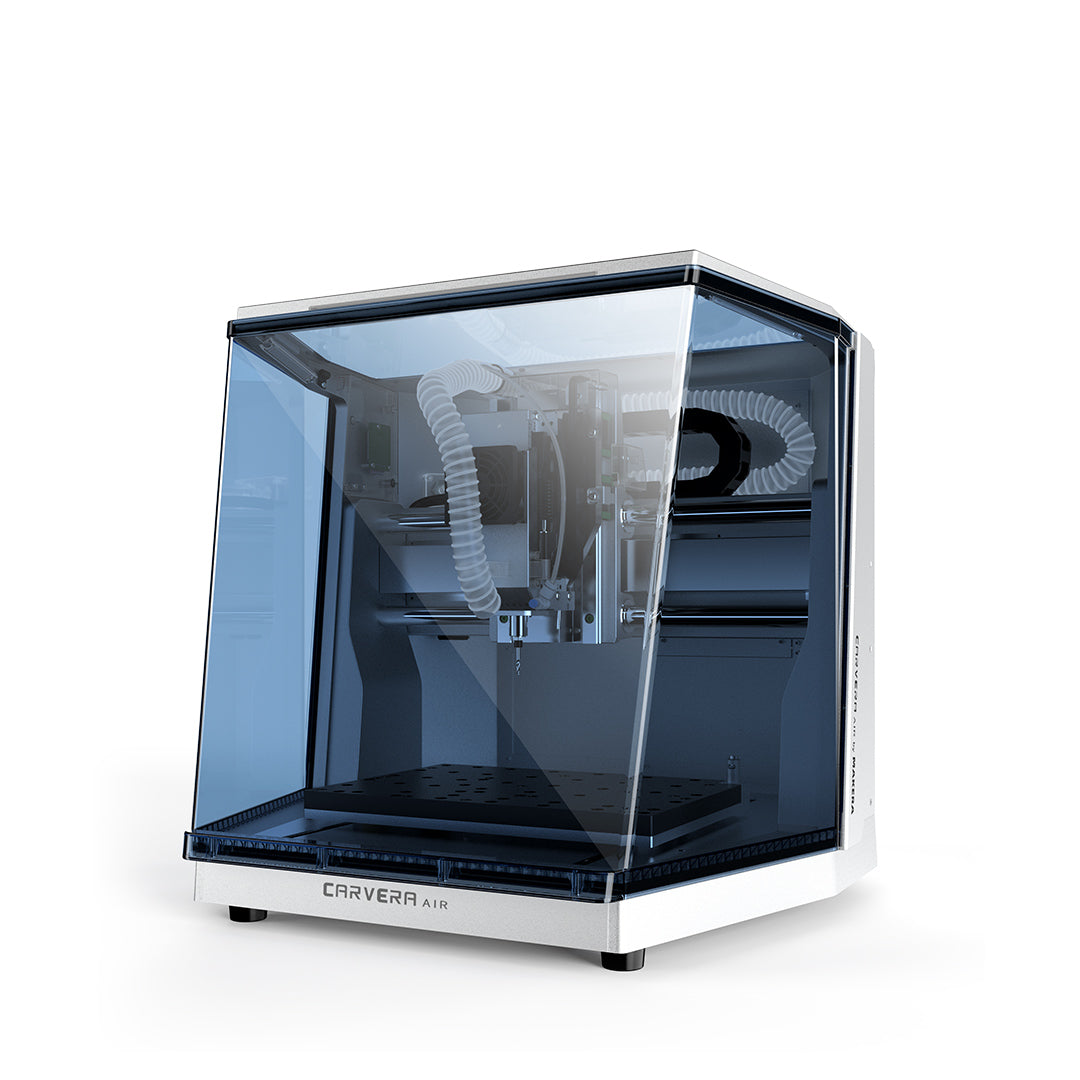
Carvera Air 卓上型CNC加工機

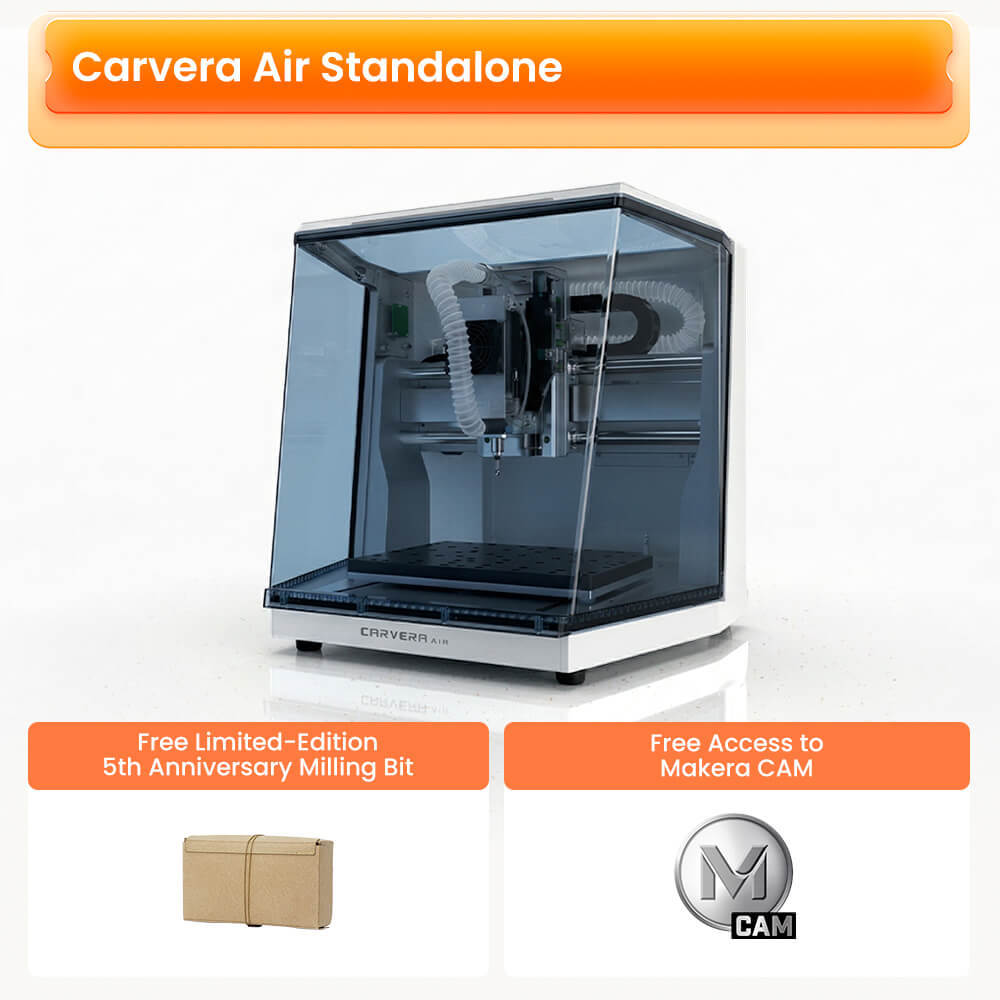
Carvera Air記念価格でお求めいただけます。さらに、149米ドル相当の限定版ミリングビットセットを無料でプレゼント
よく一緒に購入されている商品
Carvera Air: あなたのビジョンを形に
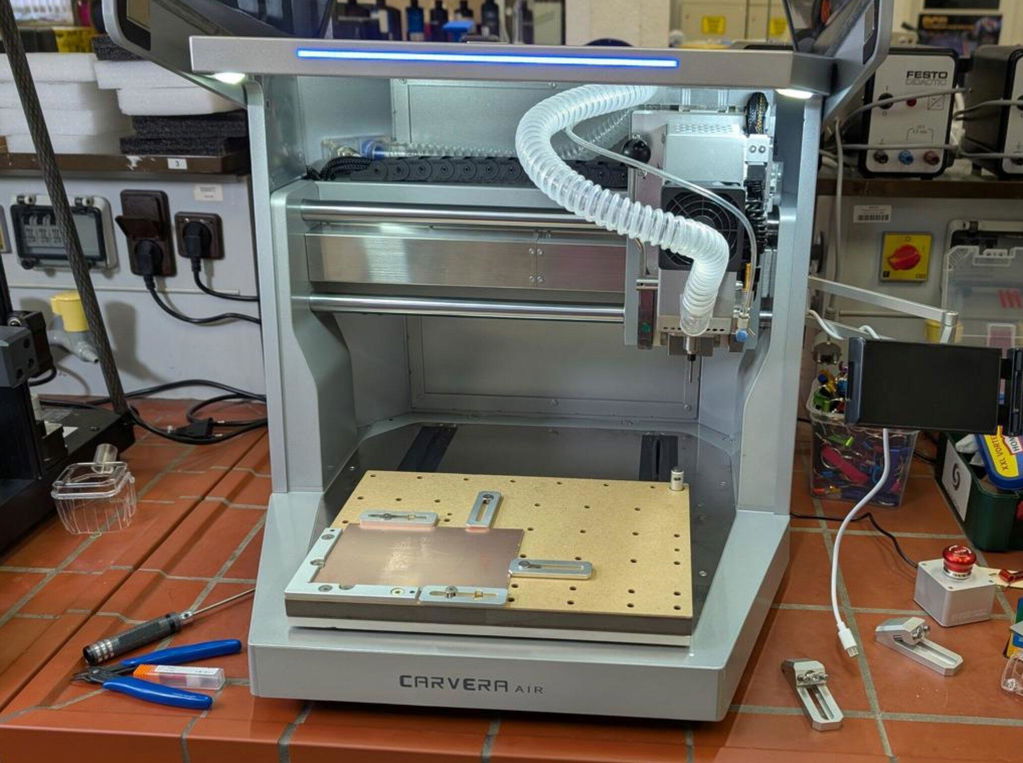
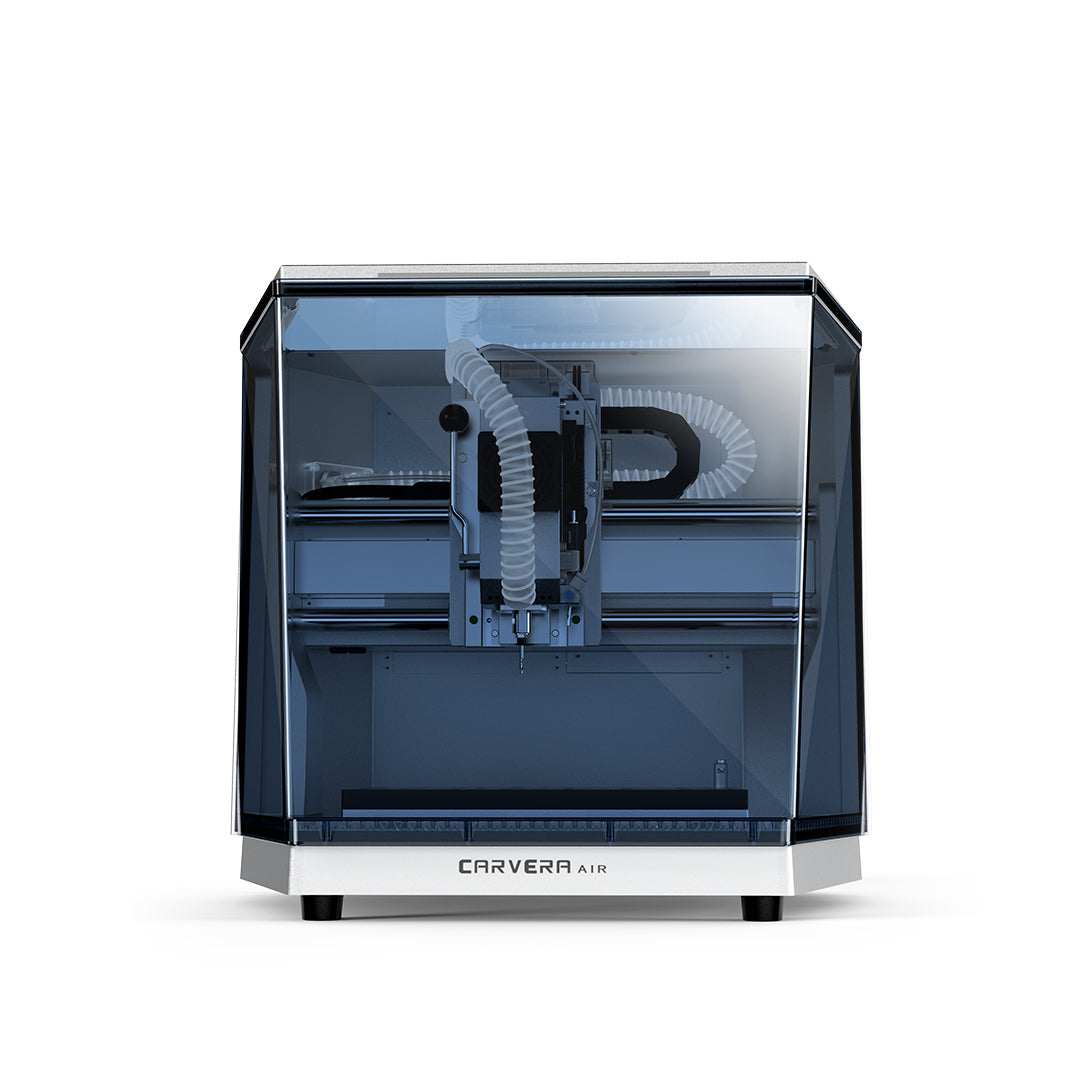
Carvera Air™のご紹介 Carvera Air ― スマートで高精度、かつ多機能なデスクトップ型CNCマシンです。中小企業やクリエイティブな愛好家に最適です。
詳細はこちら:
- 開封レビュー Carvera: さっそく使い始めたいですか?開封レビューの ドキュメントをご覧いただければ、新しいCNCマシンに同梱されているすべてのアイテムや、簡単なセットアップ方法をご確認いただけます 。
- ユーザーマニュアル: 詳細なガイドが必要な場合は、包括的な マニュアルをダウンロードしてください 。 Carvera Air™ CNCのあらゆる機能について詳しく解説しており Carvera Air、マシンを最大限に活用できるようサポートします。
- 知識共有: 知識共有セクションで、私たちのクリエイティブなコミュニティに参加しましょう!ここでは Carvera、 Carvera Air™ CNCマシンを使った切削加工に取り組むためのプロジェクト、ファイル、レッスンをご覧いただけます Carvera Carvera Air。

ハードウェア担当の彼

リッキー・インペイ

My Tech Fun

Aurora Tech

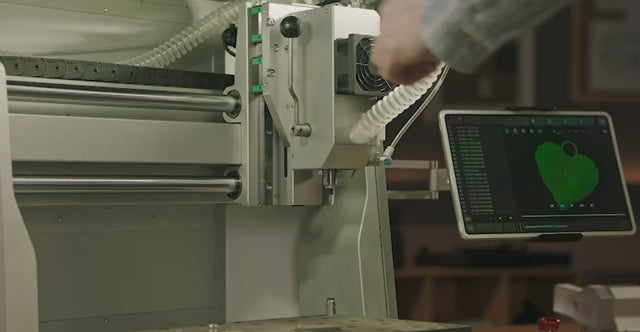
わずか10秒で工具交換が可能
この革新的な機能により、アイドル時間が大幅に短縮され、フライス加工タスク間の切り替えがよりスムーズかつ迅速に行えるようになります。複数の工具を必要とする複雑なCNCフライス加工プロジェクトに最適で、CNCワークフローを最適化してプロジェクトの完了を早めます。CNCのベテランユーザーにも初心者にも最適です。

自動化による精度と効率
自動プロービングおよびレベリング機能により、工具の校正が正確かつ効率的に行われ、表面の凹凸を検知することで、CNCフライス加工における手動でのセットアップ時間を短縮します。これにより、凹凸のある素材でも正確な切削が可能となり、CNC加工の精度が向上します。また、加工の均一性が大幅に向上し、材料の無駄を最小限に抑え、より高品質なCNCフライス加工を実現します。
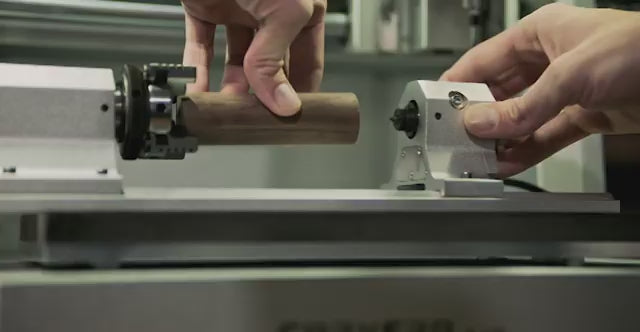
軸がもう1つ増えれば、可能性はさらに広がる
4軸モジュールを使用すれば、円筒形の部品、両面加工が必要な部品、複雑な3D形状の加工が可能です。Carvera Air真の4軸同時加工を実現しており、3Dプリンターのように本格的な3D立体モデルを作成することができます。 素材に制限されることはありません。プラスチック、木材、さらには金属であっても、精密かつ美しく、リアルなCNC作品を制作できます。
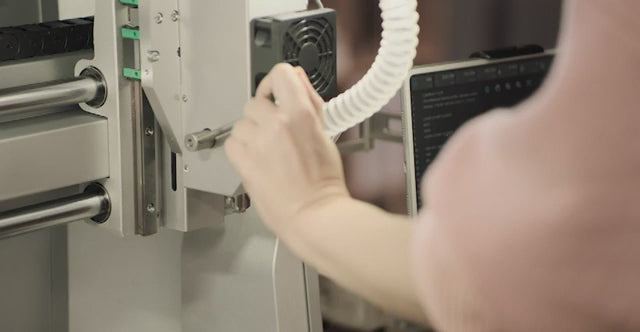
新たな創造の可能性を切り拓く
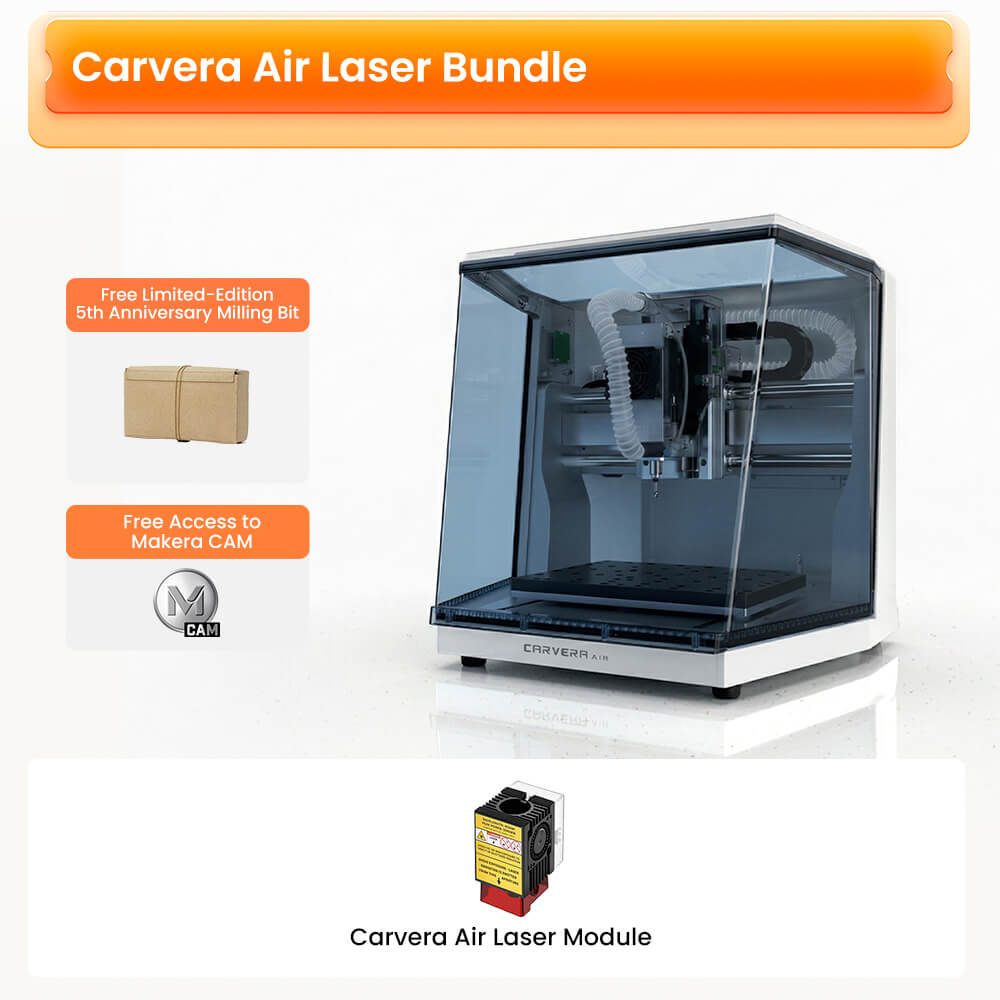
オプションの5Wレーザーヘッドを追加することで、Carvera Air汎用性の高いCNCツールとなり、幅広い素材に対して精密なレーザー彫刻や切断が可能になります。この機能強化により、精巧な彫刻の作成から細部までこだわった切断プロジェクトの実現に至るまで、DIYデザインの可能性が無限に広がり、DIY愛好家からプロのCNCユーザーまで、幅広い層にとって最適な選択肢となります。
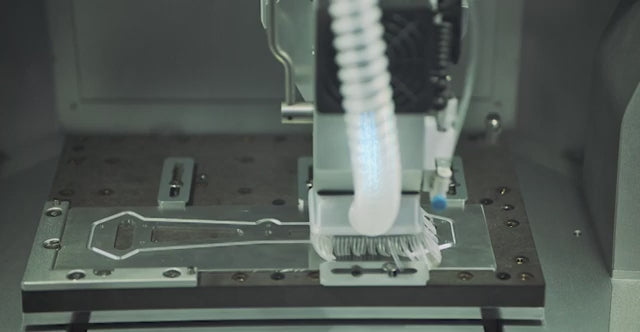
きれいな機械は、幸せな機械だ
加工中に発生する切りくずや粉塵を効果的に抑制し、視認性を高めた清潔な作業環境を維持します。これにより、粉塵の堆積を抑えて機械の寿命を延ばすとともに、空気中の微粒子への曝露を最小限に抑え、健康を守ります。清潔で効率的な加工作業環境を確保するために不可欠です。

指先ひとつで操作
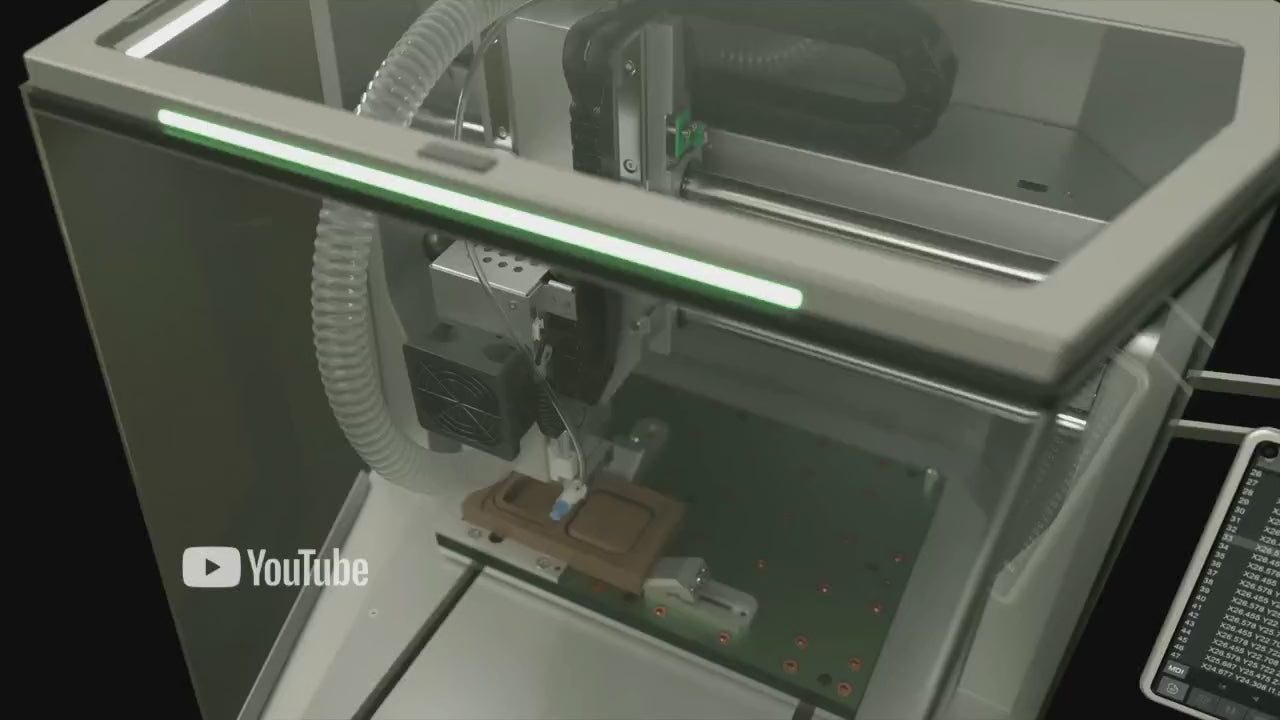
このクロスプラットフォーム対応のコントローラソフトウェアにより、PC、タブレット、スマートフォンのいずれからでもCNC工作機械をシームレスに操作でき、手軽な遠隔制御が可能になります。この機能により、ワークフローの効率と利便性が大幅に向上し、CNC工作機械の管理がより柔軟になり、さまざまなCNC加工プロジェクトに対応しやすくなります。
高品質にこだわり、精密に届ける
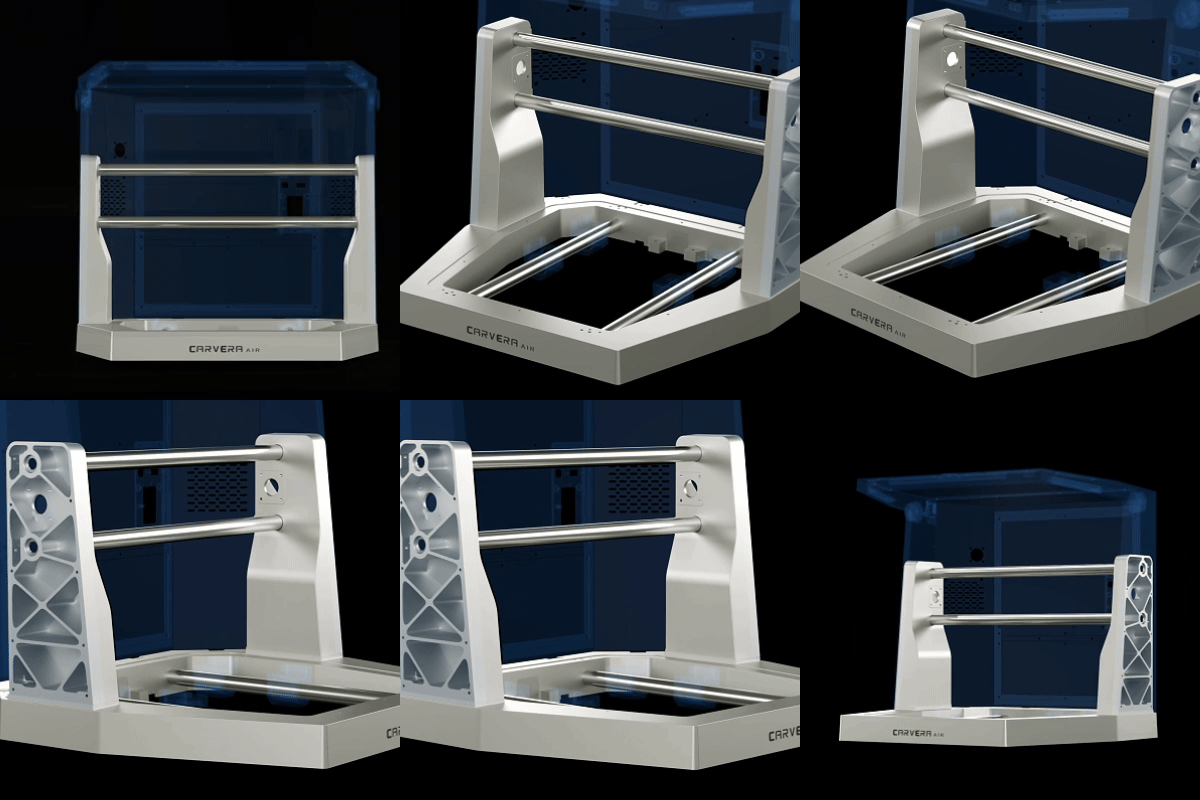
頑丈な構造
業界初Carvera Air、卓越した堅牢性と信頼性を確保する頑丈なダイカスト製フレームを採用しています。この設計により、あらゆるCNCプロジェクトにおいて高い精度を実現するだけでなく、機械の総合的な性能と長期的な耐久性も大幅に向上させています。
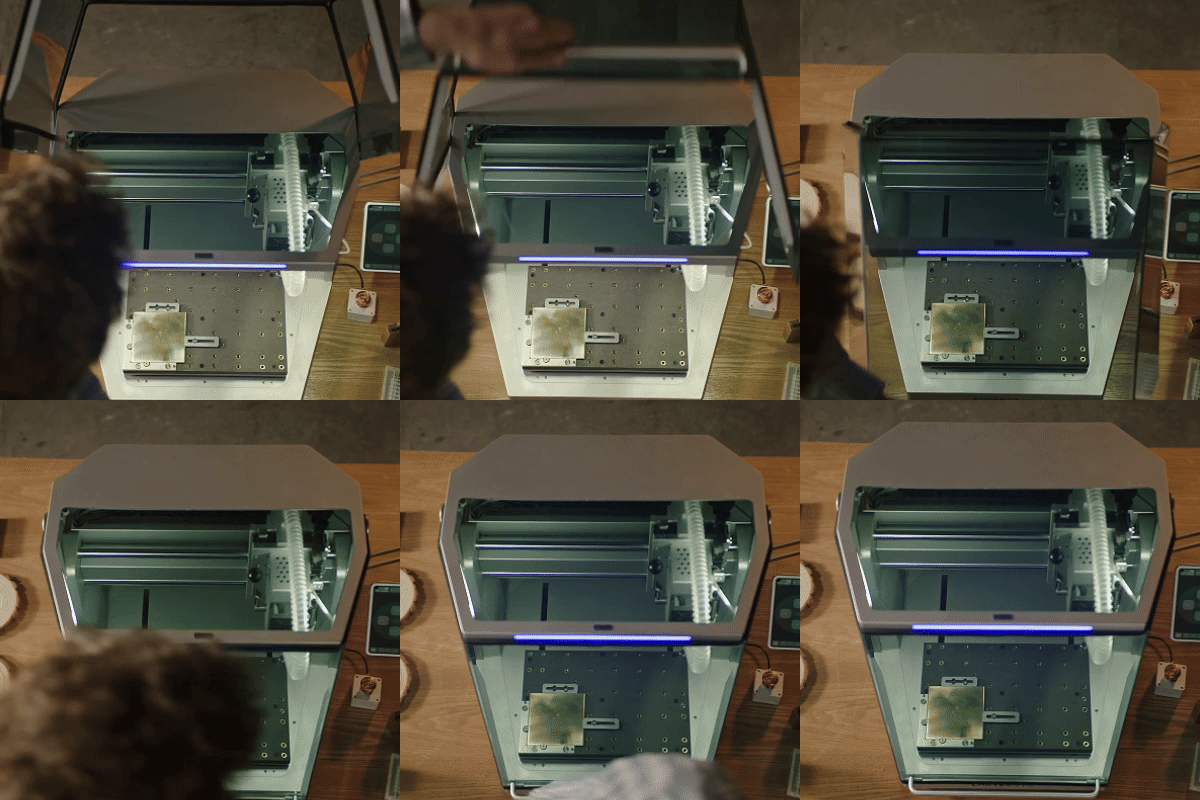
安全で清潔
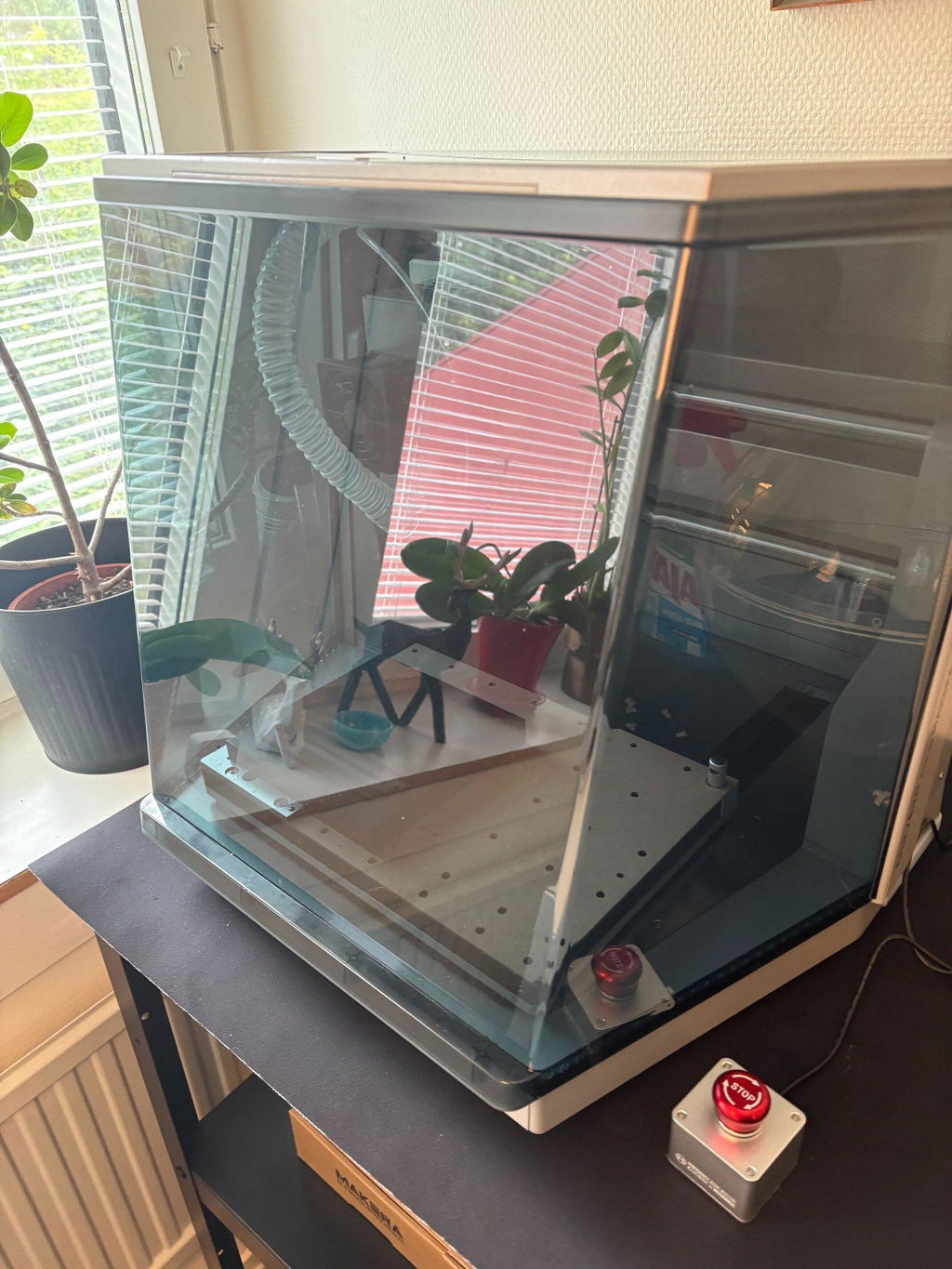
Carvera Airの完全密閉型フレームは、洗練された耐久性に優れたデザインを採用しており、ごく微細な切りくずも効果的に封じ込め、騒音レベルを低減し、CNC加工中の作業者の安全性を高めます。
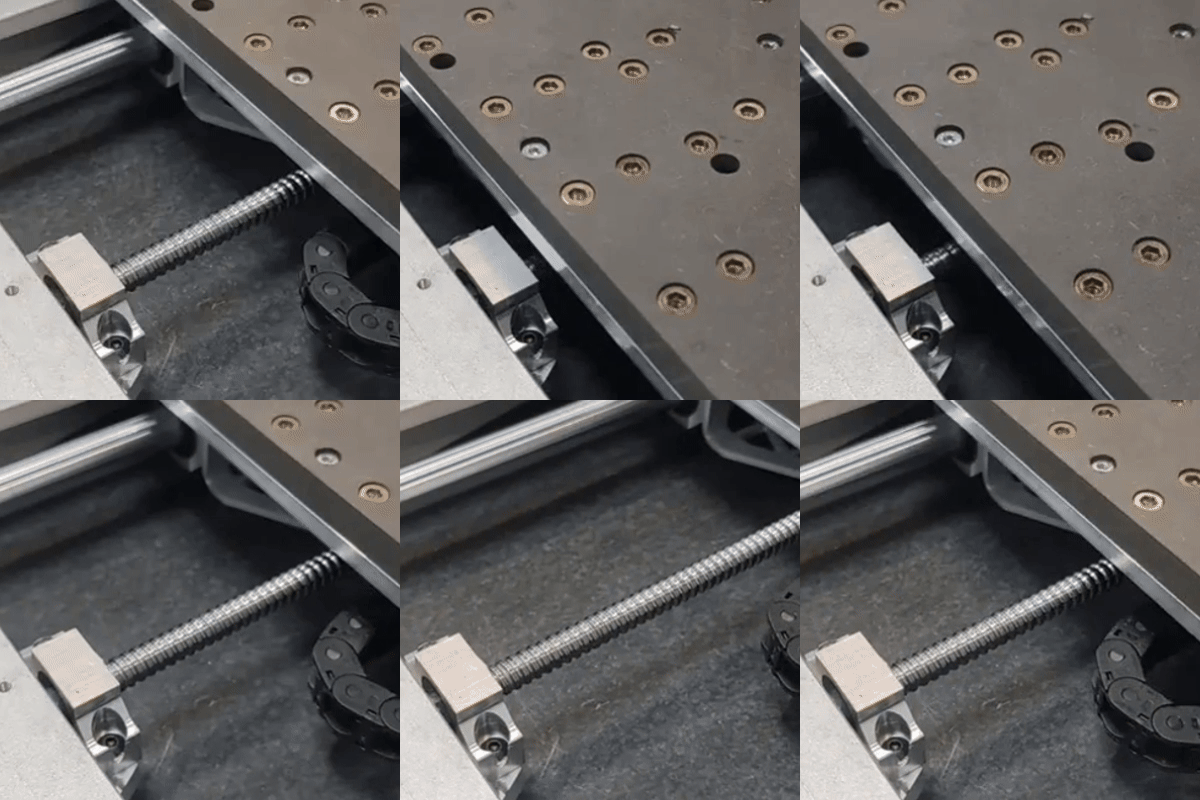
あらゆる動きに精度を
頑丈な20mmリニアロッドとボールねじCarvera Air、卓越した精度とスムーズなCNC動作を実現します。この先進的な設計により、精度と耐久性が飛躍的に向上しており、複雑で精細なCNC加工プロジェクトに最適です。
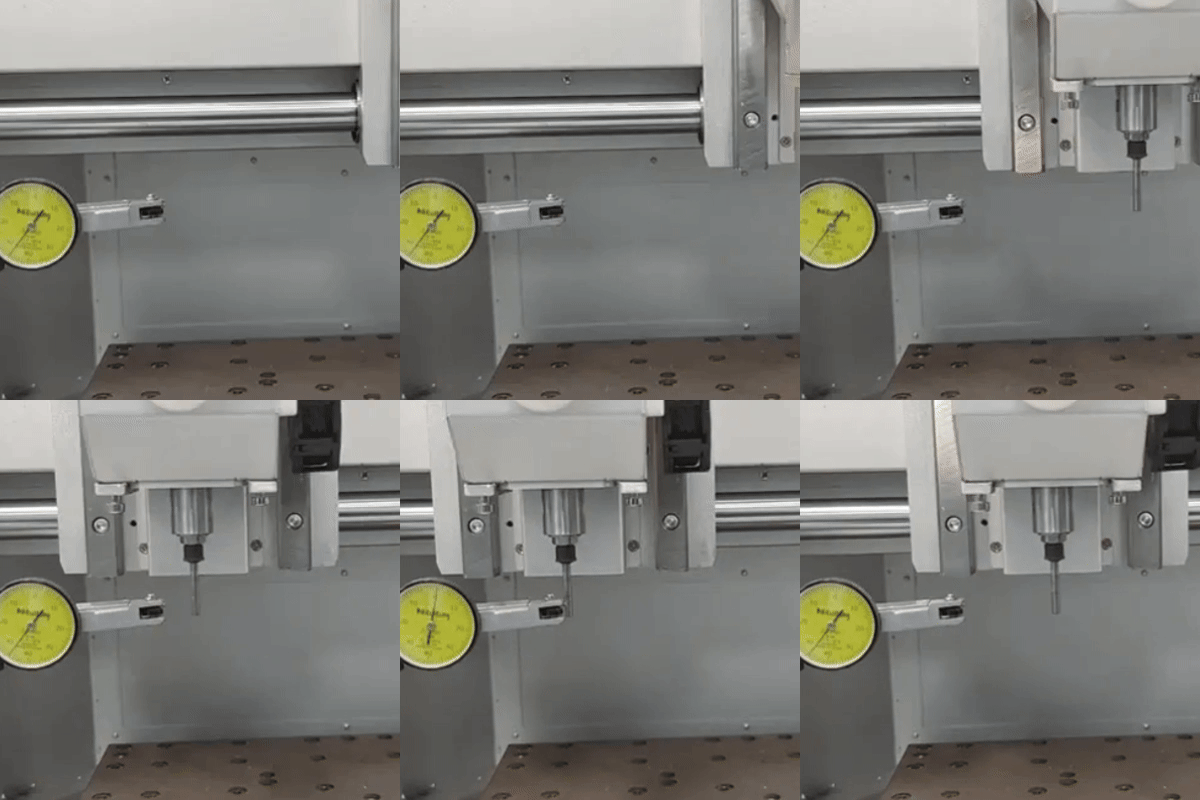
綿密に調整・検証済み
Carvera Airすべての機械は、工場出荷前に綿密に調整され、厳格な試験を経て出荷されます。このプロセスにより、導入当初から最適なCNC性能、信頼性、精度が確保され、あらゆるCNCプロジェクトにおいて最高品質の成果をもたらします。
Carvera Airで実現した素晴らしいプロジェクト
両面プリント基板
ラジコンカー、ドローン、ロボット
装飾品、美術品、ジュエリー
リアルな3Dモデル
最初の装置の発売以来、Carveraデスクトップ型PCB製造の第一選択肢となり、煩わしく危険な化学薬品の使用を不要にしました。Carvera Air登場により、PCB製造プロセスはかつてないほど手頃で身近なものとなり、デスクトップ上で高品質な両面PCBを作成できるようになりました。
電子部品の製造能力を備えることで、アルミニウムや炭素複合材料を用いた耐久性の高い機械部品の製作が可能になりました。これにより、CNCプロジェクトに必要な電子部品や堅牢な構造部品を製作できるようになり、可能性が広がります。
Carvera Air圧倒的なパワーを誇り、さまざまな美しい天然素材を加工することができます。この汎用性の高さから、精度と創造性を駆使してユニークな芸術作品やオーダーメイド製品を制作したいアーティストやデザイナーにとって、理想的なCNCマシンとなっています。
第4軸は、クリエイティブなプロジェクトに新たな次元をもたらし、精巧なチェスの駒やフィギュア、装飾品などを制作することを可能にします。このコストパフォーマンスに優れたCNC用アドオンは、制作の幅を広げ、細部までこだわった複雑なデザインに対する無限の可能性を切り拓きます。

無限の素材
Carvera Air木材やプラスチックにとどまらず、その強力な性能はアルミニウムや真鍮の加工においても発揮されます。この汎用性により、CNC加工で実現可能なプロジェクトの幅が飛躍的に広がり、より高度で多様な用途に適しています。
直感的なCAMソフトウェア
「Makera CAM」のご紹介:Carvera向けに特別に設計されたCAMで、シンプルな2D PCBミリングから複雑な3Dモデルの製作まで、あらゆるニーズに対応します。MakeraCAMは、CAM学習をより簡単かつ親しみやすいものにし、幅広いユーザーが自身のデザインや作品制作で成果を上げられるようにします。さらに、Carvera Air主流の商用およびオープンソースCAMと互換性があり、お好みのツールとのシームレスな連携を保証します。
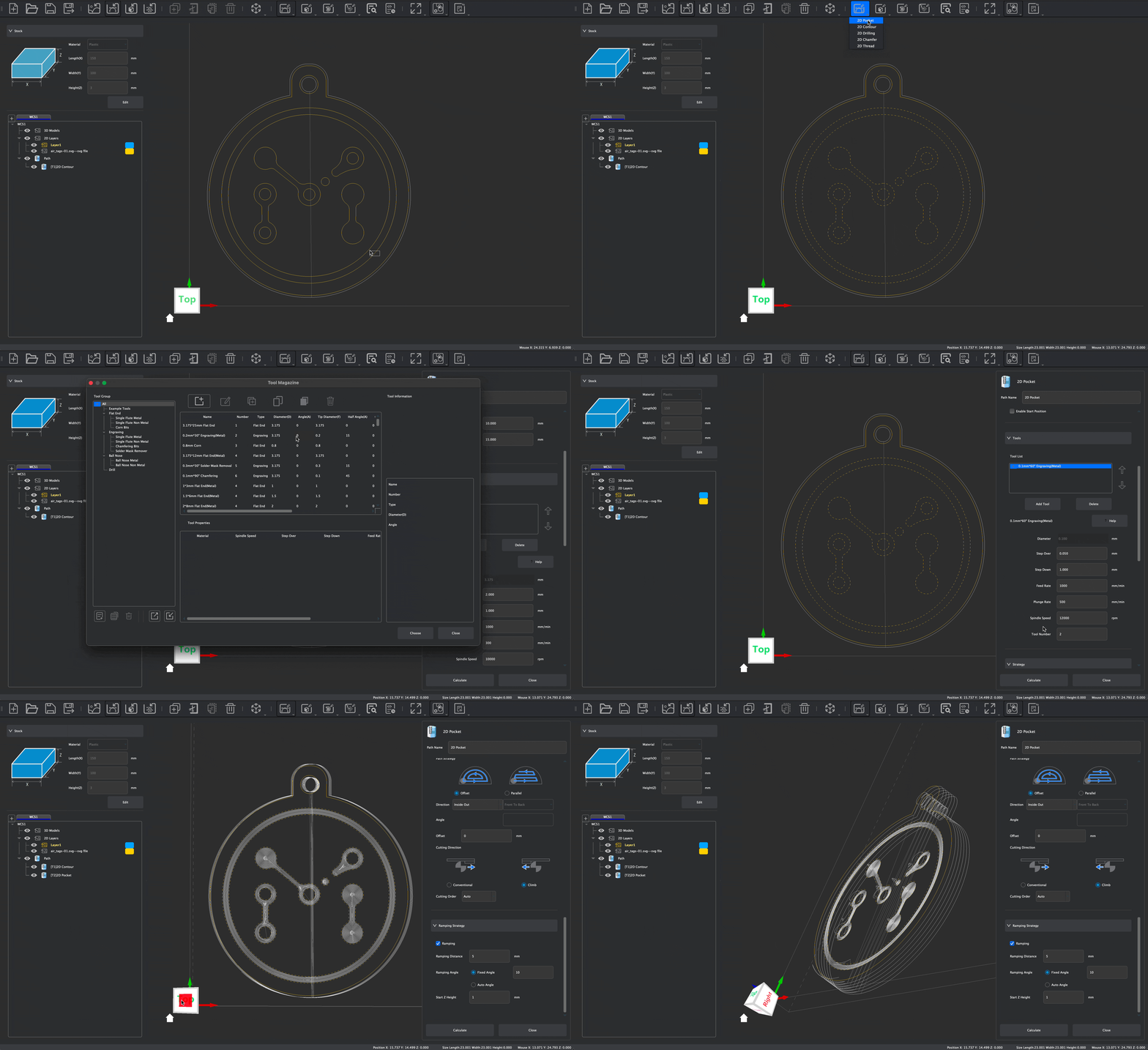
2Dフライス加工
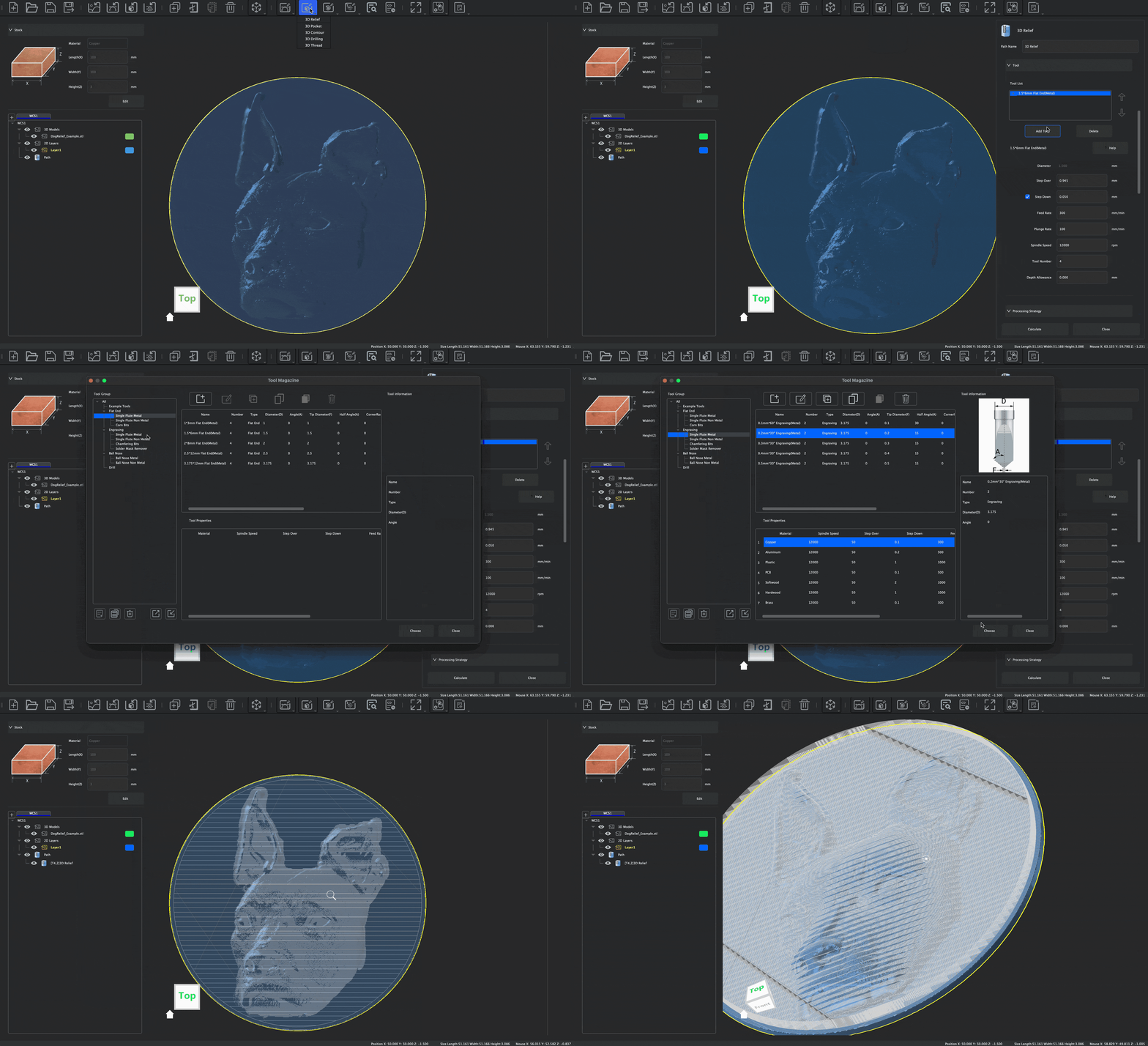
3Dレリーフ
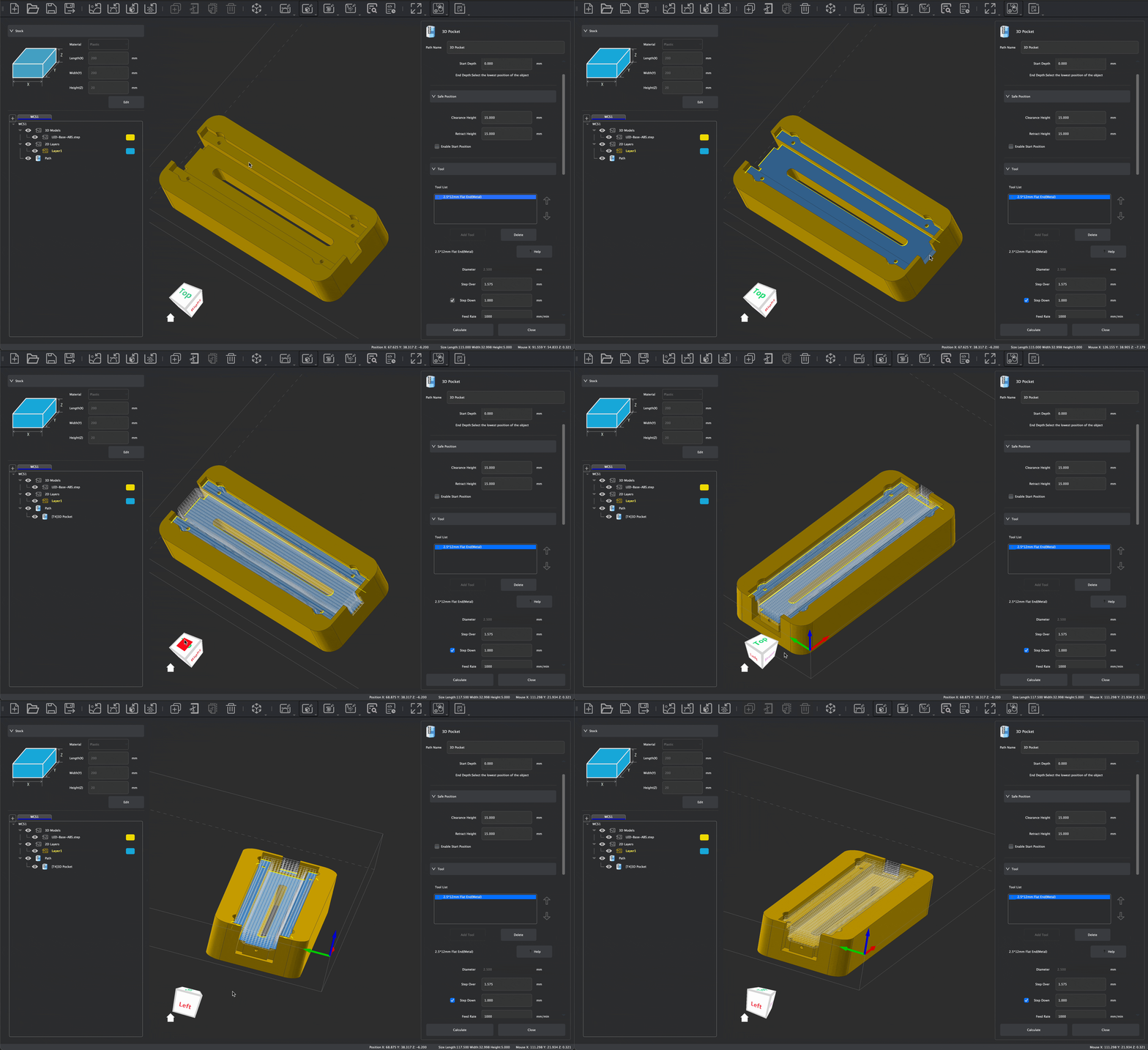
3Dフライス加工
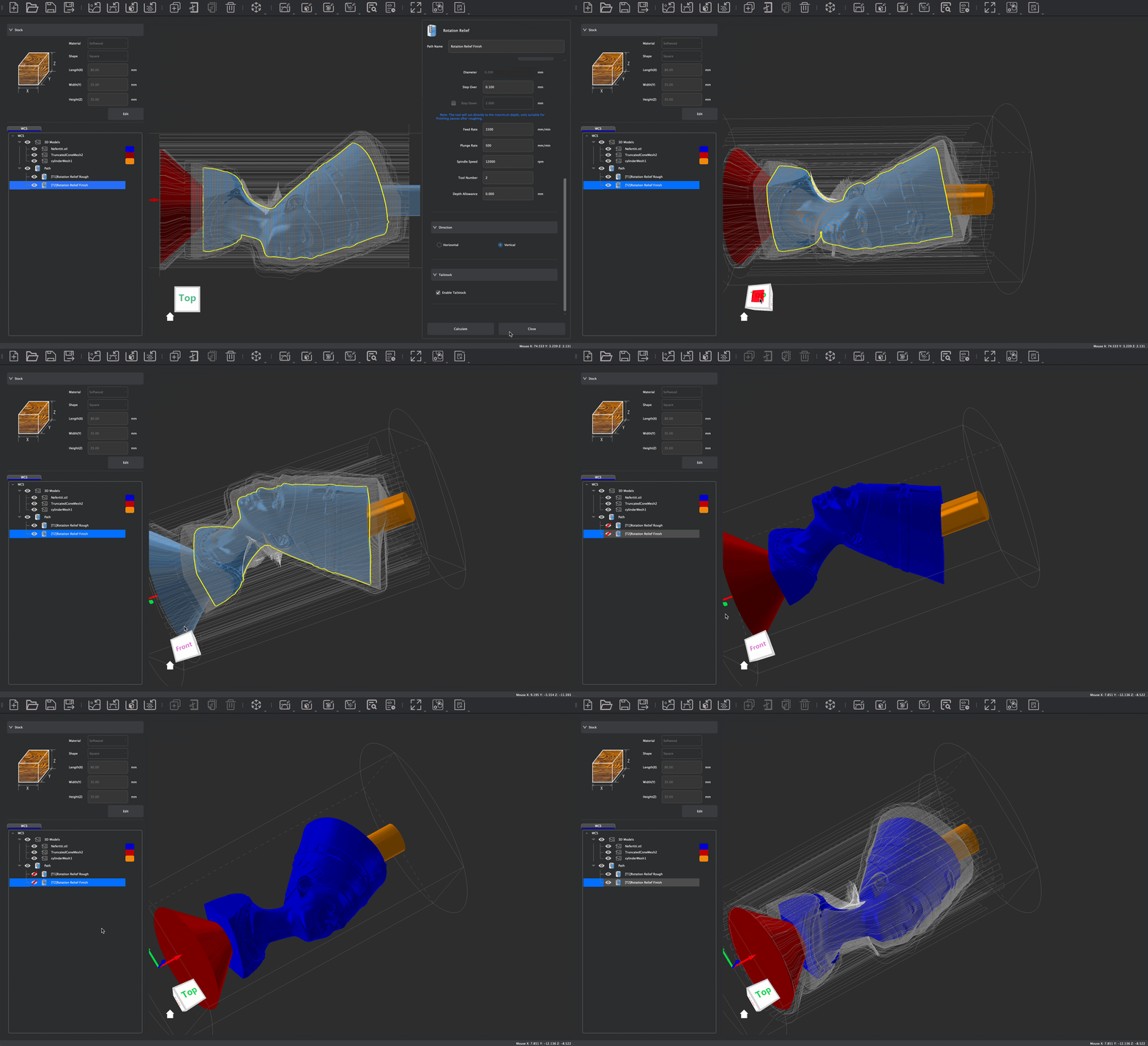
第4軸
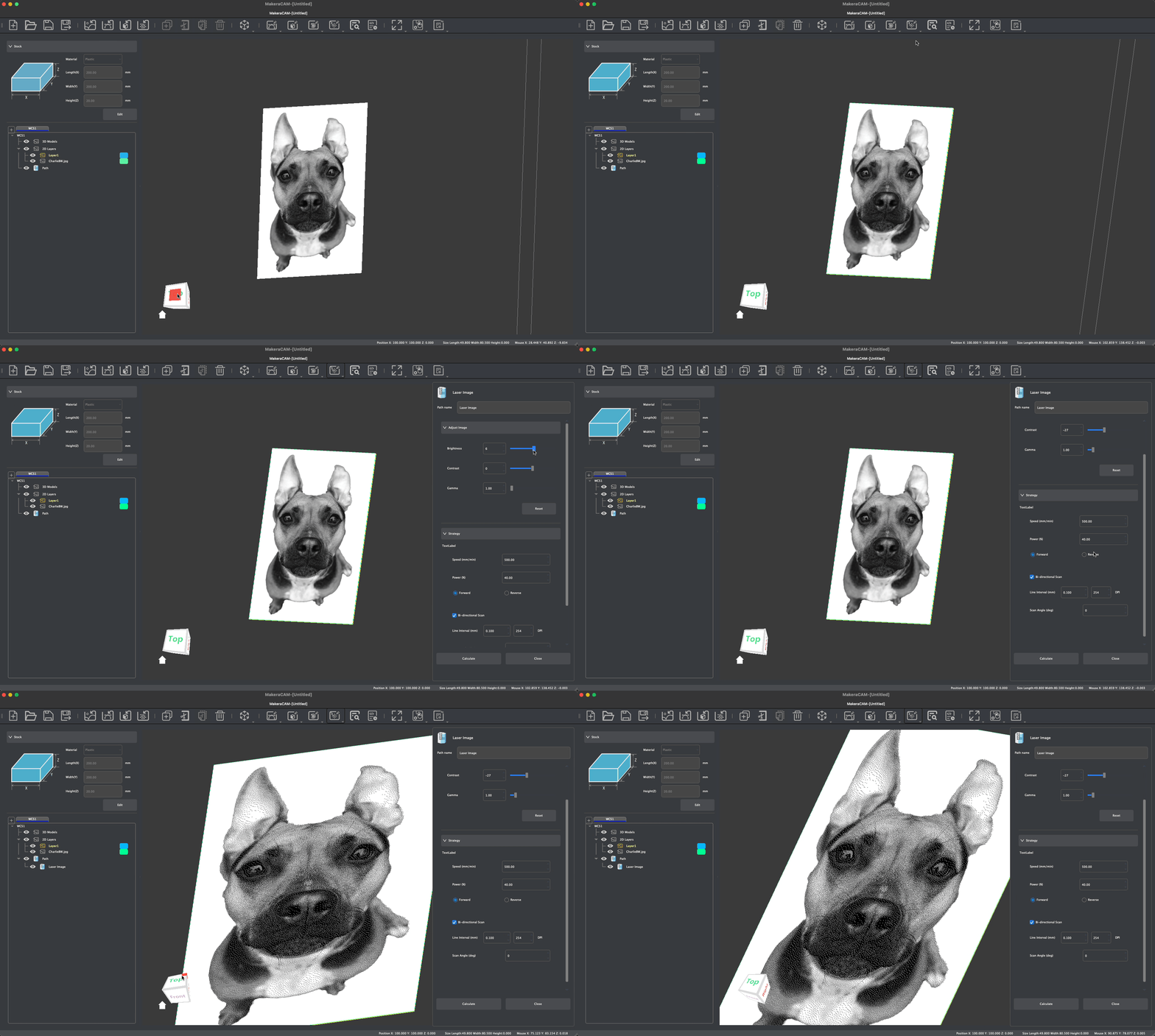
レーザー
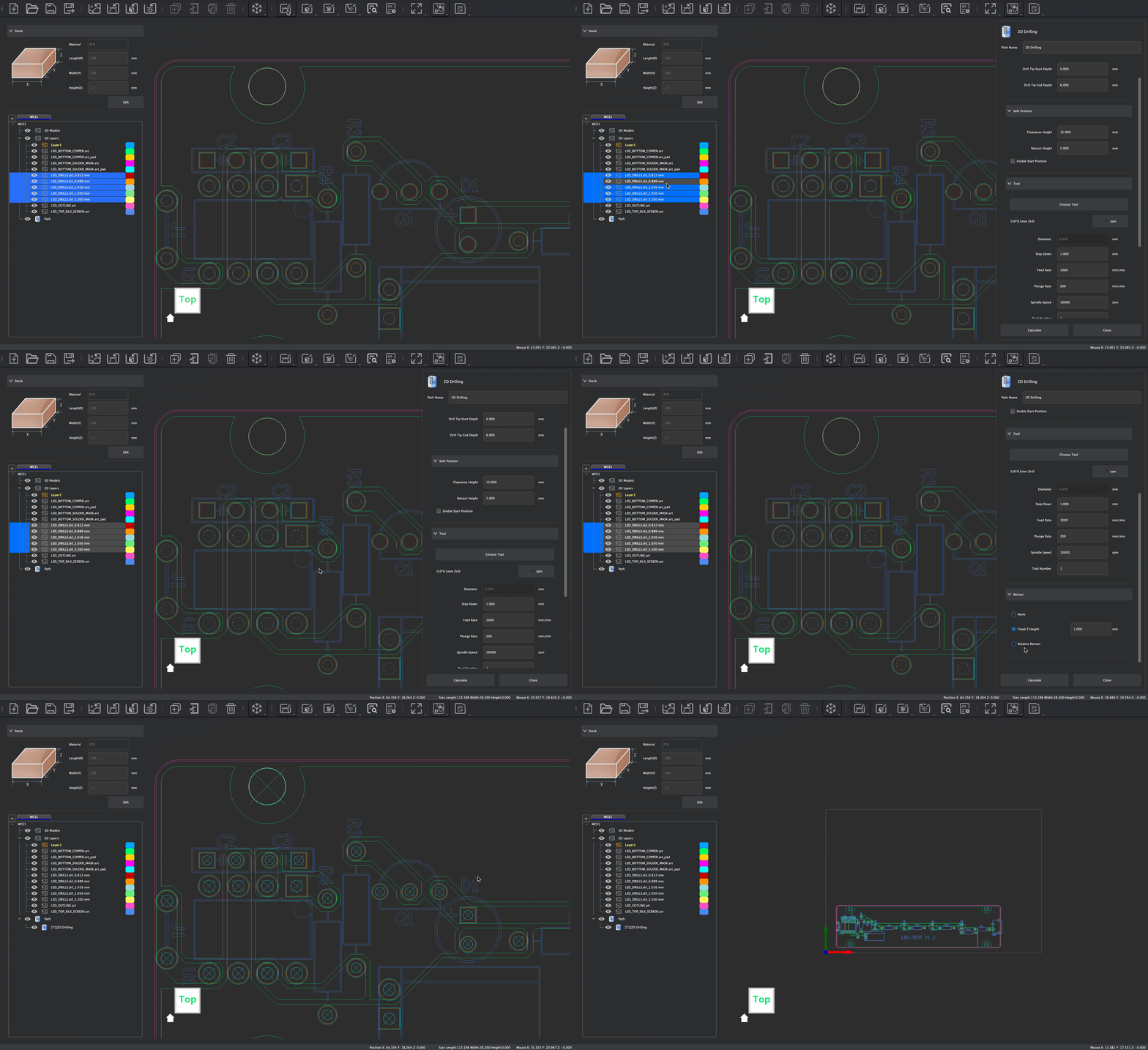
PCB
箱の中身は?

人々の声
-
$5,299.00 $5,799.00Learn More
-
作業エリア360mm(X) × 240mm(Y) × 140mm(Z) / 14.2インチ × 9.4インチ × 5.5インチ
-
第4軸作業領域(オプション)92mm(直径)× 240mm(長さ)/3.6インチ × 9.4インチ
-
ガントリーのクリアランス120mm / 4.7インチ
-
フットプリント580mm(幅) × 520mm(奥行き) × 540mm(高さ) 22.8インチ × 20.5インチ × 21.3インチ
-
重量50kg / 110ポンド(約)
-
電力200ワット
-
速度0~15000 RPM(閉ループ制御)
-
工具交換方法自動ツールチェンジャー
-
ツールライブラリのサイズ6
-
マックス・パワー400W
-
駆動方式X/Z軸:15mmリニアレール+ボールねじ、Y軸:25mm焼入れ・クロムメッキ処理済みロッド(リニアシャフト)+ボールねじ
-
エンジンX/Y/Z軸用サーボモーター、A軸用NEMA17ステッピングモーター
-
最大走行速度6000mm/分
-
第4軸駆動方式(オプション)ハーモニックドライブ
-
スピンドルの振れ0.01mm未満 / 0.0004インチ未満
-
決議0.01mm / 0.0004in
-
エアアシスト外部エアコンプレッサーの接続に対応
-
レーザーモジュール内蔵、2.5W
-
集塵方式内蔵集塵装置、ダストパイプおよびスピンドルダストシューを介した背面からの切りくず排出。外部サイクロン集塵装置との併用に対応
-
金属アルミニウム、真鍮、銅に最適です。対応可能な素材(制限あり):鋼、チタン(長時間の加工には推奨されません)
-
木材広葉樹、針葉樹、MDF、合板など
-
プラスチック発泡材、PVC、ABS、アクリル、PC、HDPEなど。
-
複合材料炭素繊維、FR4など
-
レーザー彫刻用素材木材、プラスチック、布、皮革、段ボールなど。
寸法
スピンドル
モーションシステム
精度
補助機能
対応素材
-
$2,299.00 $2,699.00Learn More
-
作業エリア300mm(X) × 200mm(Y) × 130mm(Z) / 11.8インチ × 7.9インチ × 5.1インチ
-
第4軸作業領域(オプション)92mm(直径)× 200mm(長さ)/3.6インチ × 7.9インチ
-
ガントリーのクリアランス120mm / 4.7インチ
-
フットプリント500mm(幅)× 450mm(奥行き)× 450mm(高さ)/19.7インチ × 17.7インチ × 17.7インチ
-
重量30kg / 66ポンド(約)
-
電力200ワット
-
速度0~13000 RPM(閉ループ制御)
-
工具交換方法クイックツールチェンジャー
-
ツールライブラリのサイズ-
-
マックス・パワー400W
-
駆動方式Z軸:15mmリニアレール+ボールねじ、X/Y軸:20本の硬化クロムメッキロッド(リニアシャフト)+ボールねじ
-
エンジン閉ループステッピングモーター
-
最大走行速度最大:4000mm/min
-
第4軸駆動方式(オプション)ハーモニックドライブ
-
スピンドルの振れ0.01mm未満 / 0.0004インチ未満
-
決議0.01mm / 0.0004in
-
エアアシスト外部エアコンプレッサーの接続に対応
-
レーザーモジュールオプション、5W
-
集塵方式外部集塵機が必要で、ダストパイプおよびスピンドルダストシューを介して後方へ切りくずを排出します。Makeraサイクロン集塵機との併用を推奨します。
-
金属アルミニウム、真鍮、銅に最適です。対応可能な素材(制限あり):鋼、チタン(長時間の加工には推奨されません)
-
木材広葉樹、針葉樹、MDF、合板など
-
プラスチック発泡材、PVC、ABS、アクリル、PC、HDPEなど。
-
複合材料炭素繊維、FR4など
-
レーザー彫刻用素材木材、プラスチック、布、皮革、段ボールなど。
寸法
スピンドル
モーションシステム
精度
補助機能
対応素材
-
$1,399.00Learn More
-
作業エリア200mm(X) × 200mm(Y) × 100mm(Z) / 7.9インチ × 7.9インチ × 3.9インチ
-
第4軸作業領域(オプション)80mm(直径) × 150mm(長さ) / 3.1インチ × 5.9インチ
-
ガントリーのクリアランス115ミリメートル/4.5インチ
-
フットプリント350mm(幅) × 470mm(奥行き) × 450mm(高さ) / 13.8インチ × 18.5インチ × 17.7インチ
-
重量17kg / 37.48ポンド(約)
-
電力150ワット
-
速度0~13000 RPM(閉ループ制御)
-
工具交換方法クイックツールチェンジャー
-
ツールライブラリのサイズ-
-
マックス・パワー300W
-
駆動方式Z1:12mm リニアレール + アクメねじ、または Z1 Pro:12mm リニアレール + ボールねじ
-
エンジンZ1:NEMA 17 ステッピングモーター Z1 Pro:NEMA 17 閉ループ式ステッピングモーター
-
最大走行速度Max:Z1 1200mm/min;Z1 Pro 2000mm/min
-
第4軸駆動方式(オプション)ベルト駆動式
-
スピンドルの振れ0.01mm / 0.0004in
-
決議0.02mm / 0.0008in
-
エアアシスト-
-
レーザーモジュールオプション、5W
-
集塵方式AeroDust™ 集塵システム、底部チップ排出(ダストパイプなし)、およびスピンドルエアブロー。サイクロン集塵機ライトとの併用を推奨します。
-
金属アルミニウム、真鍮、銅、その他の非鉄金属。
-
木材広葉樹、針葉樹、MDF、合板など
-
プラスチック発泡材、PVC、ABS、アクリル、PC、HDPEなど。
-
複合材料炭素繊維、FR4など
-
レーザー彫刻用素材木材、プラスチック、布、皮革、段ボールなど。
寸法
スピンドル
モーションシステム
精度
補助機能
対応素材
デザインの世界を探検しよう
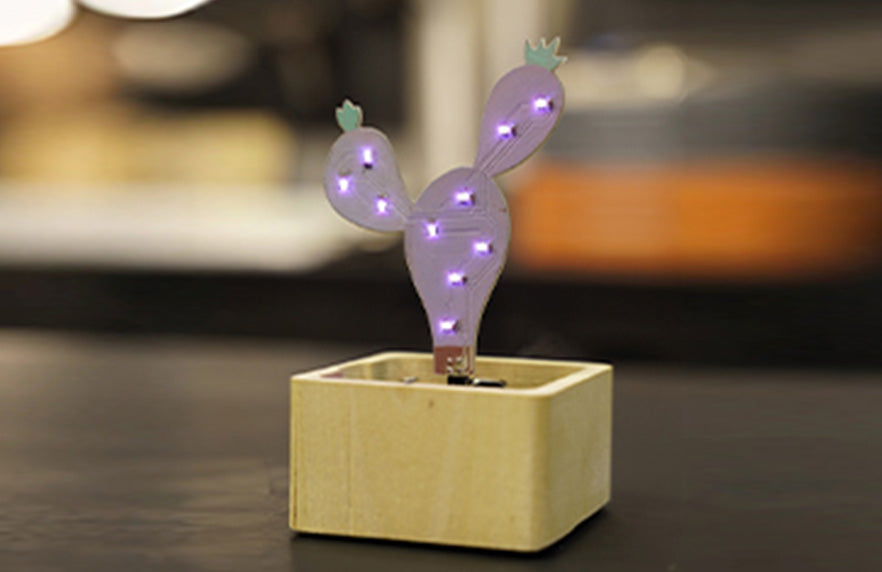
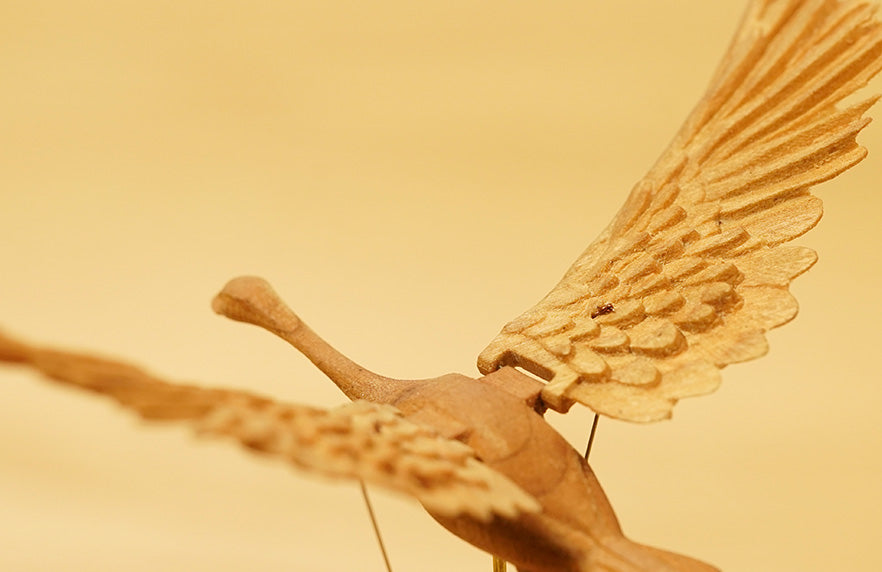
MakerablesMakera共有プラットフォームです。3Dプリント分野にはすでに成熟した共有プラットフォームが存在します。CNC分野にも同様のプラットフォームが必要だと考え、私たちはこれを構築しました。
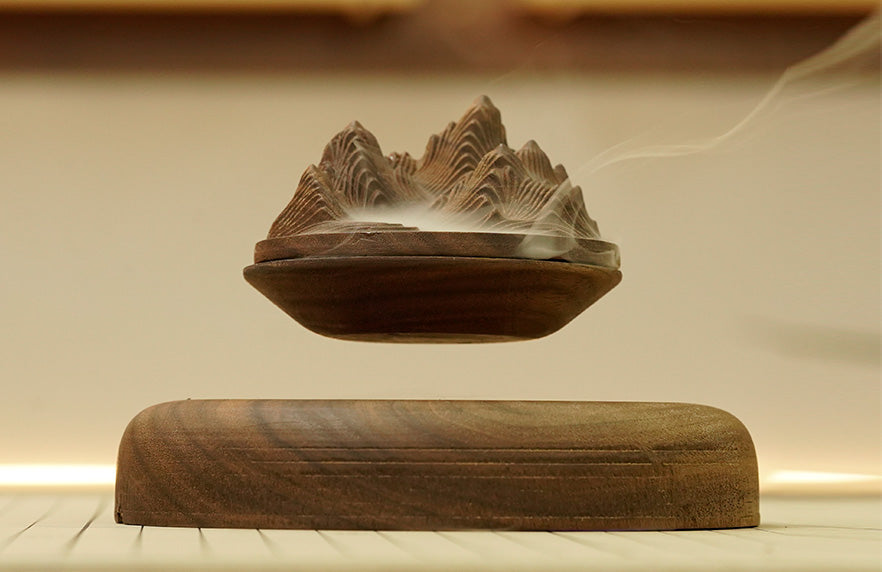
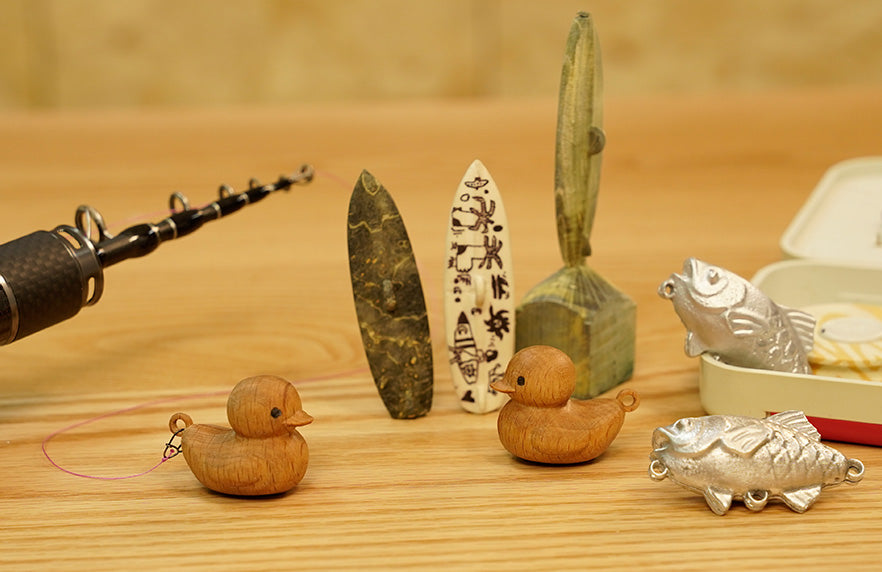
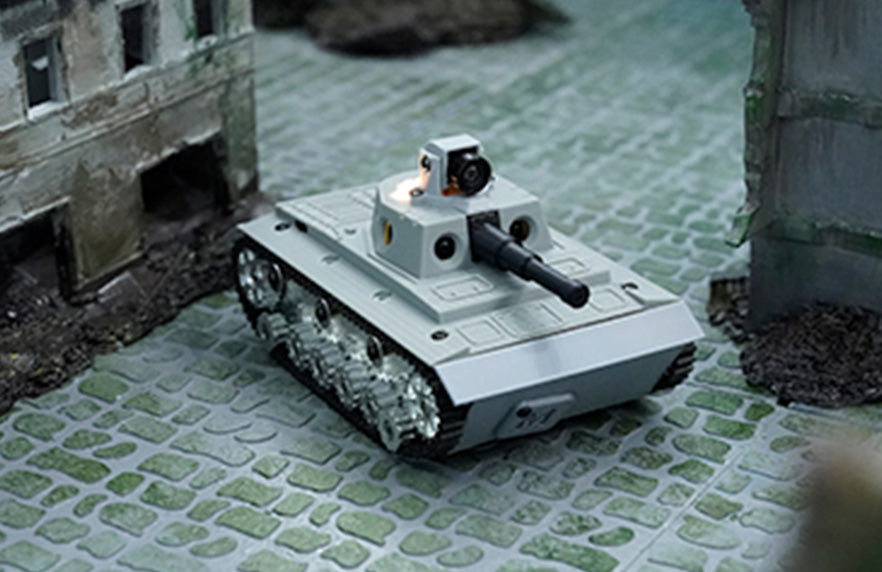
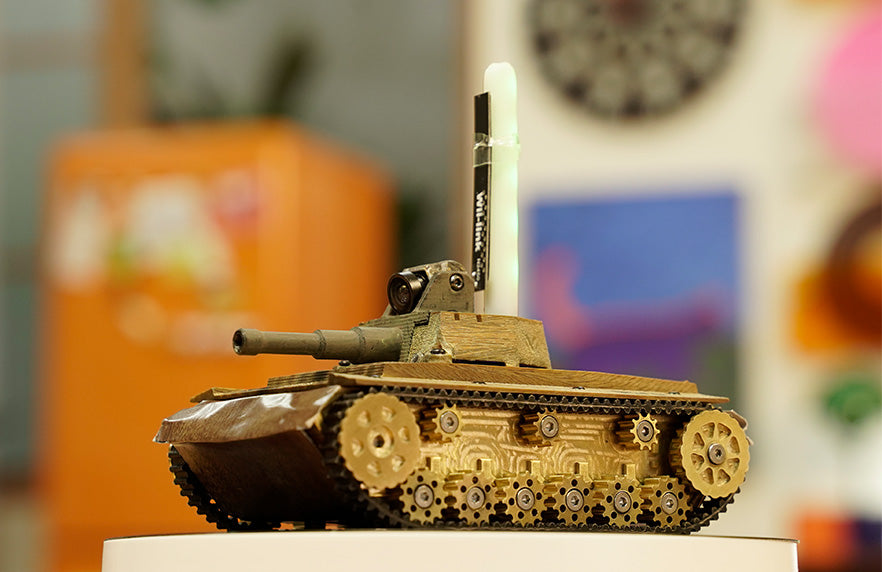
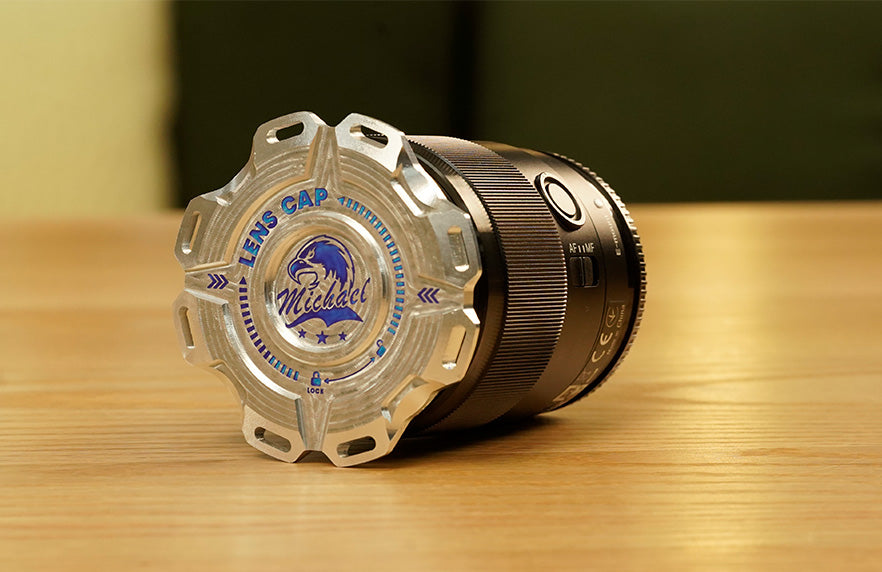
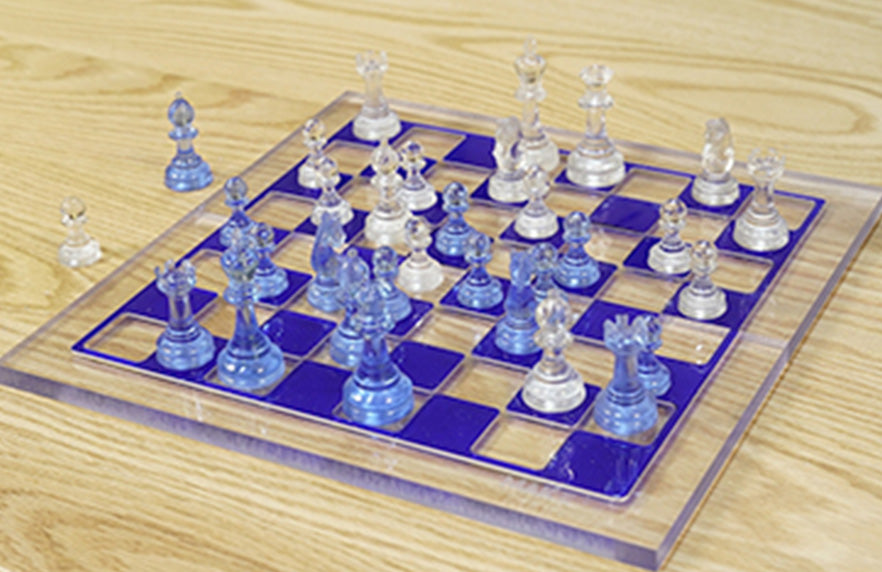
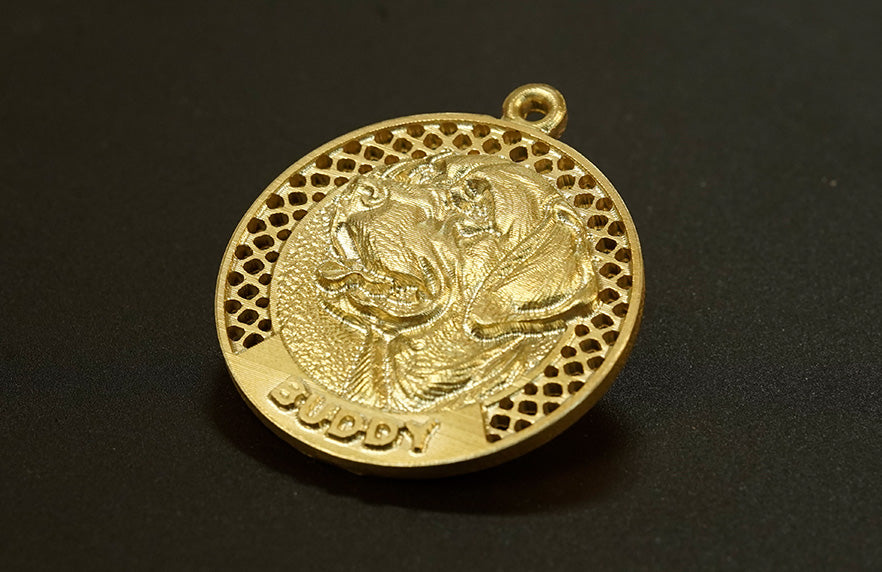
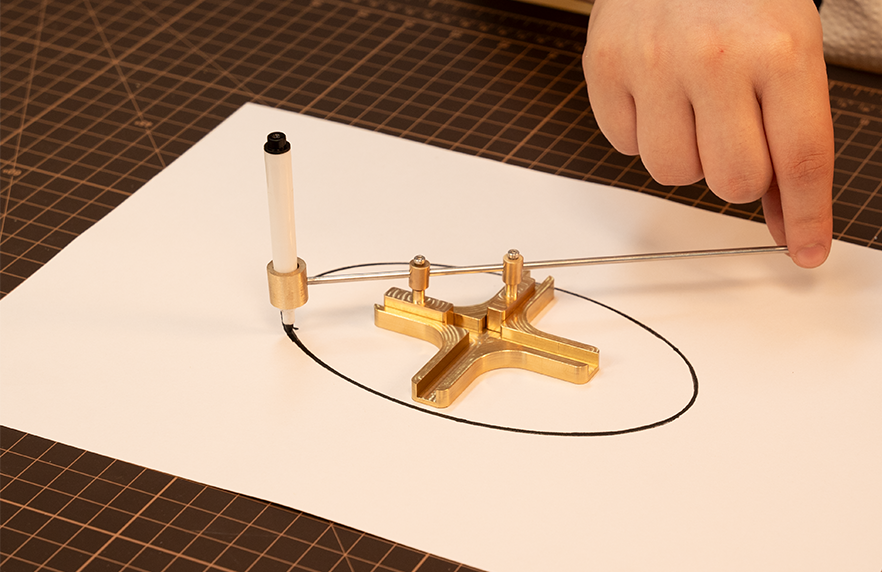
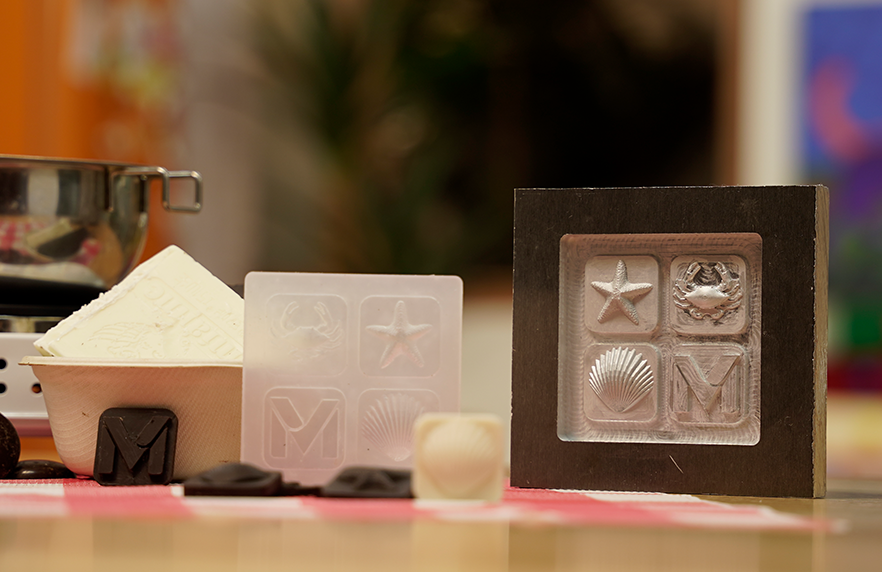
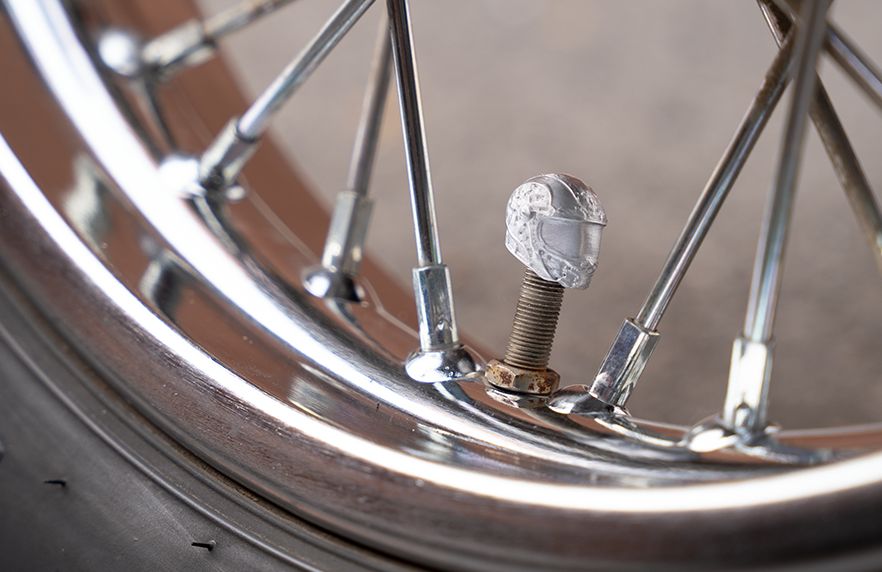
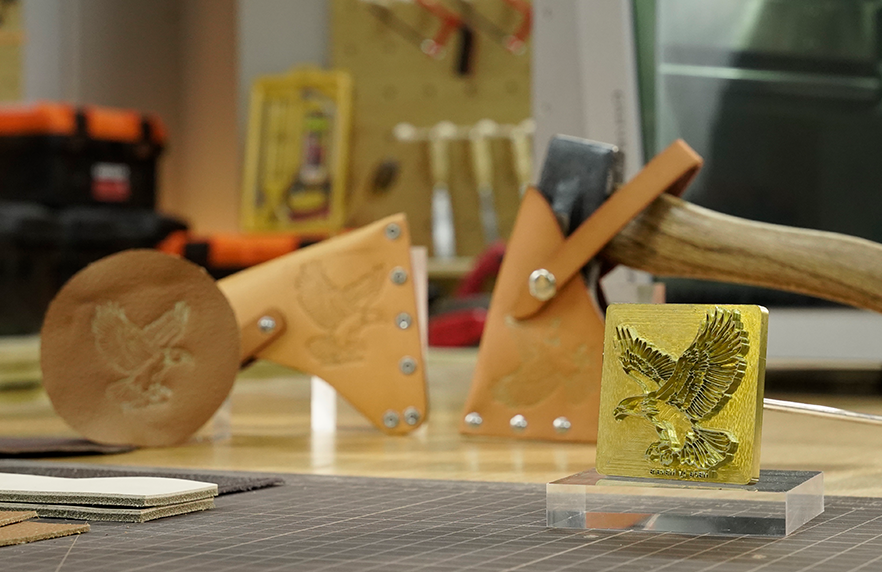
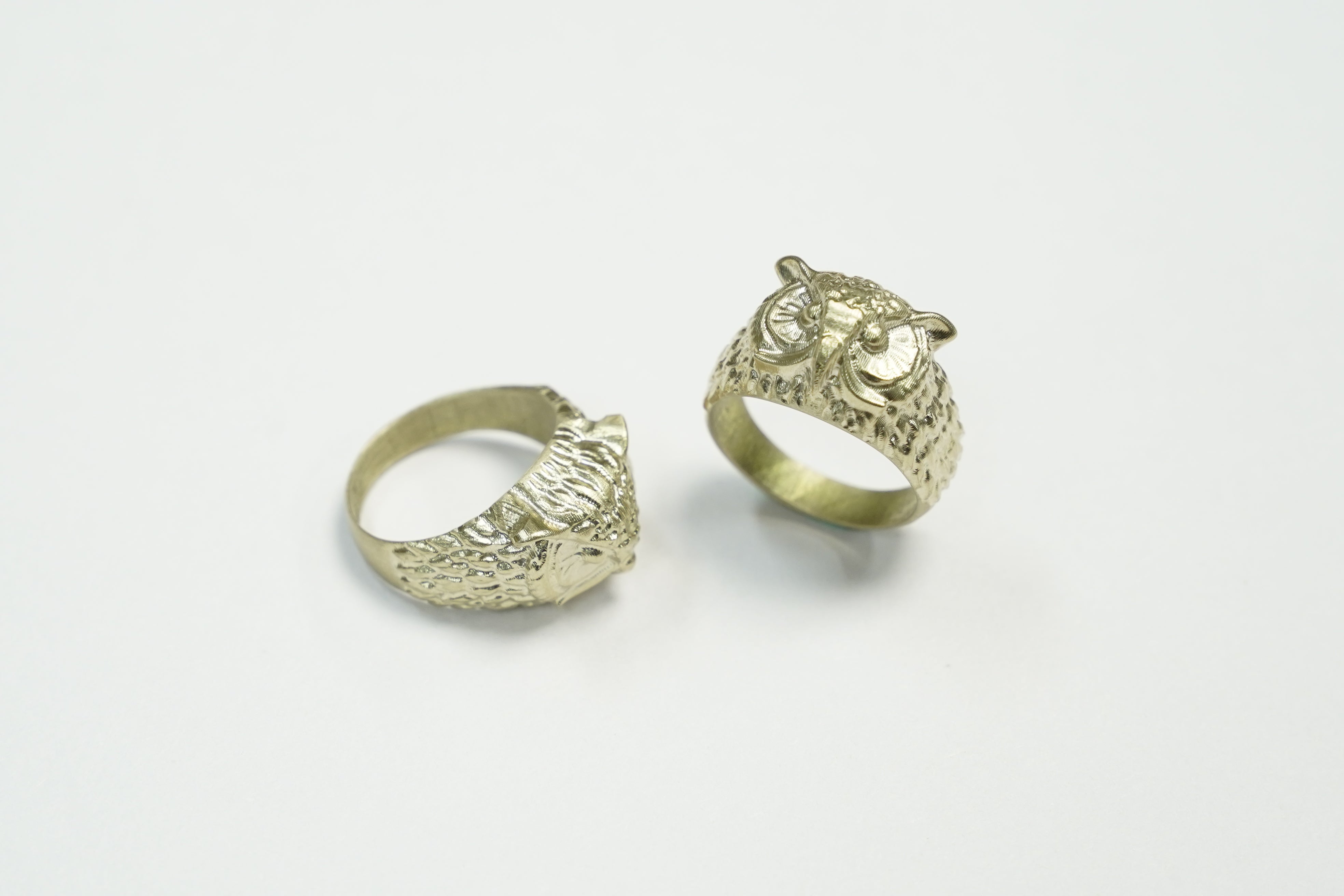
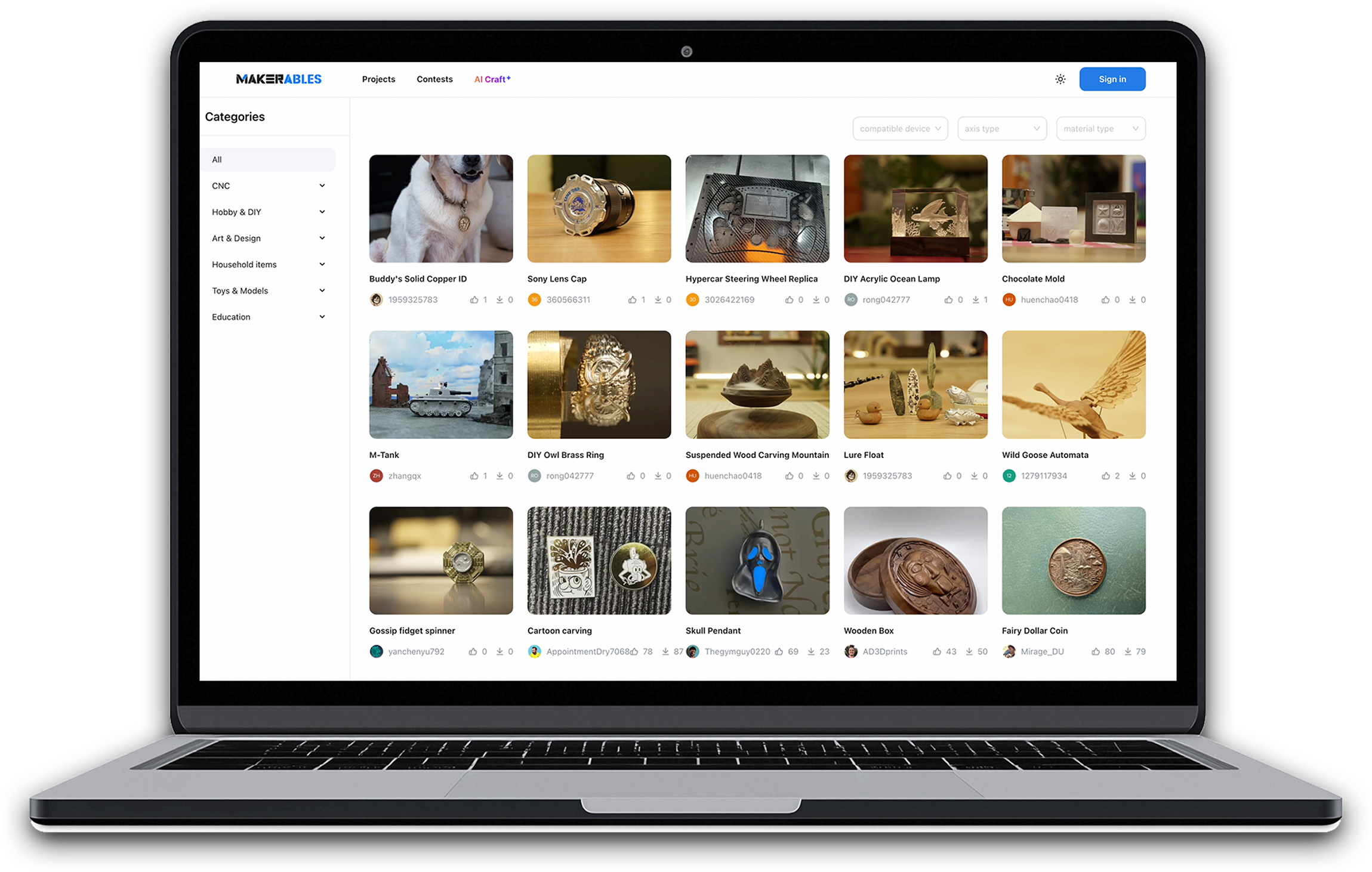
AIを活用したワークフロー
モデリングのスキルがゼロでも、CNCモデルをカスタマイズできます。AIを活用したワークフローを体験し、プロのような見事な作品を作り上げましょう。(今年後半より、すべてのMakeraユーザーに提供開始予定)
仕様
-
作業エリア300mm(X) × 200mm(Y) × 130mm(Z) / 11.8インチ × 7.9インチ × 5.1インチ
-
第4軸作業領域(オプション)92mm(直径)× 200mm(長さ)/3.6インチ × 7.9インチ
-
ガントリーのクリアランス120mm / 4.7インチ
-
最大高さ(蓋を開けた状態)840ミリメートル/33インチ
-
フットプリント500mm(幅) × 450mm(奥行き) × 450mm(高さ) / 19.7インチ × 17.7インチ × 17.7インチ
-
重量30kg / 66ポンド(約)
-
電力200ワット
-
速度0~13000 RPM(閉ループ制御)
-
コレット⅛inが一体型となった特注コレット(オプション:¼in、6mm、4mm、3mm)
-
工具交換方法クイックツールチェンジャー
-
冷却空冷
-
エアアシスト外部エアコンプレッサーの接続に対応
-
エンジン閉ループステッピングモーター
-
駆動方式Z軸:リニアレール+ボールねじ、X/Y軸:焼入れ・クロムメッキ処理済みのロッド(リニアシャフト)+ボールねじ
-
最大走行速度毎分4000mm / 157インチ
-
第4軸駆動方式(オプション)ハーモニックドライブ
-
スピンドルの振れ0.01mm未満 / 0.0004インチ未満
-
決議0.01mm / 0.0004in
-
電力5ワット
-
レーザーの種類445nm半導体ダイオードレーザー
-
サイクロン式集塵機(オプション)背面チップ排出ダクト付き外部集塵装置+スピンドル用集塵シュー
-
金属アルミニウム、真鍮、銅に最適です。対応可能な素材(制限あり):鋼、チタン(長時間の加工には推奨されません)
-
木材広葉樹、針葉樹、MDF、合板など
-
プラスチック発泡材、PVC、ABS、アクリル、PC、HDPEなど。
-
複合材料炭素繊維、FR4など
-
レーザー彫刻用素材木材、プラスチック、布、皮革、段ボールなど。
-
コントローラーCARVERA機能は専用ソフトウェアによってサポートされています。マシンを遠隔で制御・監視できる新しいモバイルアプリ「MakeraController」は、今年後半にリリースされる予定です。
-
コントローラーの接続性USB / Wi-Fi
-
コントローラーOSiOS、Android、Mac OS、Windows、Linuxなど
-
専用CAMソフトウェアMakera CAM。Makera Makera新しいMakera CAM、今年後半にMakeraに無料で提供される予定です。
-
対応CAMソフトウェアFusion360、SolidWorks、AutoCAD、VCarve Pro、Aspire、Illustrator など
-
MakerablesMakeraが提供する、汎用CNCプロジェクト共有プラットフォーム。
-
AIクラフトMakeraツールを使えば、モデリングのスキルがまったくなくても、CNCモデルをカスタマイズできます。
よくある質問
送料や税金はどうなりますか?
Carvera Air精密機械であり、頑丈で重く、繊細な造りとなっており、磁気部品が使用されています。発送時の重量は約50kgです。弊社では送料の一部を負担し、一部の地域には送料無料で配送しておりますが、地域によっては追加の送料が発生する場合があります。詳細については、弊社の「配送ポリシー」をご覧ください。
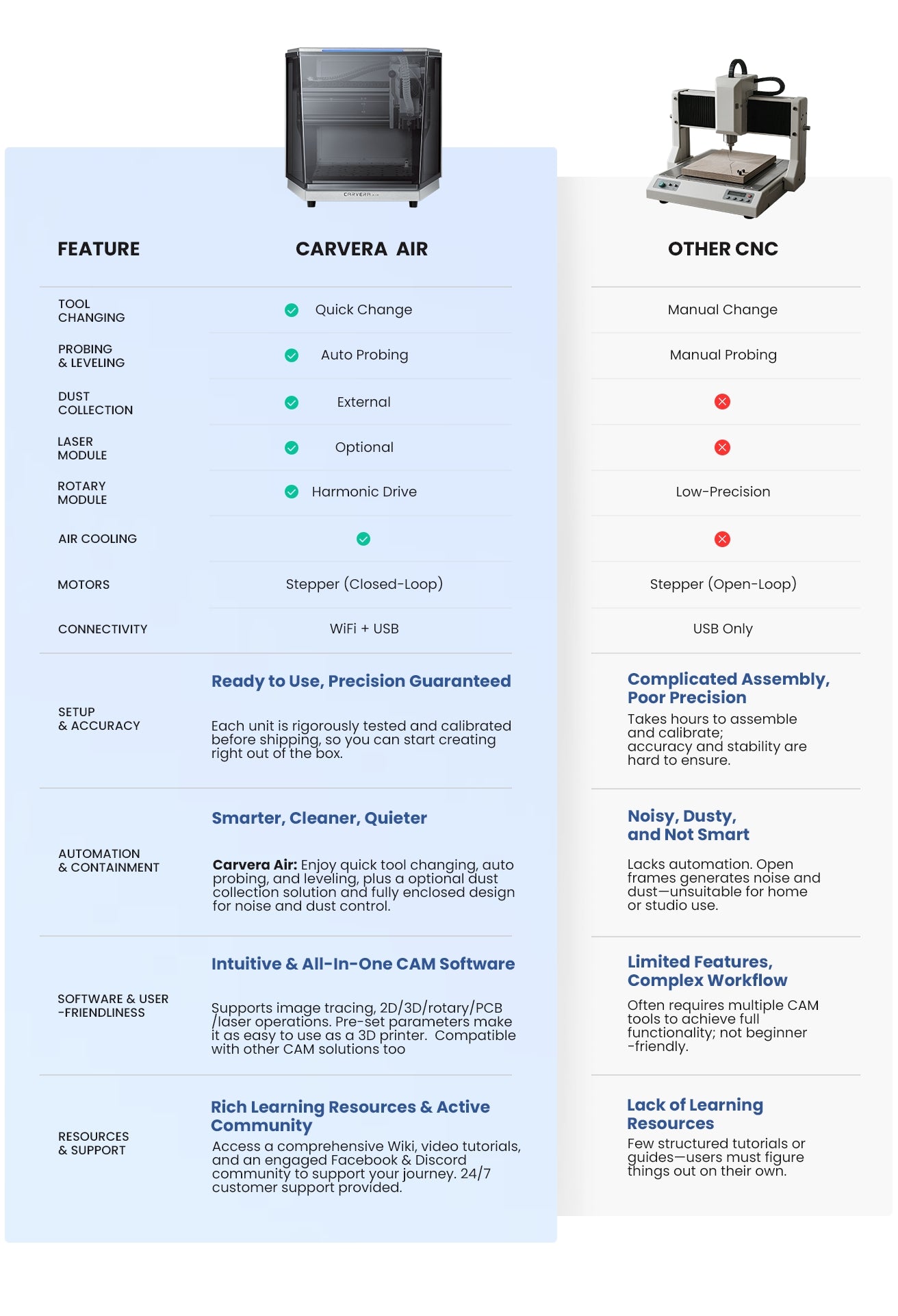
「Carvera Air」とオリジナルの「Carvera」の違いは何ですか?
Carvera Air主に、予算が比較的限られているお客様、特にCNCを初めて導入するお客様に対し、Carvera機能や加工能力に匹敵するソリューションを提供することを目的としています。
主な違いは以下の通りです:
- 自動工具交換装置(Carvera)対 クイック工具交換装置(Carvera Air)
- 大きなベッドサイズ(Carvera)対 小さなベッドサイズ(Carvera Air)
- 一体型レーザーモジュール(Carvera)対 オプションのレーザーモジュール(Carvera Air)
- 内蔵式真空システム(Carvera)対 外部式真空システム(Carvera Air)
- 現在在庫あり(Carvera) VS は今年後半に発売予定(Carvera Air)
Carvera高級な選択肢と言える一方、Airはより手頃な選択肢と言えます。
CNCは初めてなのですが、Carvera Airに早く慣れ、自分のプロジェクトを作り始めるにはどうすればよいでしょうか?
CNCは、特にCADやCAM面において、かなり広範なテーマです。インターネット上には、参考になる資料がたくさんあります。
Carvera Airマシンについては、初めてご利用になる方が操作に慣れるよう、詳細な取扱説明書と使用例ガイドをご用意いたします。
YouTubeチャンネルでは、手順を追って解説する動画チュートリアルを公開しています: https://www.youtube.com/@Makera.
FacebookやDiscordのディスカッショングループに参加すれば、何千人ものCarvera Carvera Airオーナーやファンと交流し、互いに助け合い、刺激を受け合うことができます。
さらに、より技術的なトピックや詳細な情報については、Wiki形式のナレッジベースをご用意しています。
CNCの経験がありますが、Carvera Airを使用する前に知っておくべきことは何ですか?
取扱説明書を確認し、ステップバイステップの例題ガイドに従って、最初のプロジェクトを完成させてください。Carvera Airの使い方は、すぐに習得できるでしょう。
Carvera AirどのCAMソフトウェアを使用すべきでしょうか?
Carvera Carvera Airには、Makera CAMをお勧めします。このソフトウェアは、お使いのマシンに合わせて入念に最適化されており、初心者からプロの方まで、より簡単かつ直感的に操作できるようになっています。
ダウンロードするには、ここをクリックしてください。
お気に入りのソフトウェアはお持ちですか?ご安心ください!当製品は他のソフトウェアともスムーズに連携します!Fusion、VCarve、SolidWorksをはじめとする、人気CAMすべてサポートしています。私たちは常にユーザーの声を真摯に受け止め、互換性を拡充し続けています。これにより、皆様が思い通りにデザインし、作品を作り上げることができます。
PCBの製造にはどのCAMソフトウェアを使えばよいでしょうか?
Carvera Carvera Airには、Makera CAMをお勧めします。このソフトウェアはお客様のマシンに合わせて入念に最適化されており、初心者からプロの方まで、より簡単かつ直感的に操作できます。また、FlatCAMやCopperCAMを使用してPCBを作成することも可能です。
Carvera Airスチールを加工できますか?
たまに鋼材を機械加工する程度で、加工時間にそれほどこだわらないのであれば、答えは「はい」です!比較的低速でも、炭素鋼やステンレス鋼をきれいに仕上げることができます。
YouTubeにあるチタン加工の動画をご紹介します。ぜひご覧ください: https://www.youtube.com/watch?v=CynRyyO4Gko.
ただし、全体として、鋼やそれより硬い素材を頻繁にフライス加工することはお勧めしません。Carvera Airは、主に木材、プラスチック、およびアルミニウムや真鍮などの軟質金属の加工を想定して設計されています。
Carvera Airサービスエリアはどこですか?
3軸フライス加工の加工領域は、30cm(X)× 20cm(Y)× 13cm(Z)/ 11.8インチ × 7.9インチ × 5.1インチ、4軸フライス加工の加工範囲は:9.2cm(直径) × 20cm(長さ)/3.6インチ × 7.9インチです。その他の詳細な仕様については、当社のページをご覧ください。
Carvera Airの電圧と入力ワット数はどれくらいですか?
電圧:100~120VAC/200~240VAC(50/60Hz)、最大入力電力は400ワットです。
動画やウェブページに映っている部品のうち、本機にはどの部品が含まれており、どの部品が含まれていないのでしょうか?例えば、タブレットホルダーやタブレット、真空システム、エアアシストシステムなどです。
スマートフォン/タブレット用ホルダーは付属していますが、タブレットやスマートフォンは付属していません。お手持ちのスマートフォンやタブレットを使って操作することができます。
集塵ホースとダストブーツは付属していますが、外部の吸引装置は付属していません。
エアチューブとエアブロワーヘッドは付属していますが、外部エアポンプは付属していません。
Carvera Airの製品の中から、適切な真空・エアポンプシステムをいくつかご紹介いただけますか?
1.CarveraおよびCarvera Air での長時間の連続フライス加工用に特別に設計された「MakeraCyclone 集塵機」をお勧めします。詳細はこちらをご覧ください>>
2. まず、アルミニウムや銅などの金属を加工する場合でも、エアコンプレッサーは必須ではありません。 市販されているほぼすべてのエアコンプレッサーから選択可能です。Carvera吸気口径は8mmです。当社の経験およびCarveraフィードバックによると、3.5 bar(50 psi)以上の圧力があれば十分です。