



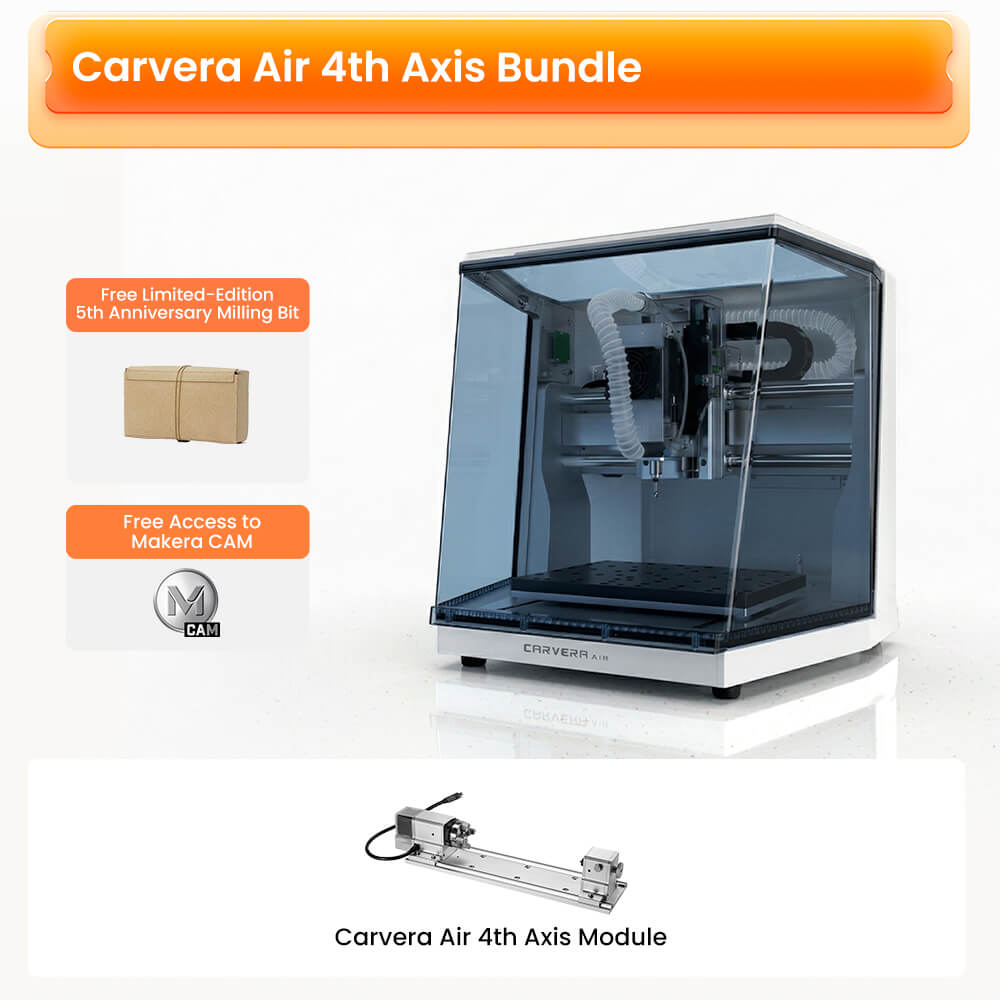
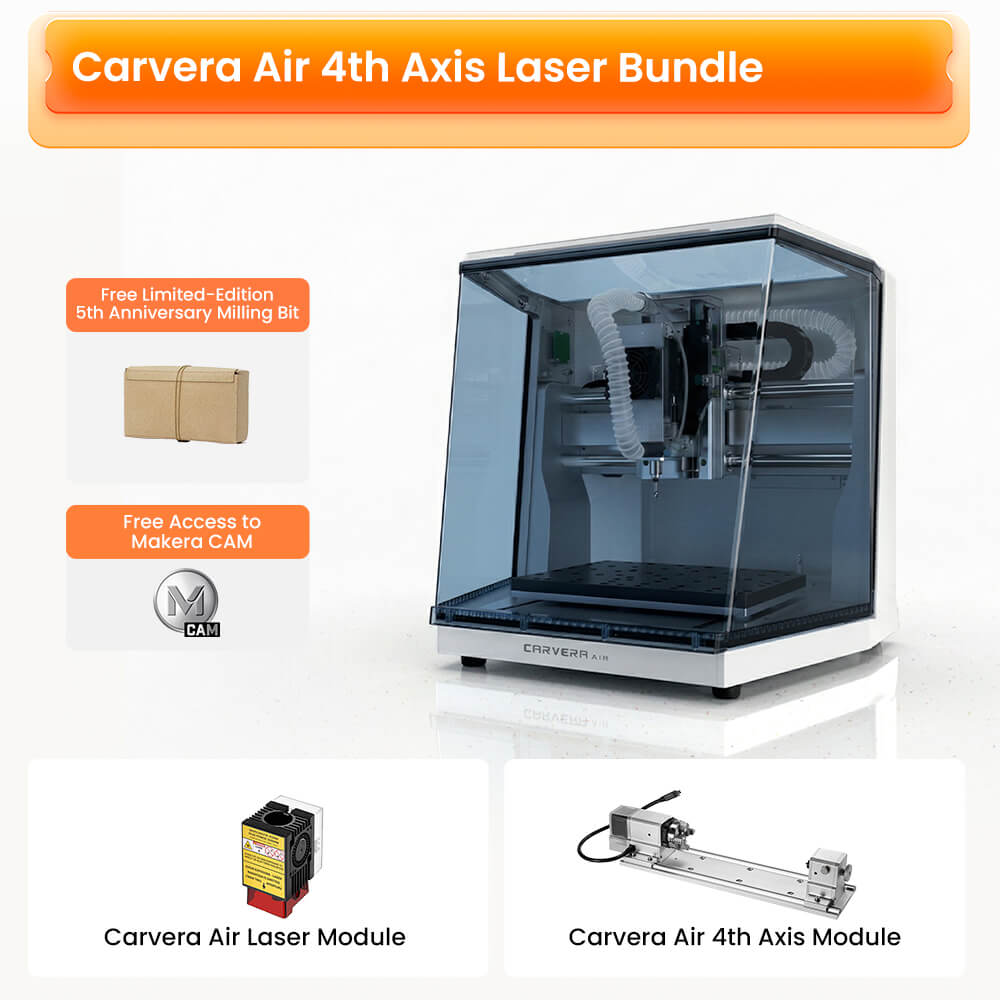
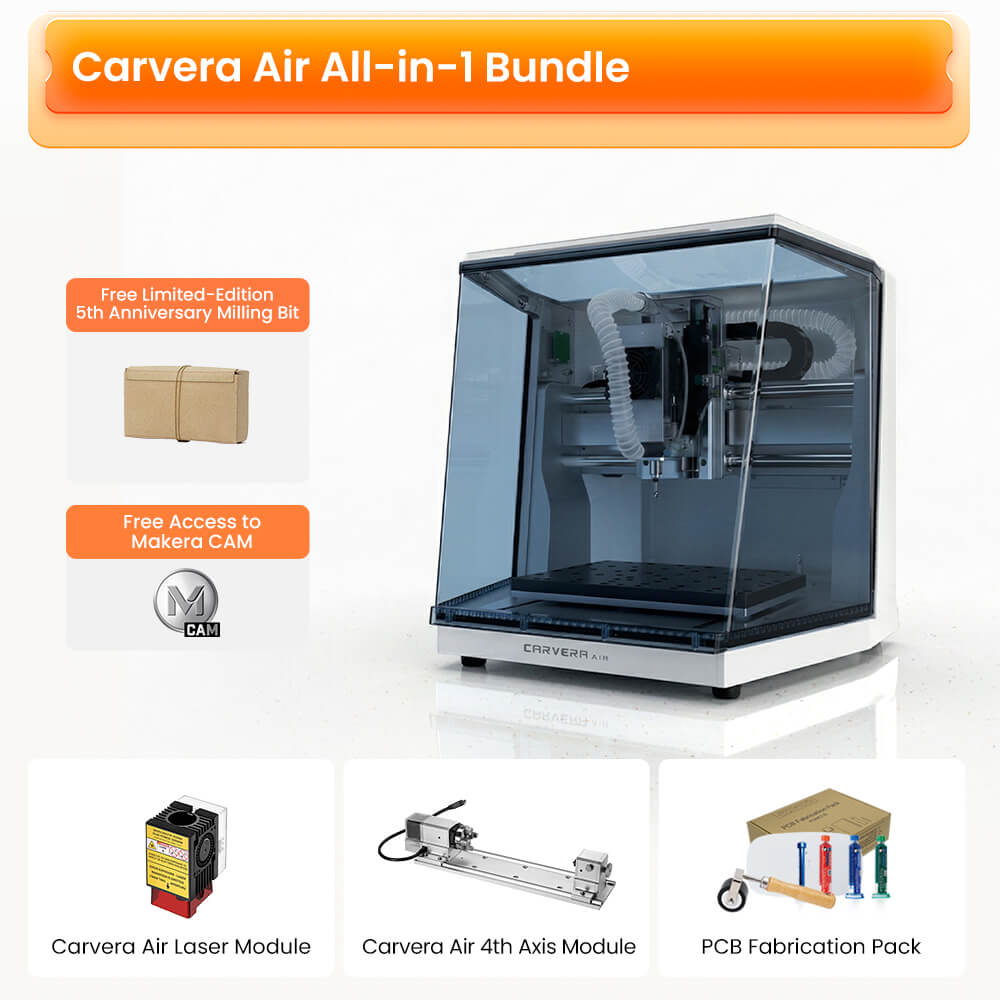
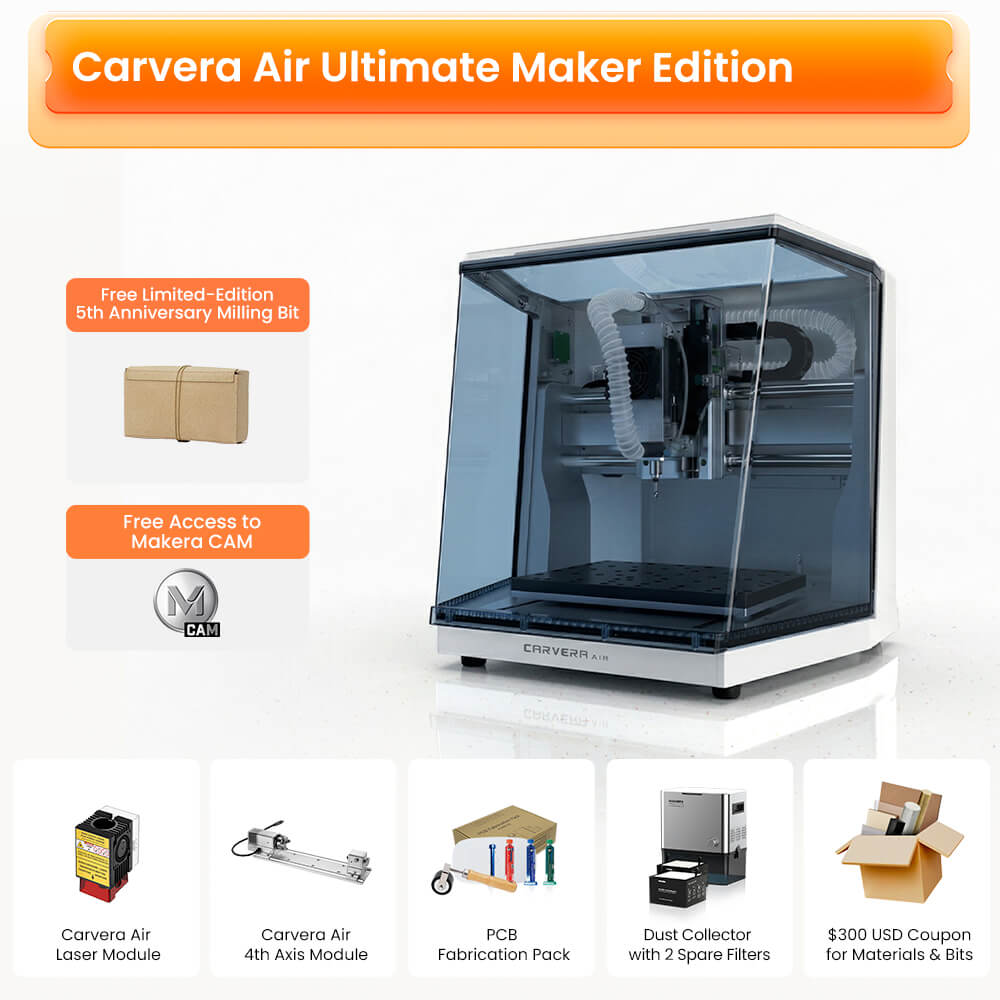
Livraison gratuite pour les zones non isolées. En savoir plus sur les détails
Retour sous 30 jours
Garantie d'un an
Makera
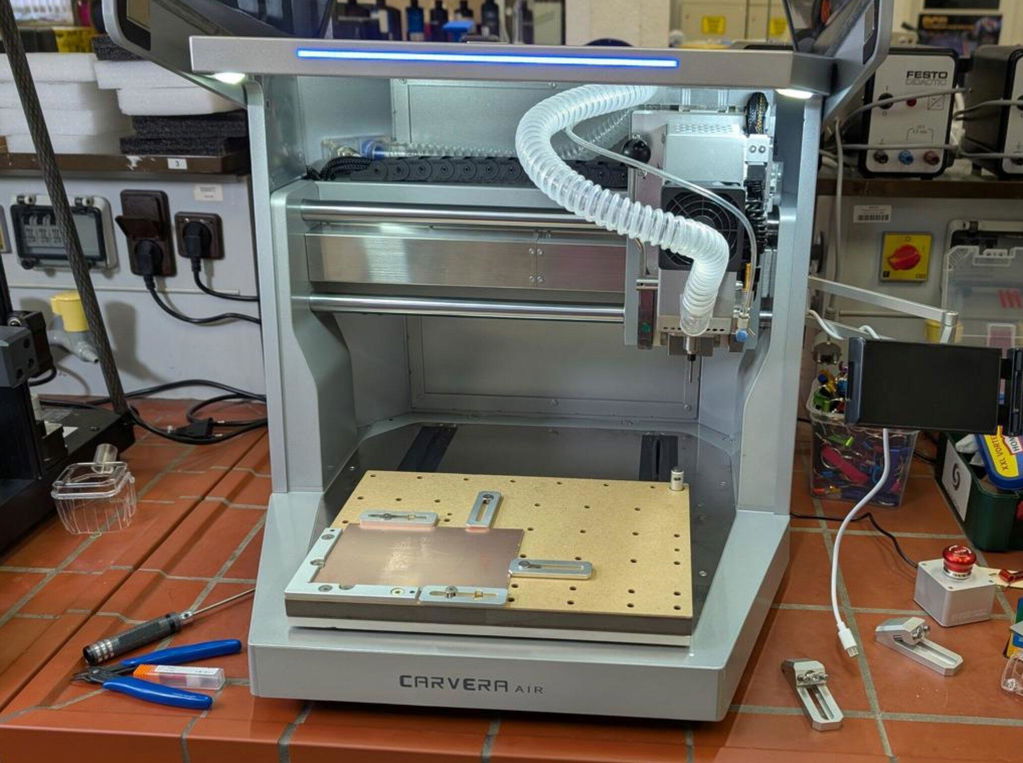
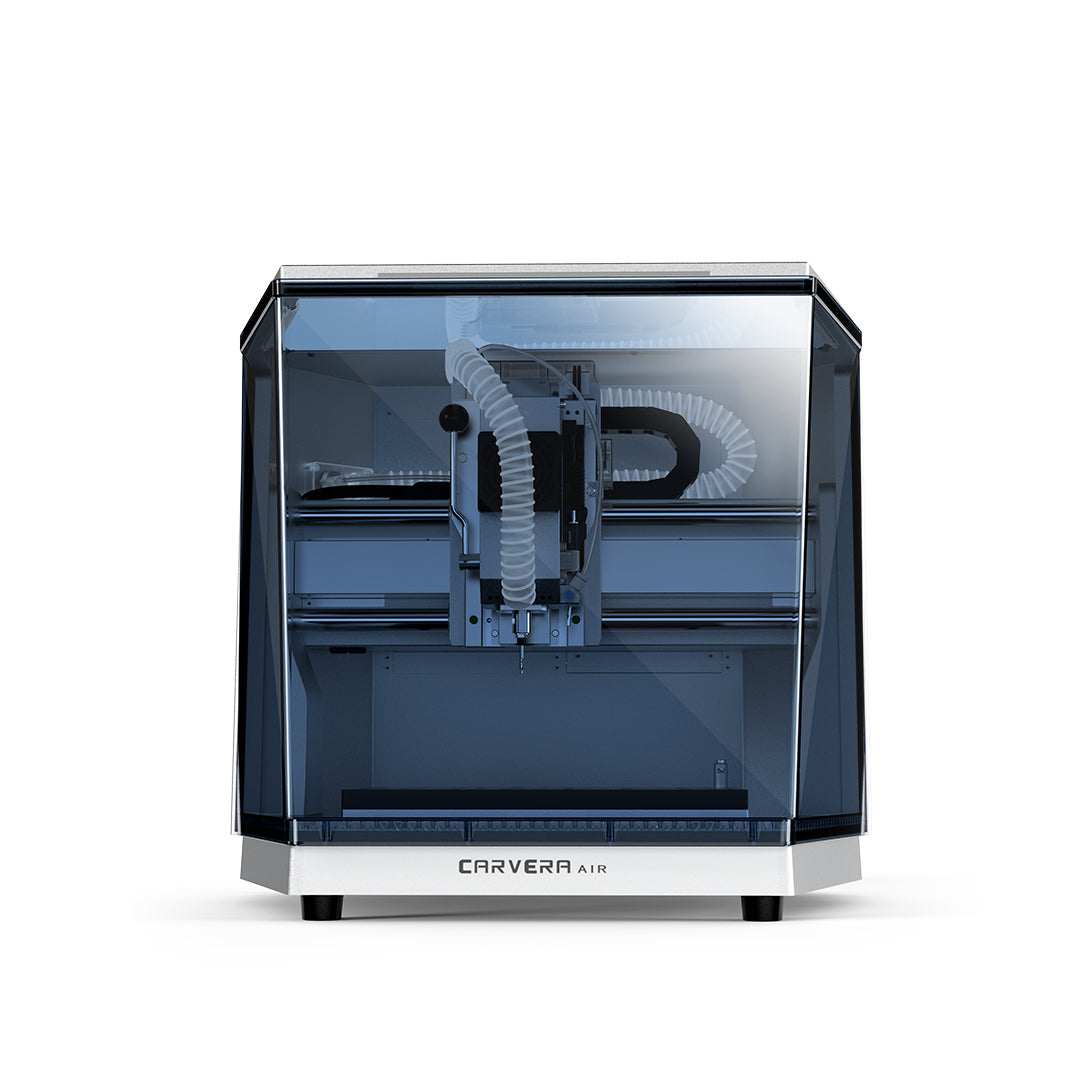
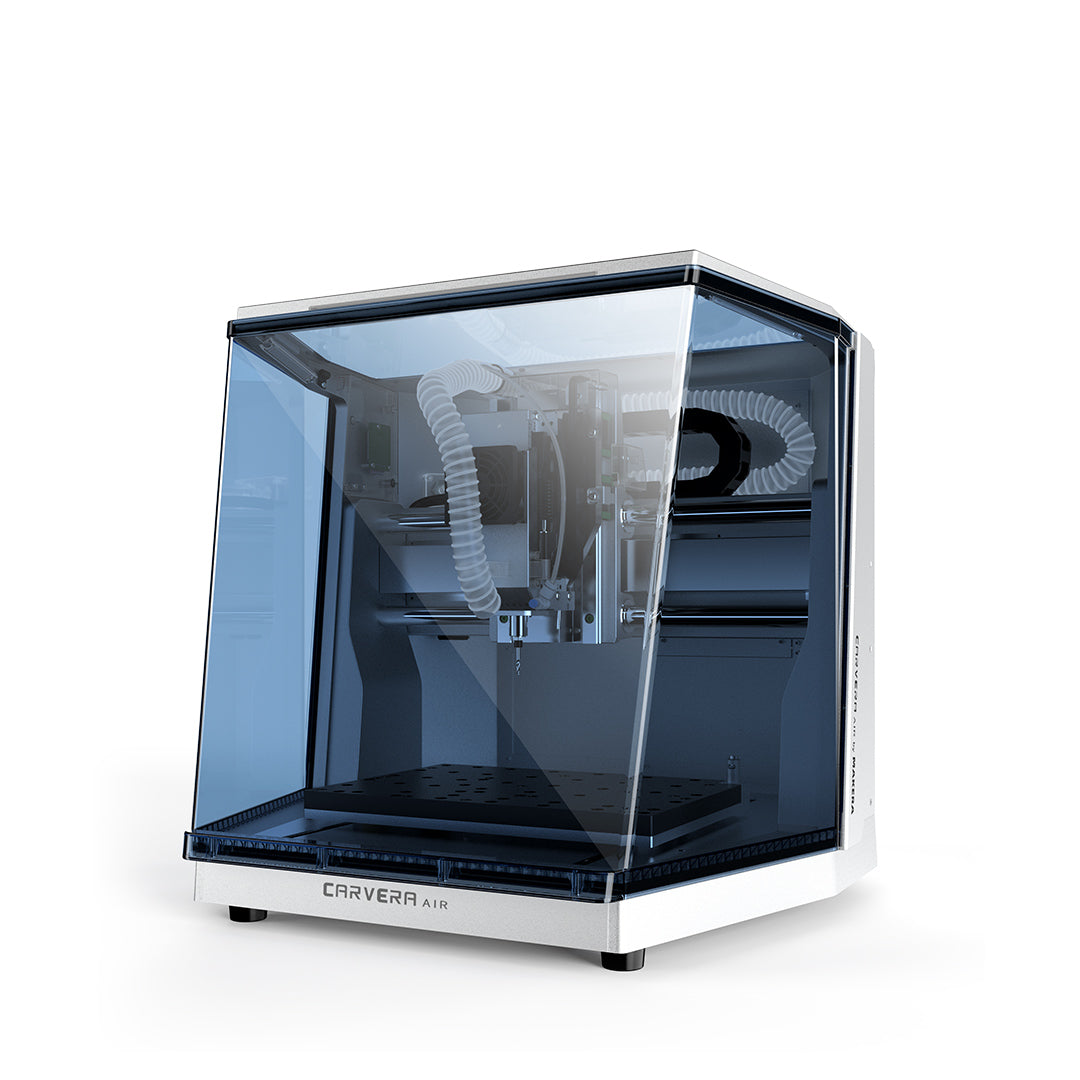
Carvera Air Machine CNC de bureau

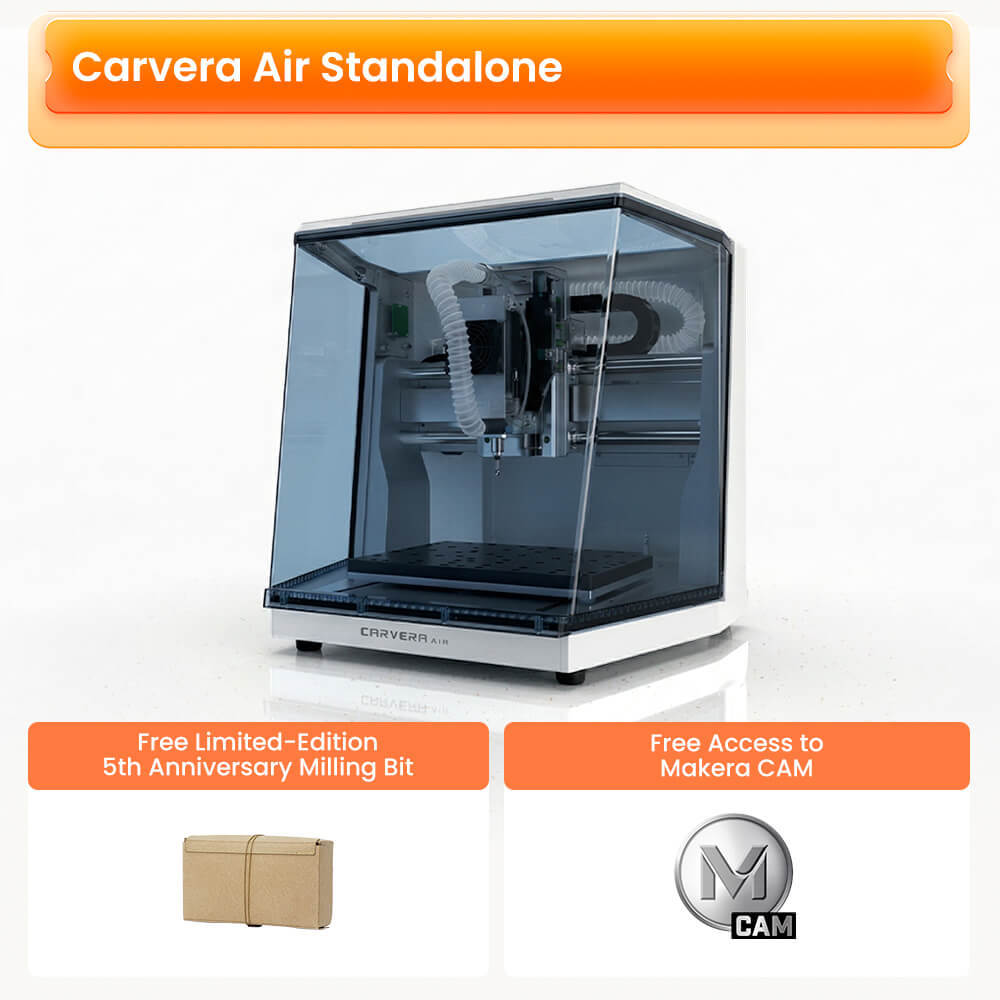
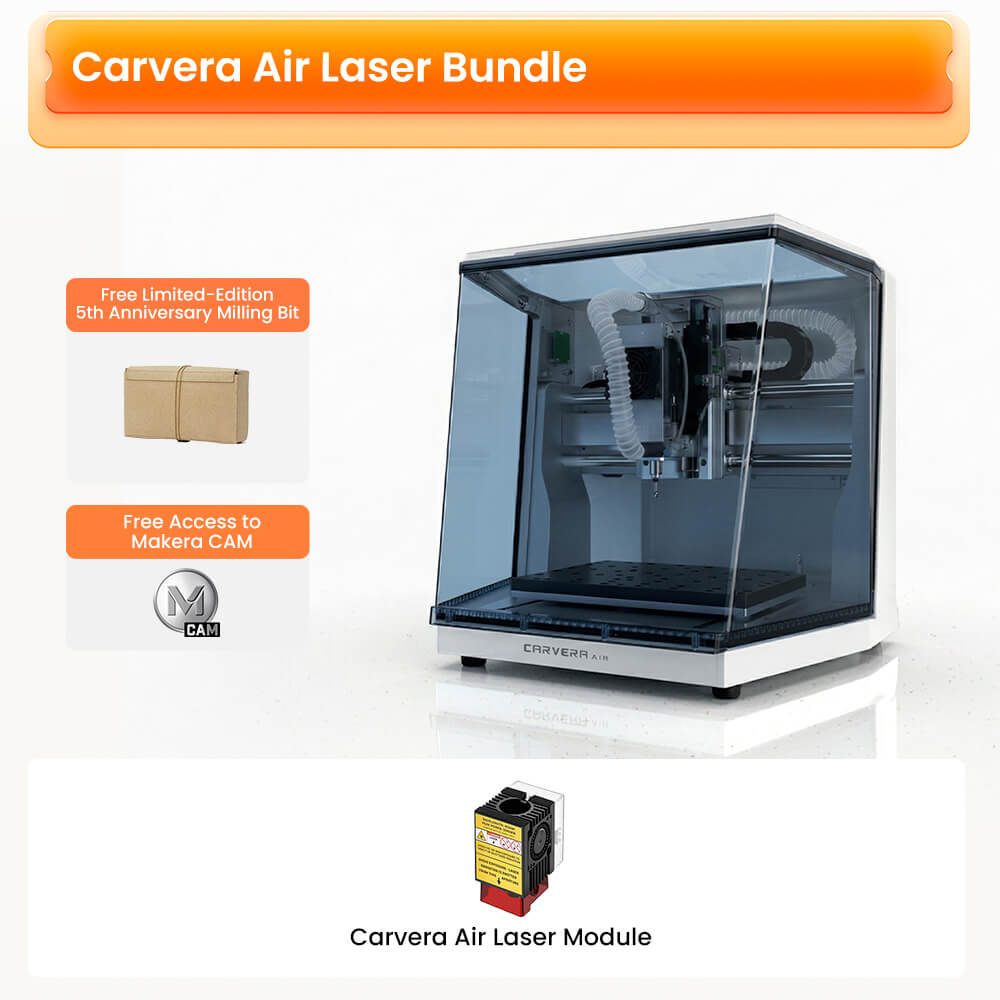
Profitez de Carvera Air à des prix anniversaire, ainsi que d'un lot gratuit de fraises en édition limitée d'une valeur de 149 dollars américains
Produits souvent achetés ensemble
Carvera Air: Donnez vie à votre vision
. Découvrez la Carvera Air™ : une machine CNC de bureau intelligente, précise et polyvalente, idéale pour les petites entreprises ou les passionnés de création.
En savoir plus :
- Déballage Carvera: Prêt à vous lancer ? Consultez notre guide de déballage pour découvrir tout ce que contient votre nouvelle machine CNC et comment l'installer en toute simplicité.
- Manuel d'utilisation :Pour des conseils détaillés, téléchargez notre manuel complet qui vous guide à travers toutes les fonctionnalités de votre Carvera Airmachine CNC ™, afin que vous puissiez en tirer le meilleur parti.
- Partage de connaissances : Rejoignez notre communauté créative dans la section « Partage de connaissances » ! Vous y trouverez des projets, des fichiers et des tutoriels pour vous initier à la fabrication par enlèvement de matière à l'aide des Carvera Carvera Airmachines CNC et Carvera Air™.
Livraison gratuite pour les zones non isolées. En savoir plus sur les détails
Retour sous 30 jours
Garantie d'un an

le spécialiste du matériel informatique

Ricky Impey

Mes loisirs technologiques

Aurora Tech

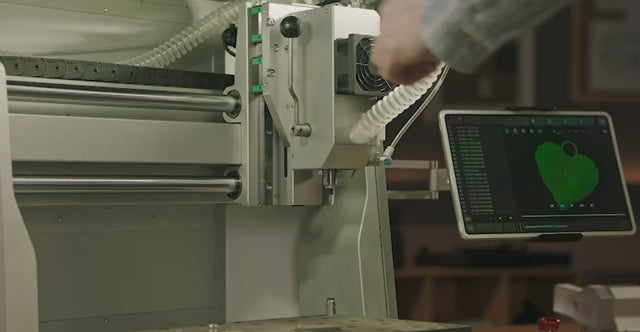
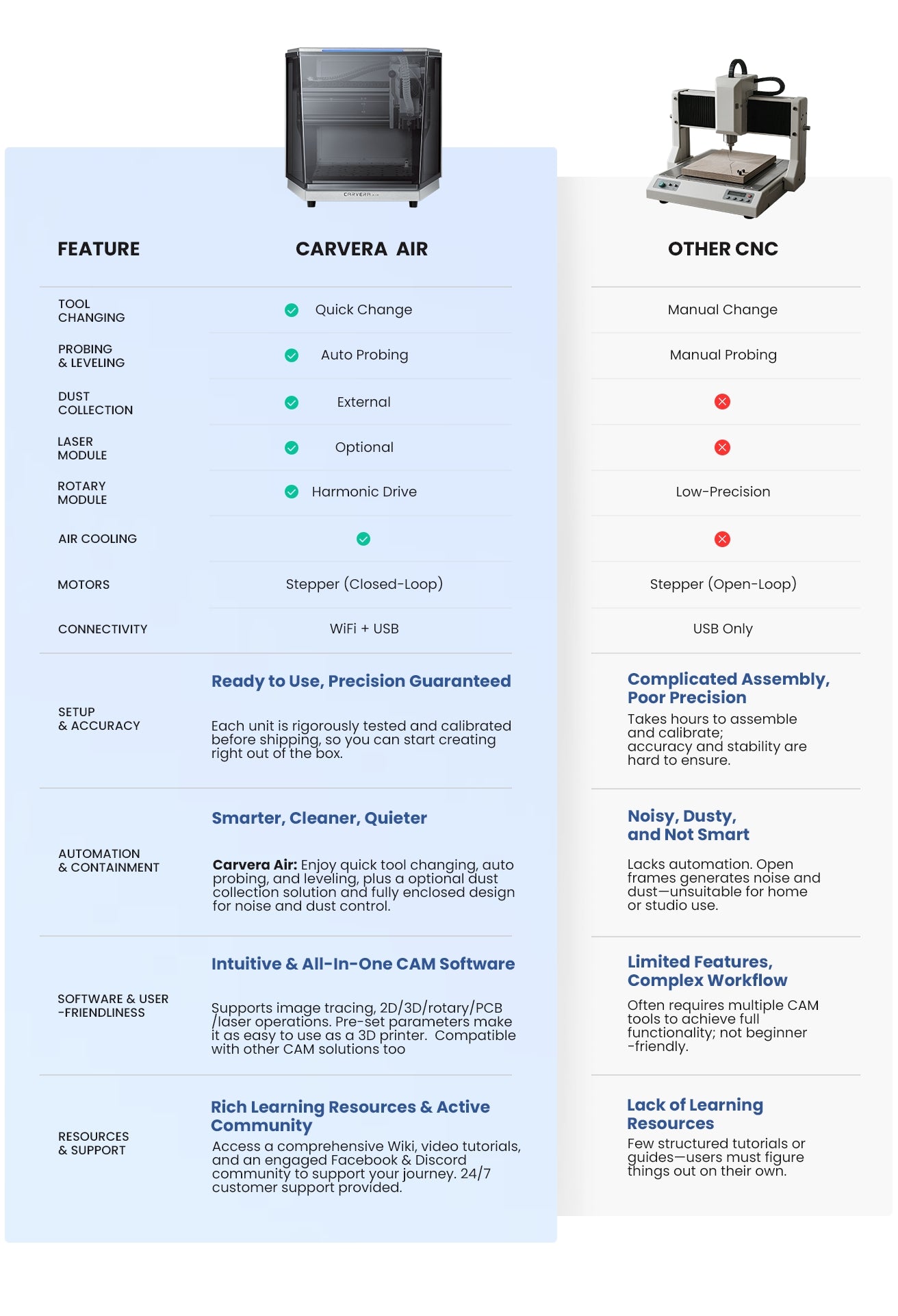
Changement rapide d'outil en seulement 10 secondes
Cette innovation réduit considérablement les temps d'inactivité, permettant ainsi des transitions plus fluides et plus rapides entre les différentes opérations de fraisage. Elle est parfaite pour les projets complexes de fraisage CNC nécessitant l'utilisation de plusieurs outils, et optimise votre flux de travail CNC pour une réalisation plus rapide de vos projets. Idéale aussi bien pour les utilisateurs expérimentés que pour les débutants en matière de CNC.

Précision et efficacité grâce à l'automatisation
La détection et la mise à niveau automatiques permettent de calibrer les outils avec précision, en détectant efficacement les irrégularités de surface et en réduisant le temps de réglage manuel pour les opérations de fraisage CNC. Cela garantit des coupes précises sur des matériaux irréguliers, améliorant ainsi la précision de l'usinage CNC. Ce système améliore considérablement la régularité, minimise le gaspillage de matière et permet d'obtenir un fraisage CNC de meilleure qualité.
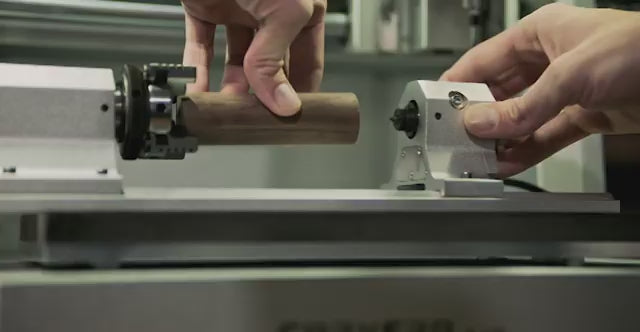
Un axe de plus, bien plus de possibilités
Grâce au module 4e axe, vous pouvez usiner des pièces cylindriques, des objets à double face et des formes 3D complexes. Carvera Airoffre un véritable usinage simultané sur le 4e axe, vous permettant de créer de véritables modèles stéréoscopiques en 3D, à l'instar des imprimantes 3D. Les matériaux ne vous limitent pas ; vous pouvez réaliser de magnifiques projets CNC réalistes avec précision, qu'il s'agisse de plastique, de bois ou même de métal.
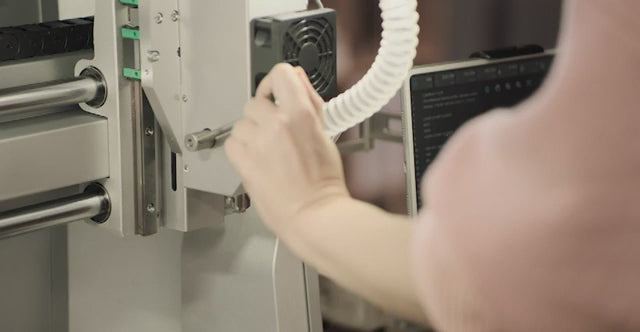
Découvrez de nouvelles dimensions créatives
En y ajoutant la tête laser de 5 W (en option), Carvera Airdevient un outil CNC extrêmement polyvalent, permettant une gravure et une découpe au laser précises sur une large gamme de matériaux. Cette amélioration ouvre d'innombrables possibilités de création pour les bricoleurs, qu'il s'agisse de réaliser des gravures complexes ou de mener à bien des projets de découpe minutieux, ce qui en fait un excellent choix tant pour les passionnés de bricolage que pour les utilisateurs professionnels de machines CNC.
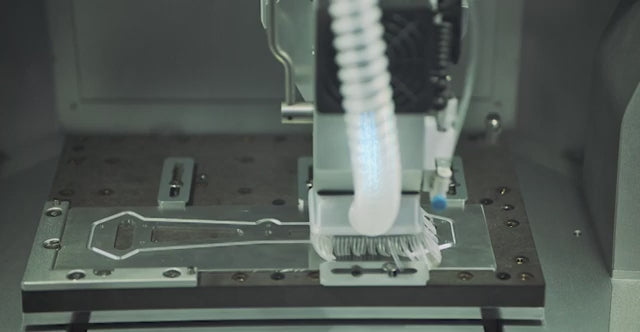
Une machine propre est une machine heureuse
Contrôlez efficacement les débris et la poussière générés lors de l'usinage afin de maintenir un environnement plus propre et d'améliorer la visibilité. Cela contribue à prolonger la durée de vie de la machine en réduisant l'accumulation de poussière et protège votre santé en minimisant l'exposition aux particules en suspension dans l'air. Indispensable pour garantir un espace de travail propre et efficace lors de l'usinage.

Le contrôle au bout des doigts
Le logiciel de commande multiplateforme permet de piloter de manière fluide une machine CNC depuis n'importe quel PC, tablette ou smartphone, offrant ainsi un contrôle à distance en toute simplicité. Cette fonctionnalité améliore considérablement l'efficacité et le confort de travail, rendant la gestion des machines CNC plus flexible et mieux adaptée à divers projets d'usinage CNC.
Fabriqué avec soin, livré avec précision
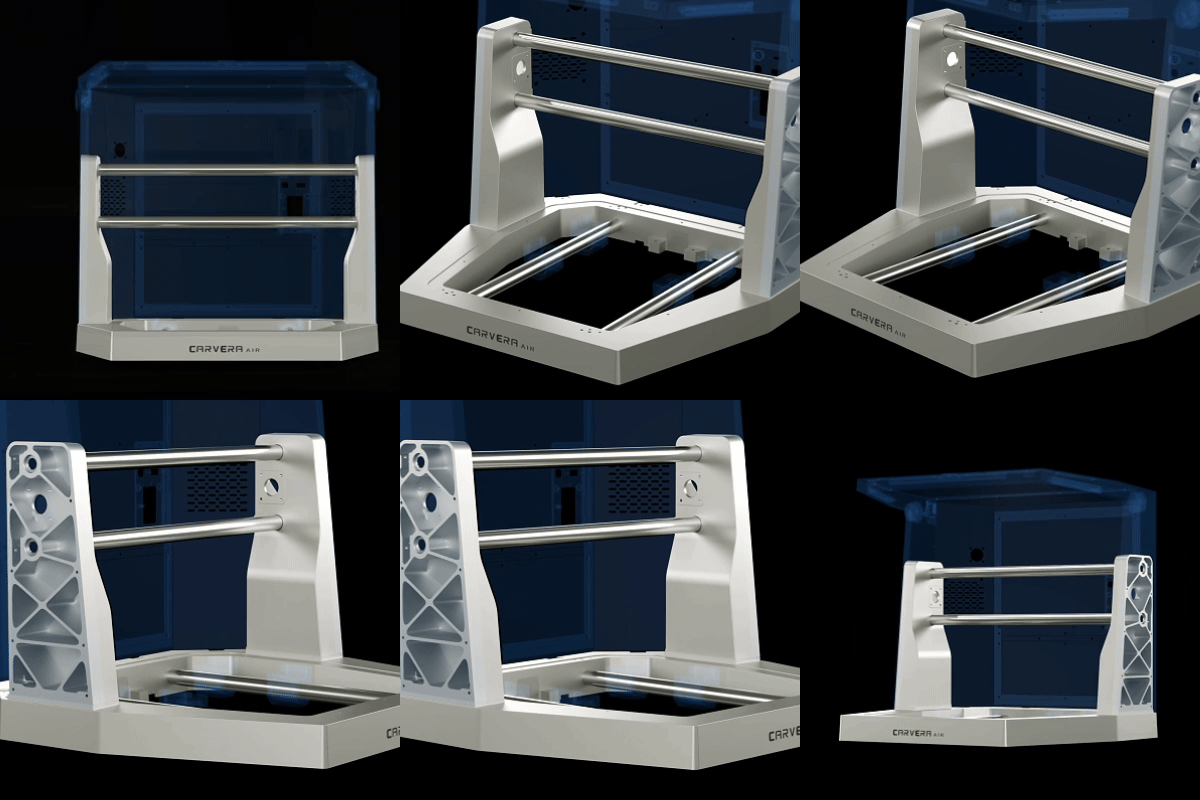
Construction robuste
Première machine de ce type, Carvera Airest dotée d'un châssis robuste en fonte moulée sous pression qui garantit une solidité et une fiabilité exceptionnelles. Cette conception assure non seulement une grande précision dans chaque projet d'usinage CNC, mais améliore également considérablement les performances globales de la machine et sa durabilité à long terme.
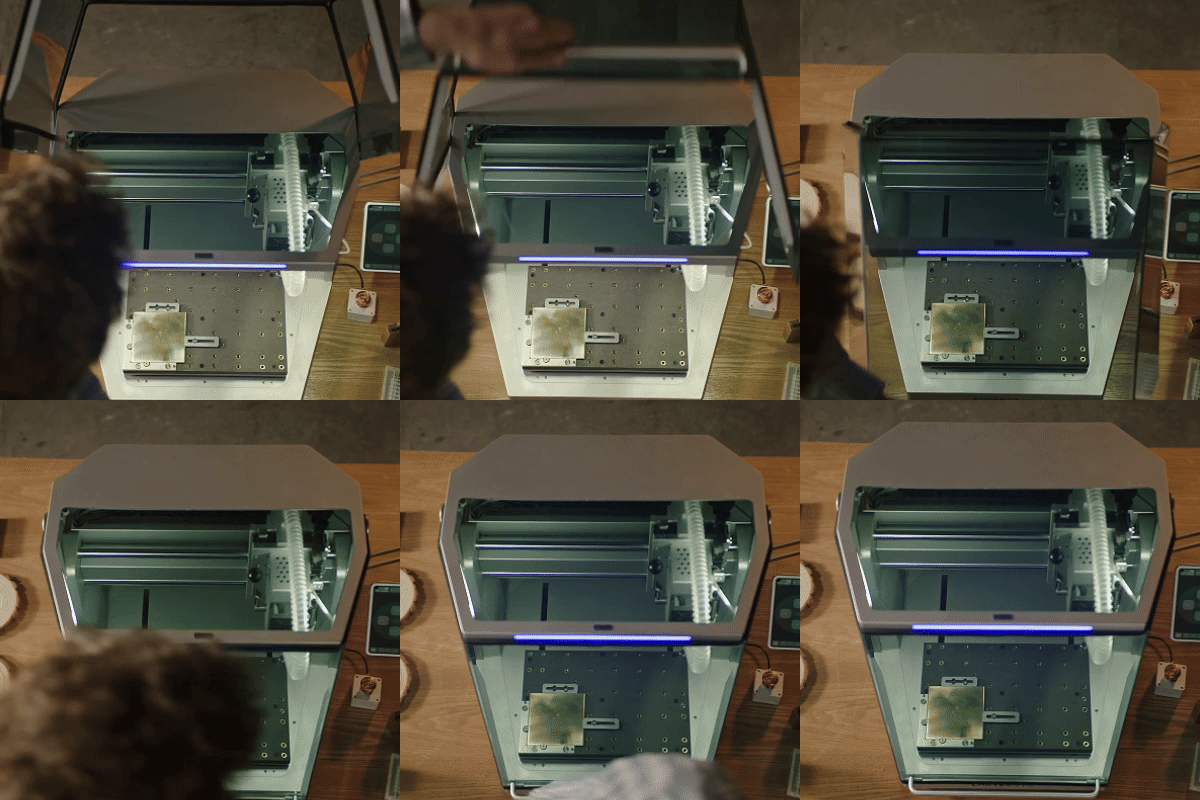
Sûr et propre
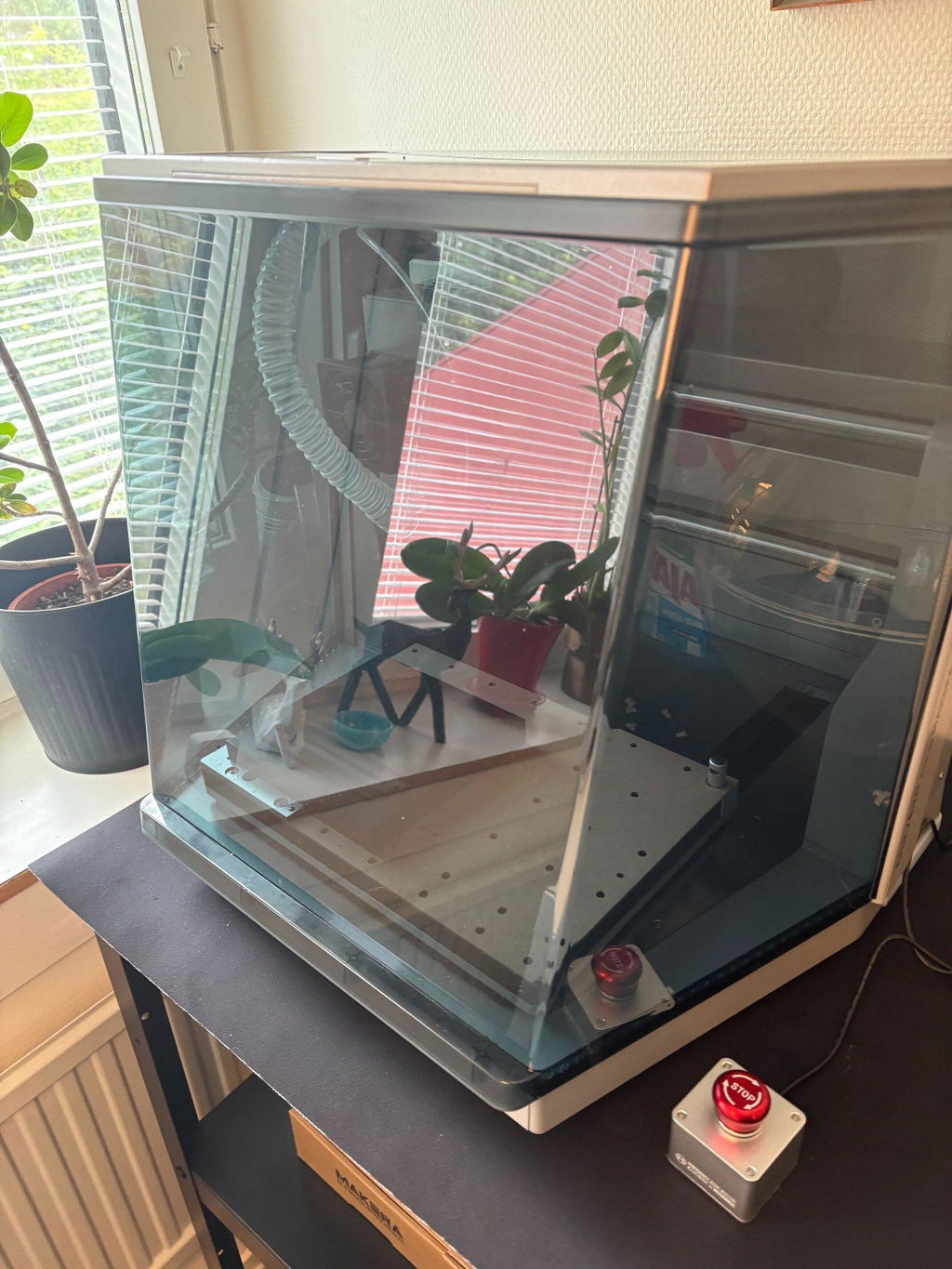
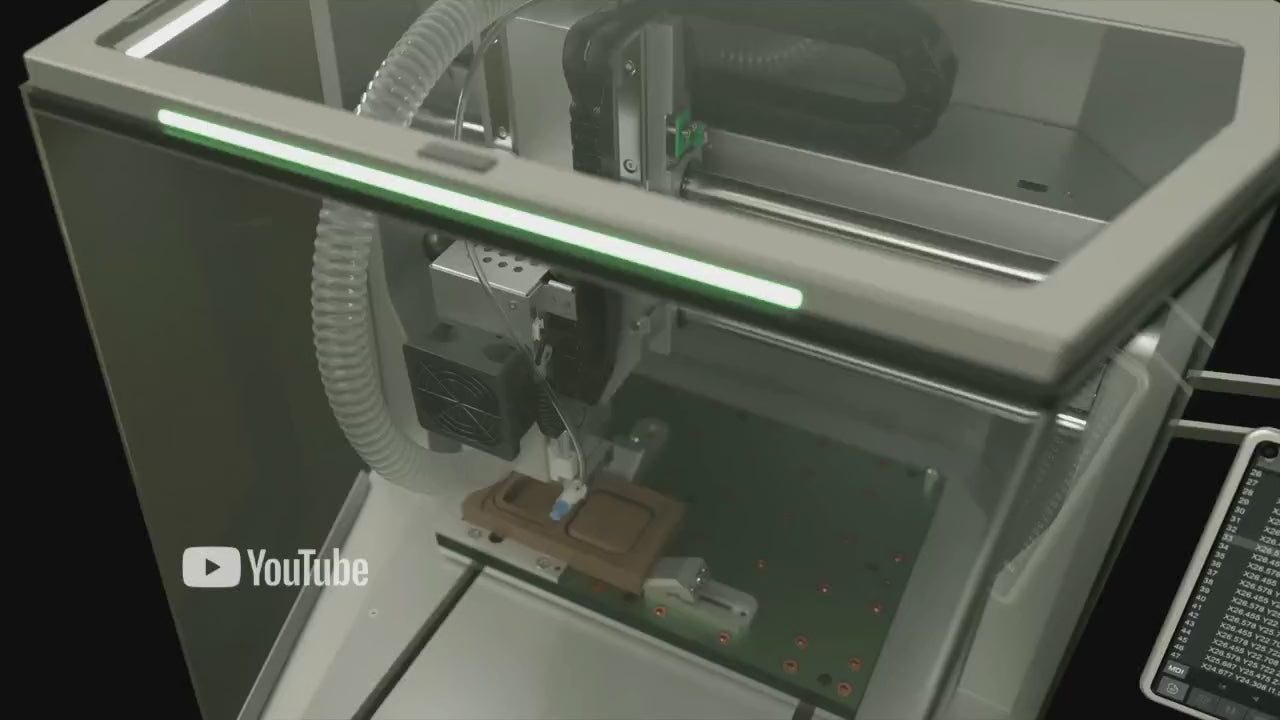
Le châssis entièrement fermé du Carvera Airoffre un design élégant et robuste ; il retient efficacement même les copeaux les plus fins, réduit les niveaux sonores et renforce la sécurité de l'utilisateur lors des opérations d'usinage CNC.
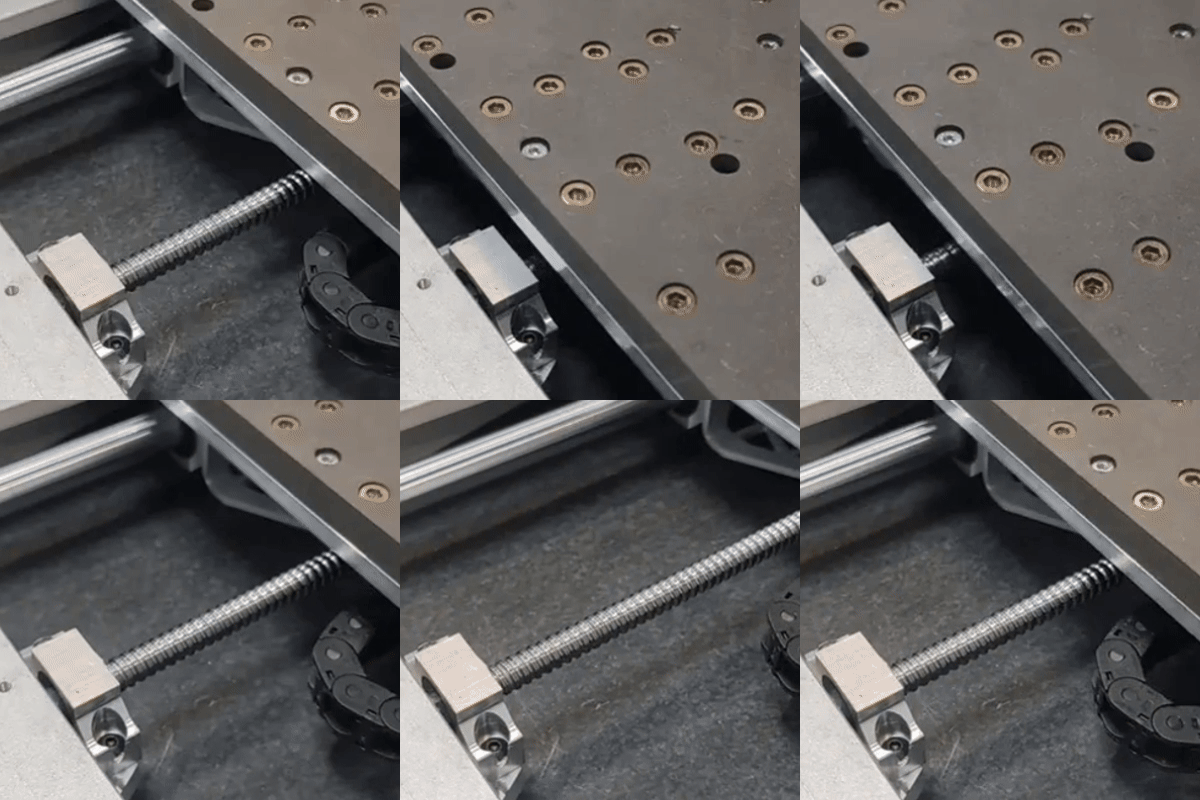
La précision dans chaque mouvement
Équipé de tiges linéaires robustes de 20 mm et de vis à billes, Carvera Airoffre une précision exceptionnelle et un fonctionnement CNC fluide. Cette conception de pointe améliore considérablement la précision et la longévité, ce qui en fait la solution idéale pour les projets d'usinage CNC complexes et minutieux.
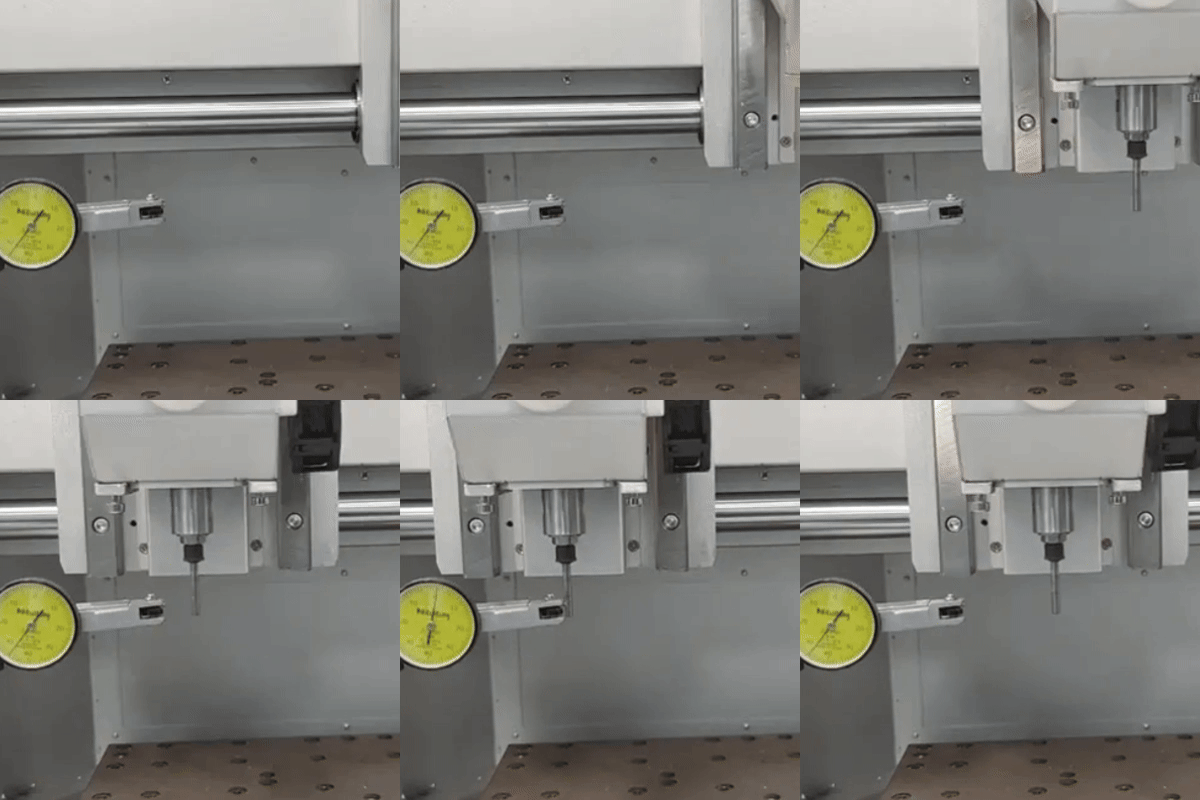
Mise au point et tests effectués
Chaque machine Carvera Airest réglée avec le plus grand soin et soumise à des tests rigoureux avant de quitter l'usine. Ce processus garantit dès le départ des performances, une fiabilité et une précision optimales de la commande numérique (CNC), permettant ainsi d'obtenir des résultats de la plus haute qualité pour chaque projet CNC.
De superbes projets, réalisés avec Carvera Air
Circuit imprimé double face
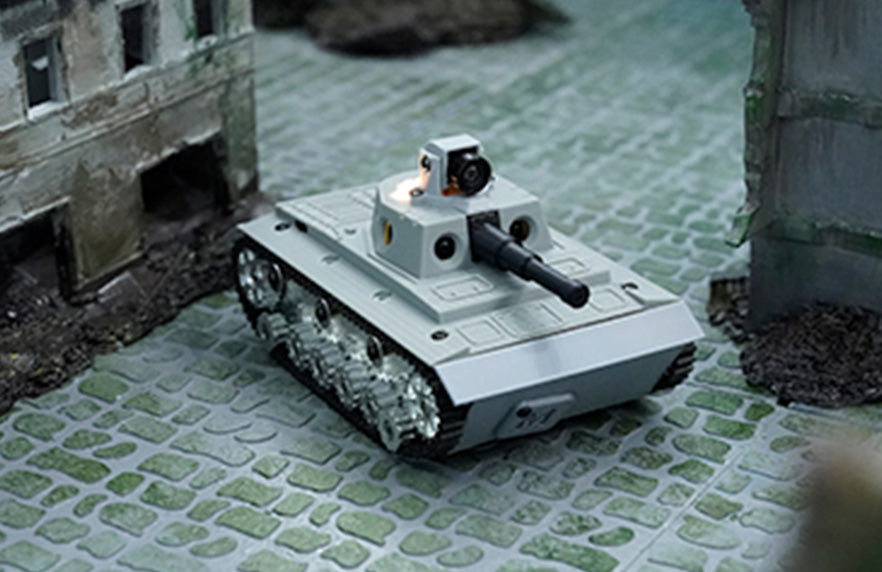
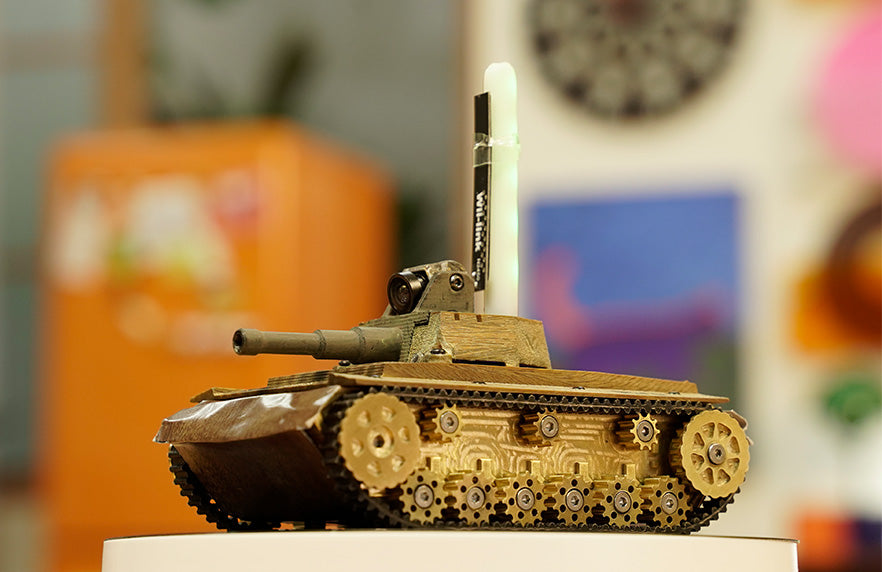
Voitures télécommandées, drones et robots
Décoration, œuvres d'art et bijoux
Modèles 3D réalistes
Depuis le lancement de notre première machine, Carvera s'est imposée comme la solution de choix pour la fabrication de circuits imprimés sur bureau, éliminant ainsi le recours à des produits chimiques salissants et dangereux. Avec Carvera Air, le processus de fabrication de circuits imprimés n'a jamais été aussi abordable et accessible, vous permettant de créer des circuits imprimés double face de haute qualité directement sur votre bureau.
Grâce à votre capacité à fabriquer vos propres composants électroniques, vous pouvez désormais produire des pièces mécaniques résistantes à partir d'aluminium et de matériaux composites à base de carbone. Cela élargit vos possibilités et vous permet de créer les composants électroniques et les pièces structurelles robustes nécessaires à vos projets CNC.
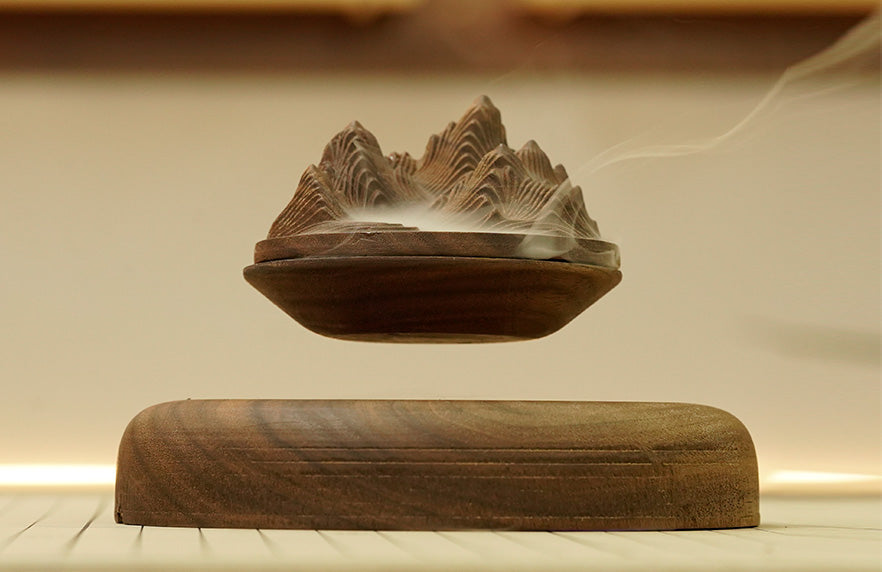
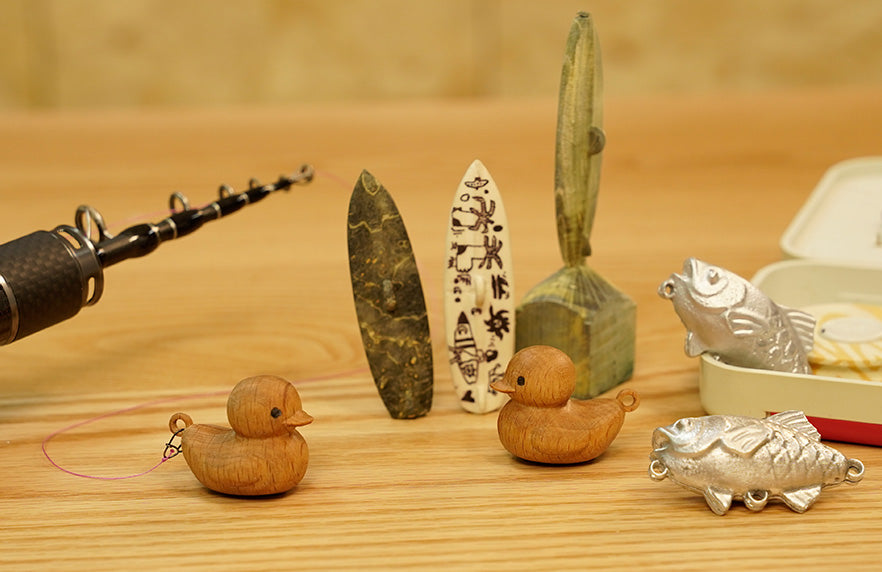
Carvera Air offre une puissance impressionnante, ce qui lui permet de travailler divers matériaux naturels d'une grande beauté. Cette polyvalence en fait une machine CNC idéale pour les artistes et les designers qui souhaitent créer des œuvres d'art uniques et des produits sur mesure alliant précision et créativité.
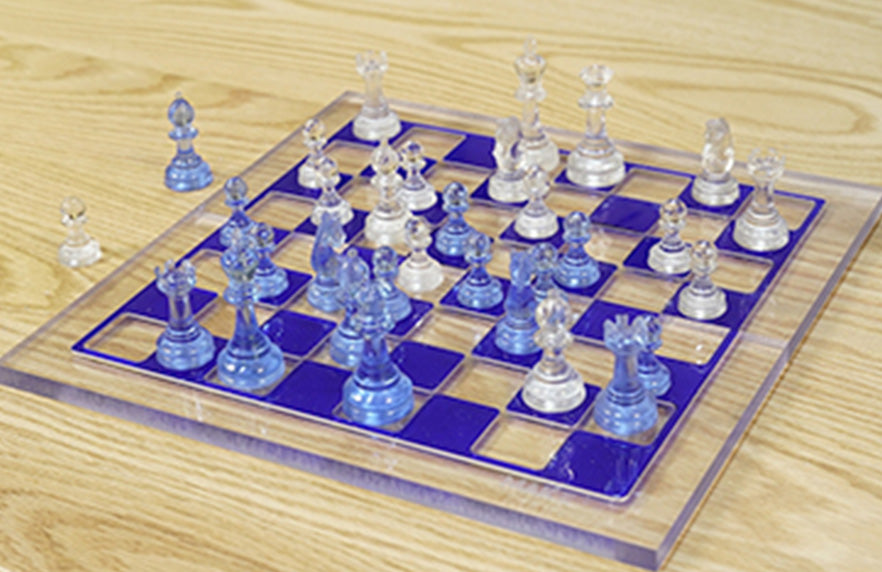
Le 4e axe apporte une nouvelle dimension à vos projets créatifs, vous permettant de réaliser des pièces d'échecs, des figurines, des objets décoratifs et bien d'autres créations aux détails complexes. Cet accessoire CNC d'un excellent rapport qualité-prix élargit vos capacités et vous ouvre des possibilités infinies pour des créations détaillées et complexes.

Des matériaux à l'infini
Carvera Airne se limite pas au bois et au plastique ; ses puissantes fonctionnalités permettent également de travailler efficacement l'aluminium et le laiton. Cette polyvalence élargit considérablement l'éventail des projets CNC possibles, ce qui rend cette solution adaptée à des applications plus avancées et plus variées.
Logiciel CAM intuitif
Découvrez Makera CAM: une solution CAM complète spécialement conçue pour les machines de la série Carvera, qui couvre toutes les étapes, du simple fraisage de circuits imprimés en 2D à la fabrication de modèles 3D complexes. Makera CAM propose une approche plus simple et plus accessible à l'apprentissage CAM, permettant ainsi à un large éventail d'utilisateurs de mener à bien leurs projets de conception et de création. De plus, Carvera Air est compatible avec les principaux logiciels CAM commerciaux et open source, garantissant une intégration transparente avec vos outils préférés.
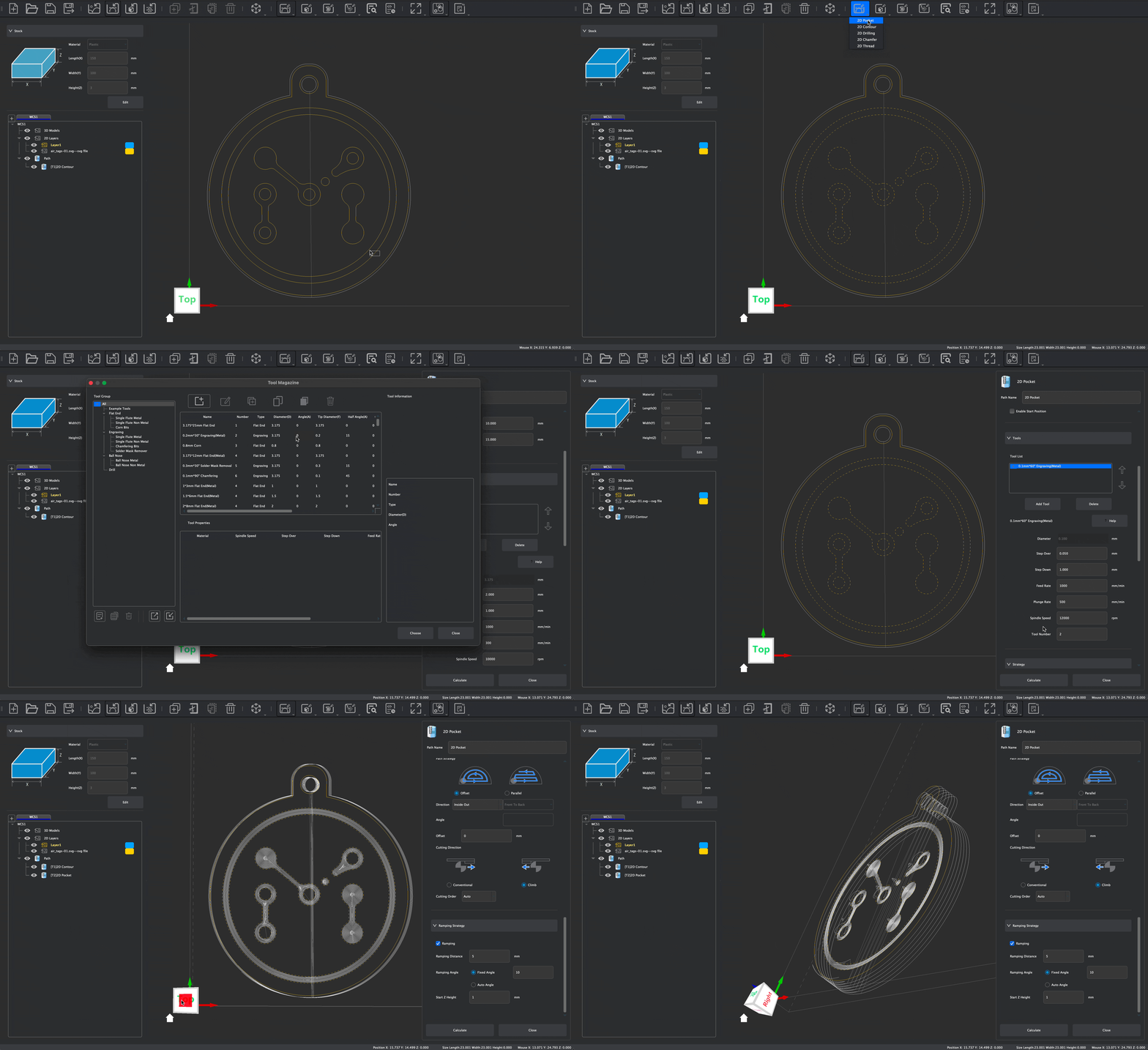
Fraisage 2D
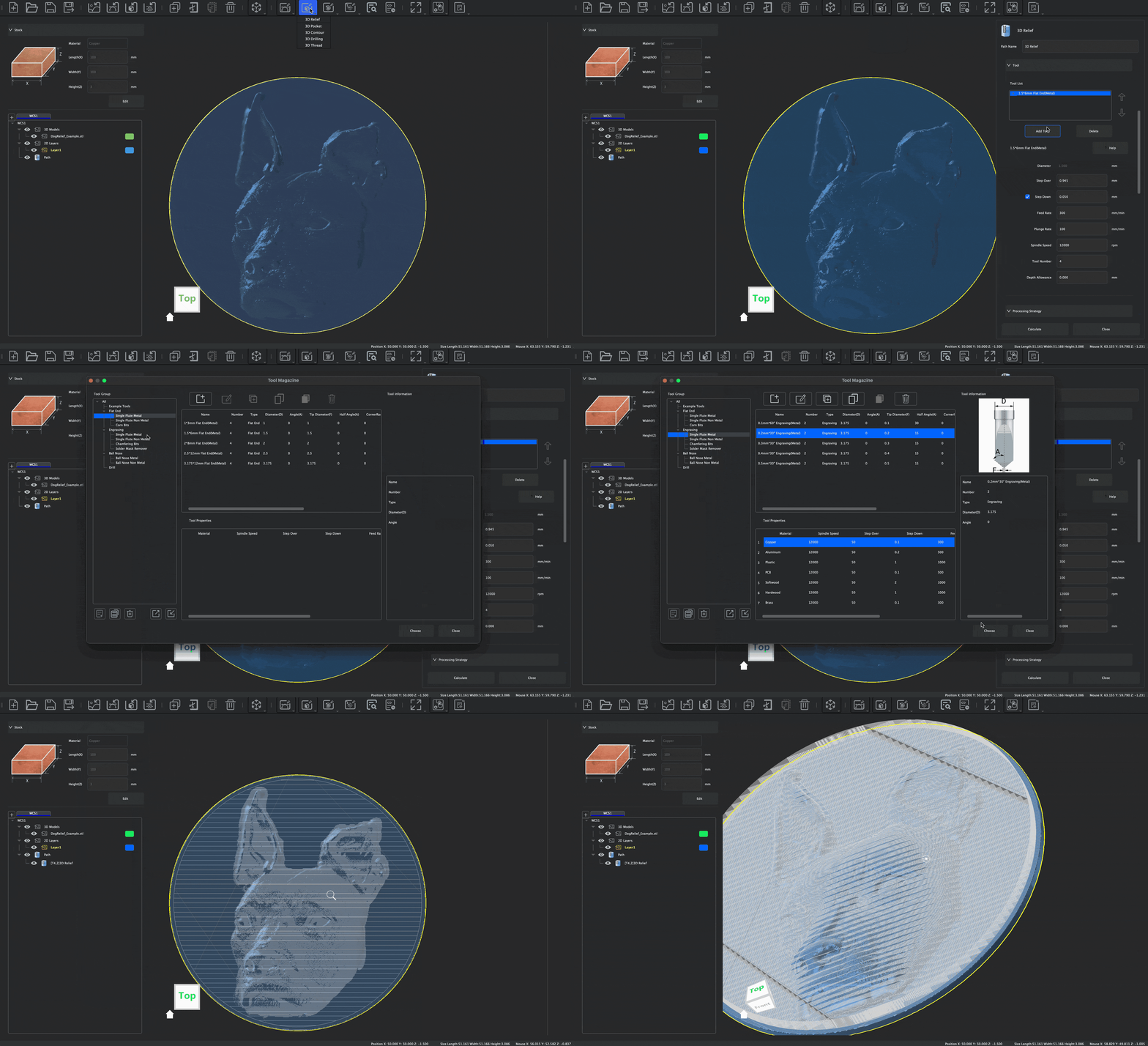
Relief en 3D
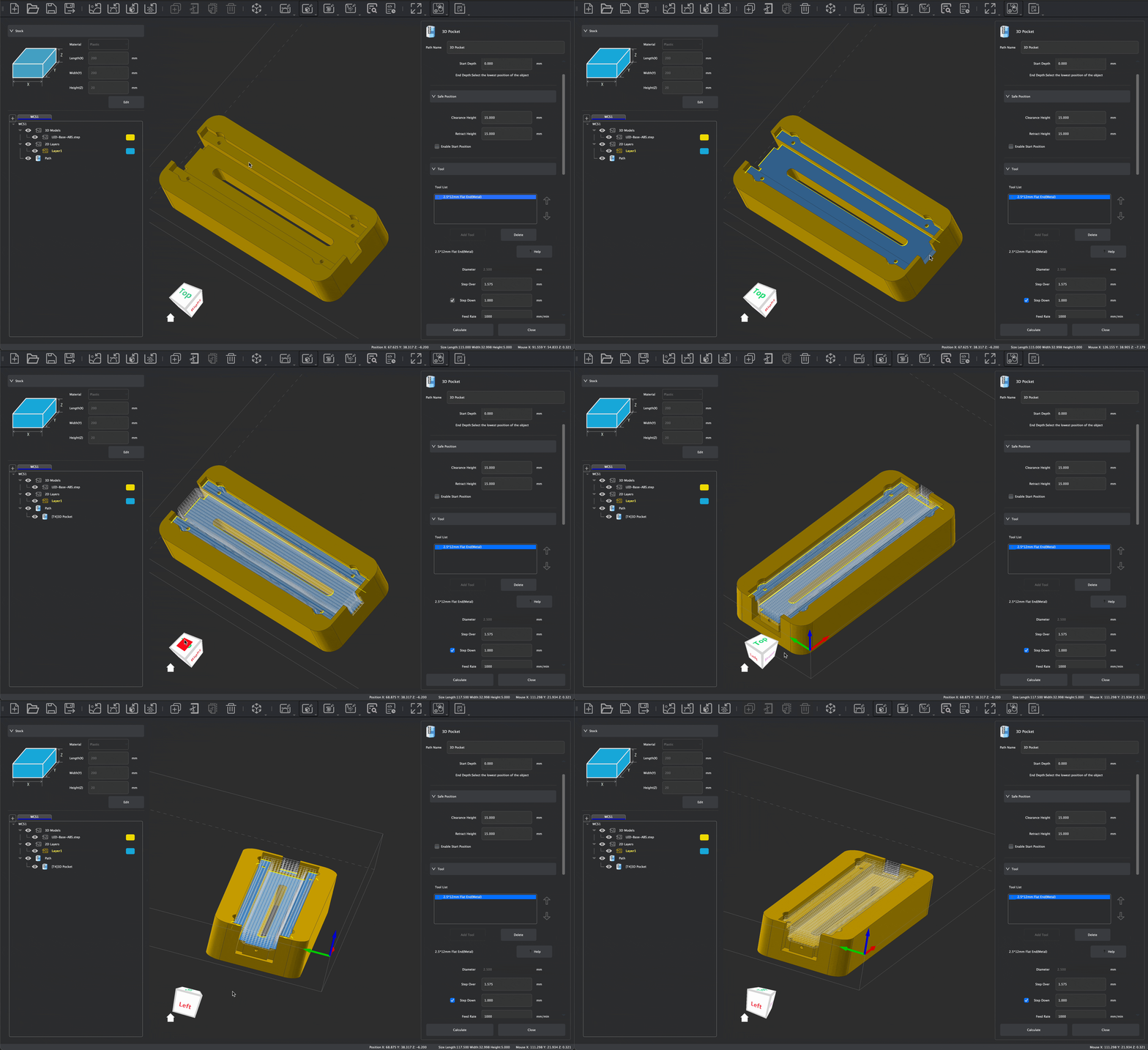
Fraisage 3D
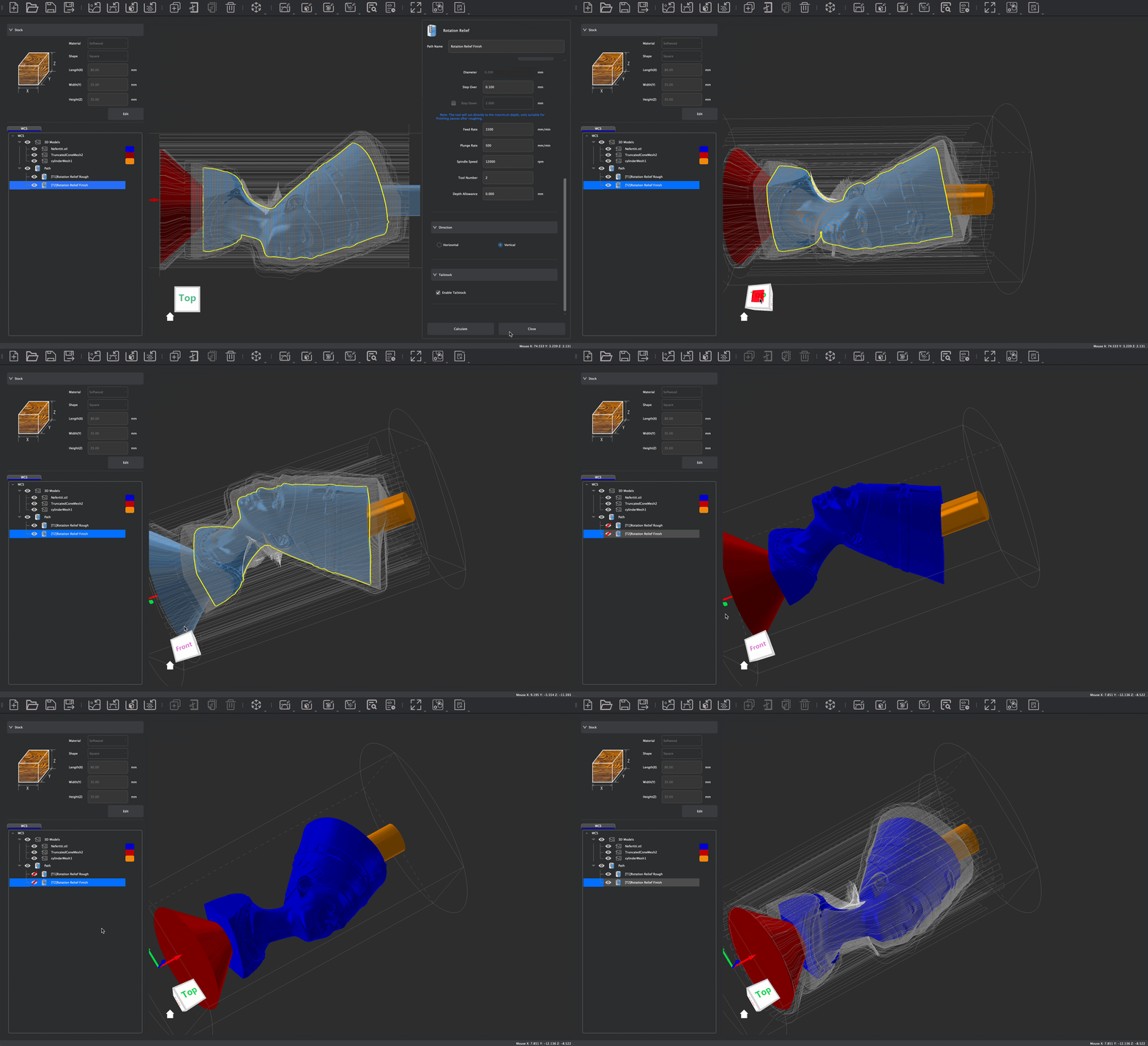
4ème Axe
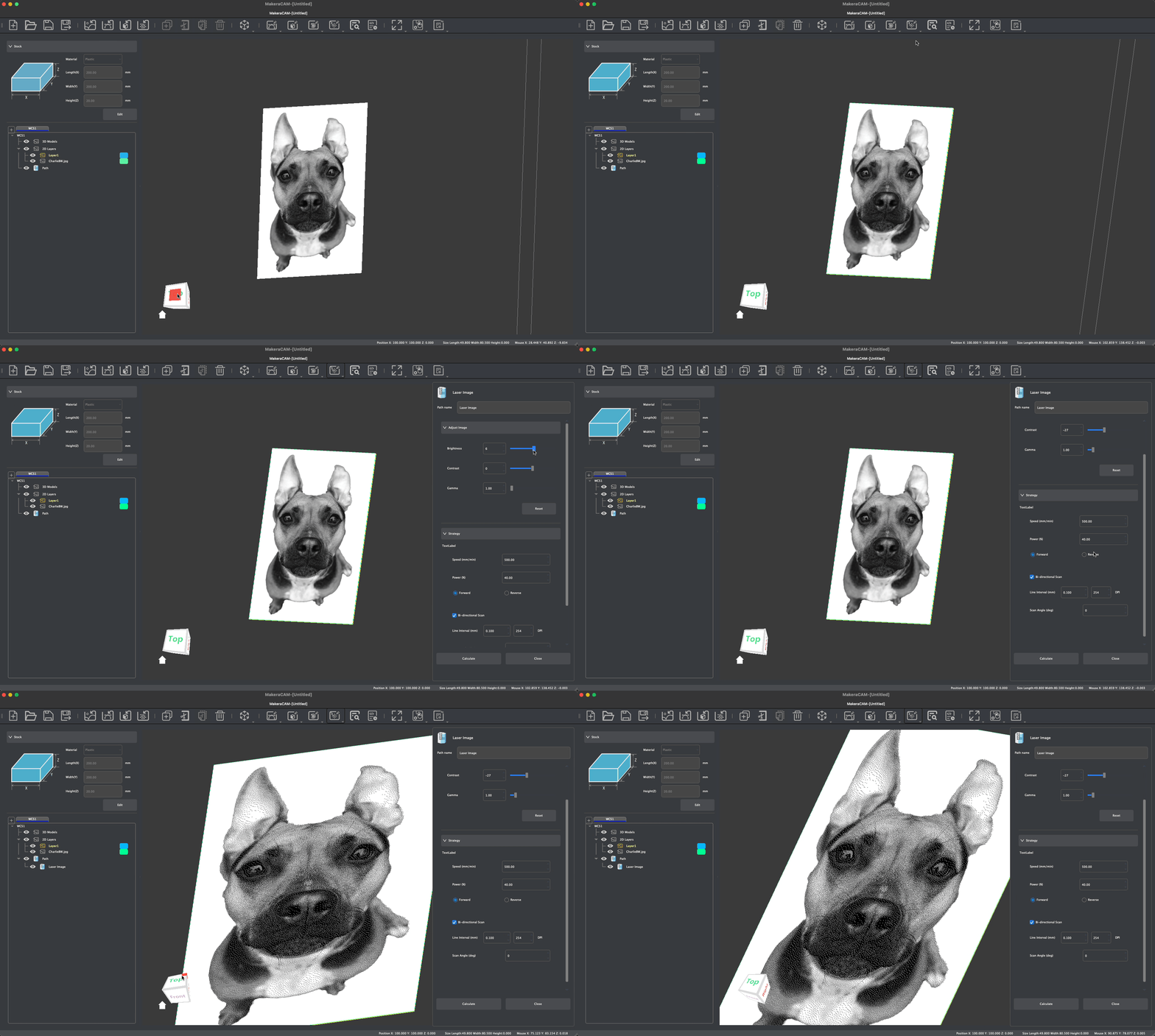
Laser
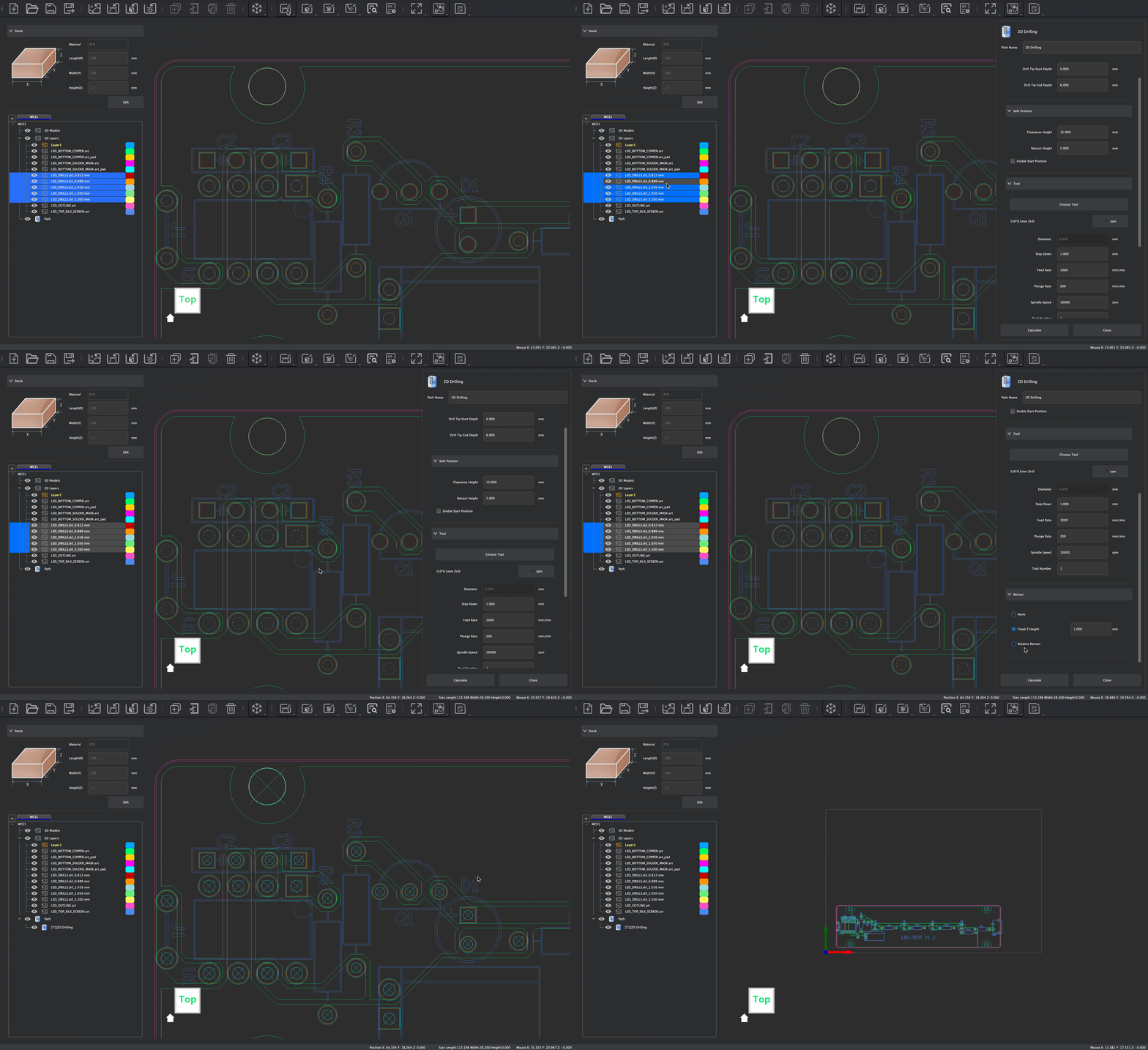
PCB
Que contient la boîte ?

CE QU'ILS EN DISENT
-
$5,299.00 $5,799.00Learn More
-
Zone de travail360 mm (X) × 240 mm (Y) × 140 mm (Z) / 14,2 pouces × 9,4 pouces × 5,5 pouces
-
Zone de travail 4ème Axe (en option)92 mm (diamètre) * 240 mm (longueur) / 3,6 pouces * 9,4 pouces
-
Dégagement du portiquecent vingt millimètres / 4,7 pouces
-
Empreinte écologique580 mm (largeur) * 520 mm (profondeur) * 540 mm (hauteur) 22,8 pouces * 20,5 pouces * 21,3 pouces
-
Poids50 kg / 110 lb (environ)
-
PuissanceDeux cents watts
-
Vitesse0 à 15 000 tr/min avec régulation en boucle fermée
-
Méthode de changement d'outilAuto Tool Changer
-
Taille de la bibliothèque d'outils6
-
Puissance maximale400W
-
Mode de transmissionAxes X/Z : rails linéaires de 15 mm + vis à billes ; axe Y : tiges trempées et chromées de 25 mm (arbres linéaires) + vis à billes
-
MoteurServomoteurs pour les axes X/Y/Z, moteur pas à pas Nema17 pour l'axe A
-
Vitesse maximale de déplacement6 000 mm/min
-
Méthode d'entraînement 4ème Axe (en option)Entraînement harmonique
-
Faux-rond de la brocheMoins de 0,01 mm / 0,0004 pouce
-
Résolution0.01mm / 0.0004in
-
Assistance pneumatiquePrend en charge le raccordement d'un compresseur d'air externe
-
Laser ModuleIntégré, 2,5 W
-
Type de dépoussiérageCollecteur de poussière intégré, évacuation arrière des copeaux par un tuyau de dépoussiérage et un sabot de dépoussiérage de la broche. Compatible avec un collecteur de poussière à cyclone externe.
-
MétalIdéal pour l'aluminium, le laiton et le cuivre. Compatible avec certaines restrictions : acier, titane (déconseillé pour un usinage prolongé)
-
BoisBois durs, bois tendres, MDF, contreplaqués, etc.
-
PlastiqueMousse, PVC, ABS, acrylique, PC, PEHD, etc.
-
Matériau compositeFibre de carbone, FR4, etc.
-
Matériau à graver au laserBois, plastique, tissu, cuir, carton, etc.
Dimensions
Broche
Système de mouvement
Précision
Fonctions complémentaires
Matériaux pris en charge
-
$2,299.00 $2,699.00Learn More
-
Zone de travail300 mm (X) × 200 mm (Y) × 130 mm (Z) / 11,8 pouces × 7,9 pouces × 5,1 pouces
-
Zone de travail 4ème Axe (en option)92 mm (diamètre) * 200 mm (longueur) / 3,6 pouces * 7,9 pouces
-
Dégagement du portiquecent vingt millimètres / 4,7 pouces
-
Empreinte écologique500 mm (largeur) * 450 mm (profondeur) * 450 mm (hauteur) / 19,7 pouces * 17,7 pouces * 17,7 pouces
-
Poids30 kg / 66 lb (environ)
-
PuissanceDeux cents watts
-
Vitesse0 - 13 000 tr/min avec régulation en boucle fermée
-
Méthode de changement d'outilChangeur d'outils rapide
-
Taille de la bibliothèque d'outils-
-
Puissance maximale400W
-
Mode de transmissionAxe Z : rails linéaires de 15 mm + vis à billes ; axes X/Y : 20 tiges trempées et chromées (arbres linéaires) + vis à billes
-
MoteurMoteurs pas à pas à boucle fermée
-
Vitesse maximale de déplacementMax. : 4 000 mm/min
-
Méthode d'entraînement 4ème Axe (en option)Entraînement harmonique
-
Faux-rond de la brocheMoins de 0,01 mm / 0,0004 pouce
-
Résolution0.01mm / 0.0004in
-
Assistance pneumatiquePrend en charge le raccordement d'un compresseur d'air externe
-
Laser ModuleEn option, 5 W
-
Type de dépoussiérageNécessite un dépoussiéreur externe, une évacuation arrière des copeaux par un tuyau de dépoussiérage et un sabot anti-poussière sur la broche. Il est recommandé de l'utiliser avec le dépoussiéreur à cyclone Makera.
-
MétalIdéal pour l'aluminium, le laiton et le cuivre. Compatible avec certaines restrictions : acier, titane (déconseillé pour un usinage prolongé)
-
BoisBois durs, bois tendres, MDF, contreplaqués, etc.
-
PlastiqueMousse, PVC, ABS, acrylique, PC, PEHD, etc.
-
Matériau compositeFibre de carbone, FR4, etc.
-
Matériau à graver au laserBois, plastique, tissu, cuir, carton, etc.
Dimensions
Broche
Système de mouvement
Précision
Fonctions complémentaires
Matériaux pris en charge
-
$1,399.00Learn More
-
Zone de travail200 mm (X) × 200 mm (Y) × 100 mm (Z) / 7,9 pouces × 7,9 pouces × 3,9 pouces
-
Zone de travail 4ème Axe (en option)80 mm (diamètre) * 150 mm (longueur) / 3,1 pouces * 5,9 pouces
-
Dégagement du portiquecent quinze millimètres / quatre pouces et demi
-
Empreinte écologique350 mm (largeur) * 470 mm (profondeur) * 450 mm (hauteur) / 13,8 pouces * 18,5 pouces * 17,7 pouces
-
Poids17 kg / 37,48 lb (environ)
-
Puissance150 watts
-
Vitesse0 - 13 000 tr/min avec régulation en boucle fermée
-
Méthode de changement d'outilChangeur d'outils rapide
-
Taille de la bibliothèque d'outils-
-
Puissance maximale300W
-
Mode de transmissionZ1 : rails linéaires de 12 mm + vis à pas Acme ou Z1 Pro : rails linéaires de 12 mm + vis à billes
-
MoteurZ1 : moteur pas à pas NEMA 17 Z1 Pro : moteur pas à pas NEMA 17 à boucle fermée
-
Vitesse maximale de déplacementMax : Z1 1 200 mm/min ; Z1 Pro 2 000 mm/min
-
Méthode d'entraînement 4ème Axe (en option)À entraînement par courroie
-
Faux-rond de la broche0.01mm / 0.0004in
-
Résolution0.02mm / 0.0008in
-
Assistance pneumatique-
-
Laser ModuleEn option, 5 W
-
Type de dépoussiérageSystème de collecte AeroDust™, évacuation des copeaux par le bas (sans tuyau de dépoussiérage) et soufflage d'air sur la broche. Utilisation recommandée avec le dépoussiéreur à cyclone « Lite ».
-
MétalAluminium, laiton, cuivre et autres métaux non ferreux.
-
BoisBois durs, bois tendres, MDF, contreplaqués, etc.
-
PlastiqueMousse, PVC, ABS, acrylique, PC, PEHD, etc.
-
Matériau compositeFibre de carbone, FR4, etc.
-
Matériau à graver au laserBois, plastique, tissu, cuir, carton, etc.
Dimensions
Broche
Système de mouvement
Précision
Fonctions complémentaires
Matériaux pris en charge
Découvrez tout un univers de motifs
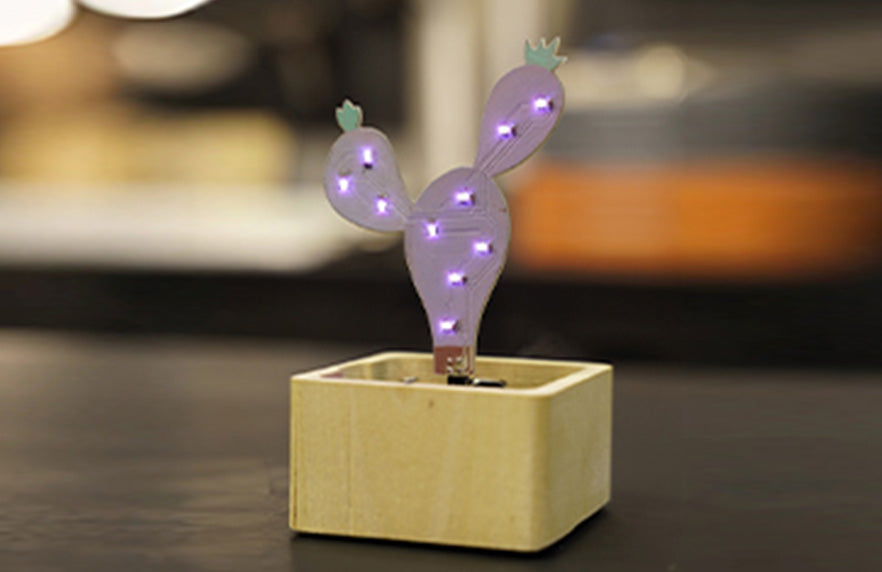
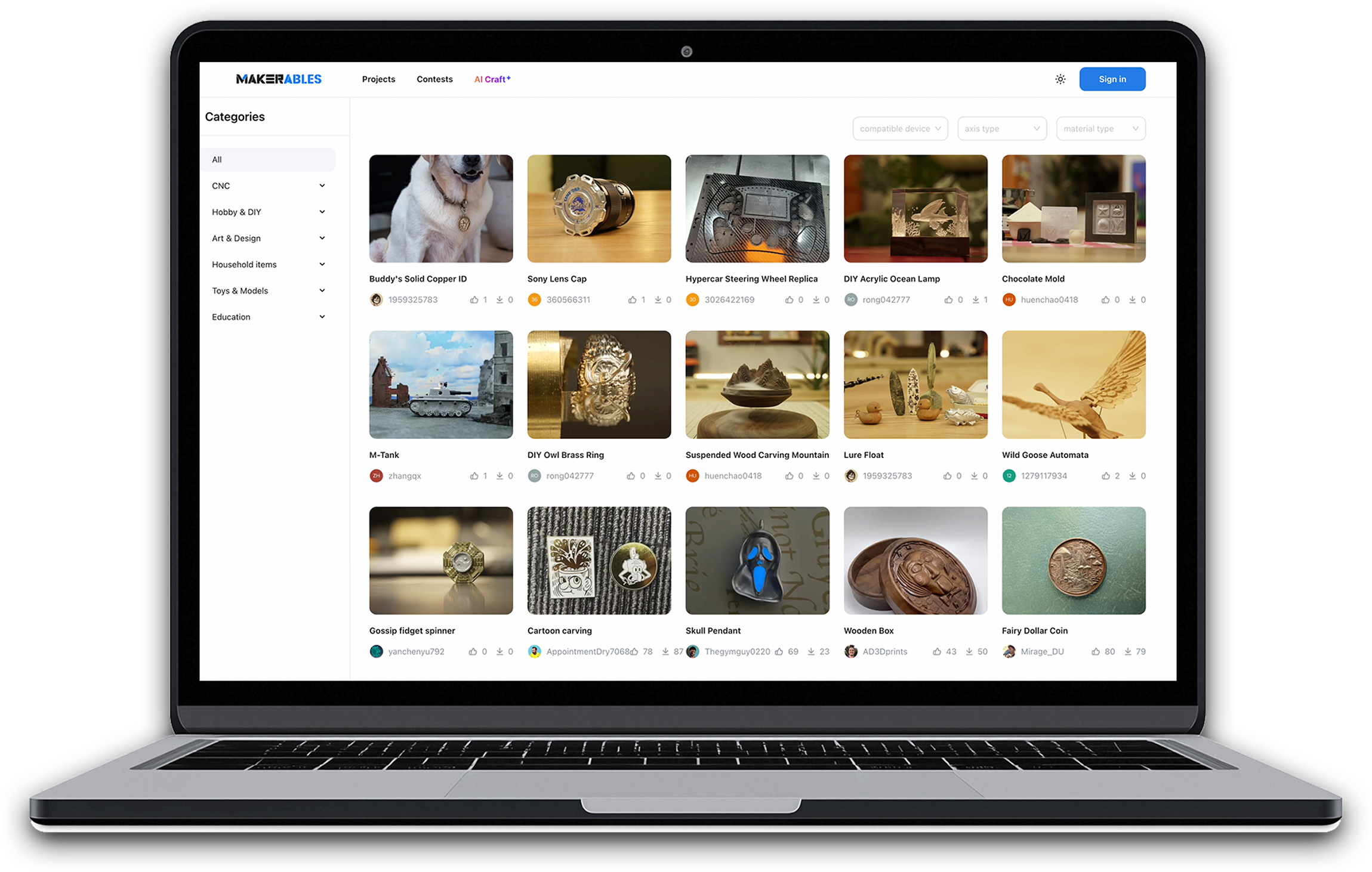
Makerables, la plateforme de partage de projets CNC Makera. L'impression 3D dispose déjà de plateformes de partage bien établies. La CNC méritait elle aussi d'en avoir une, c'est pourquoi nous l'avons créée.
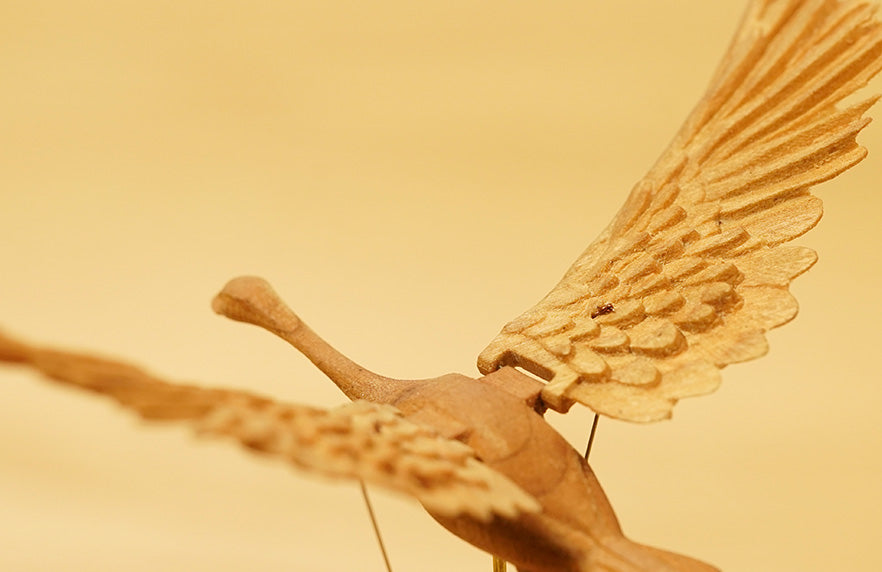
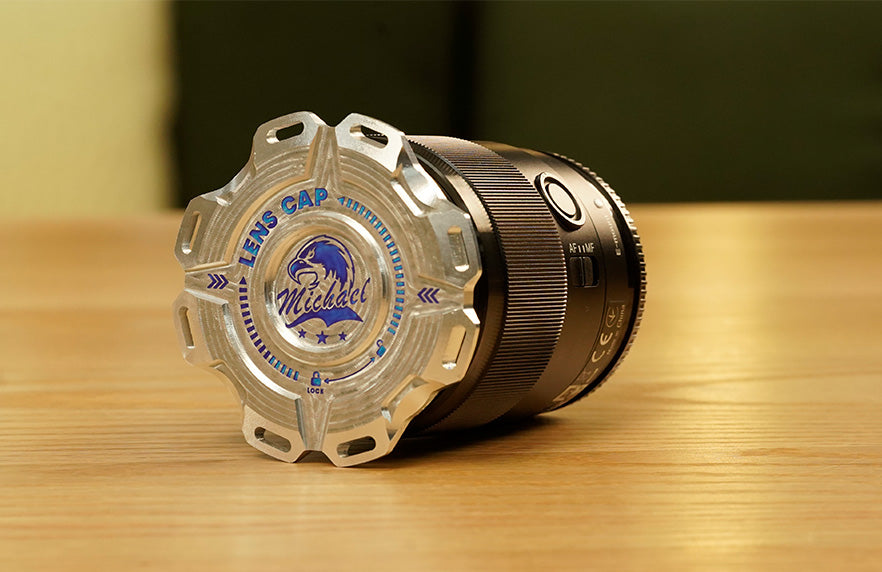
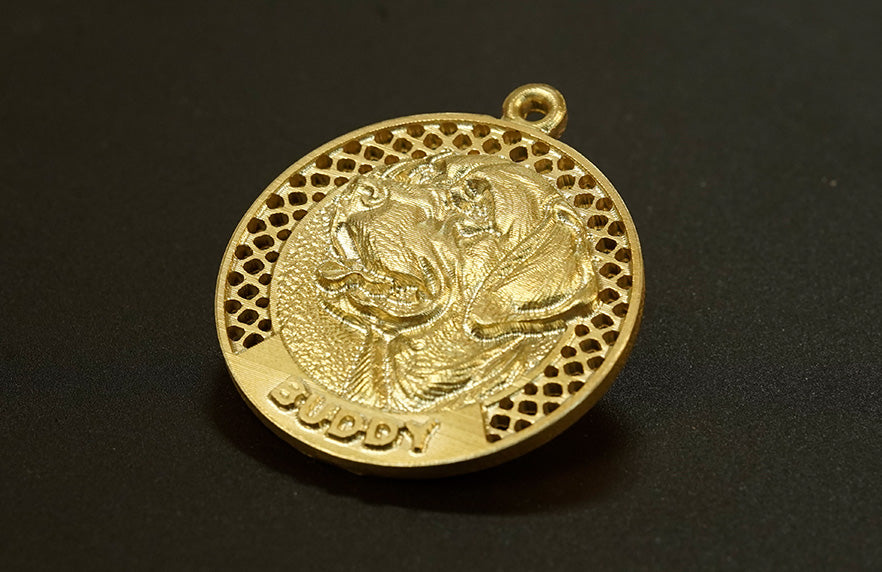
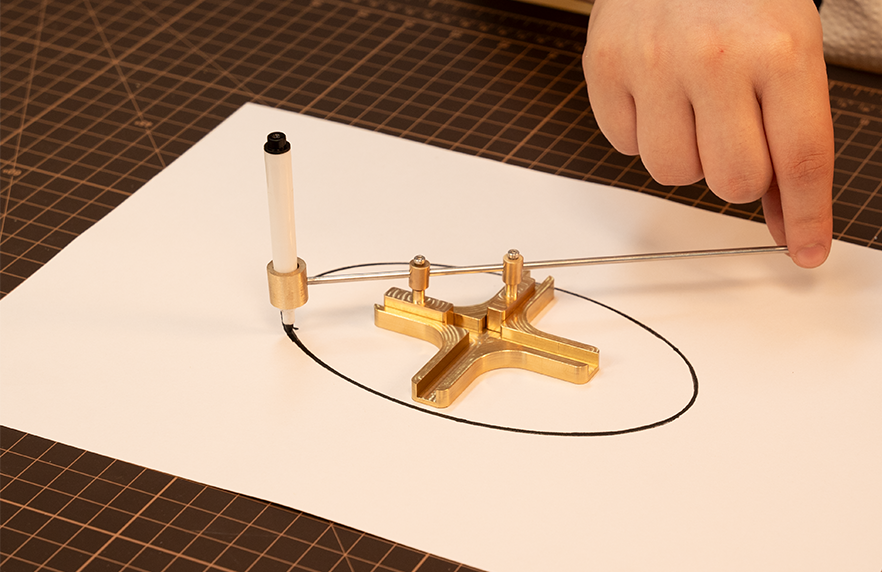
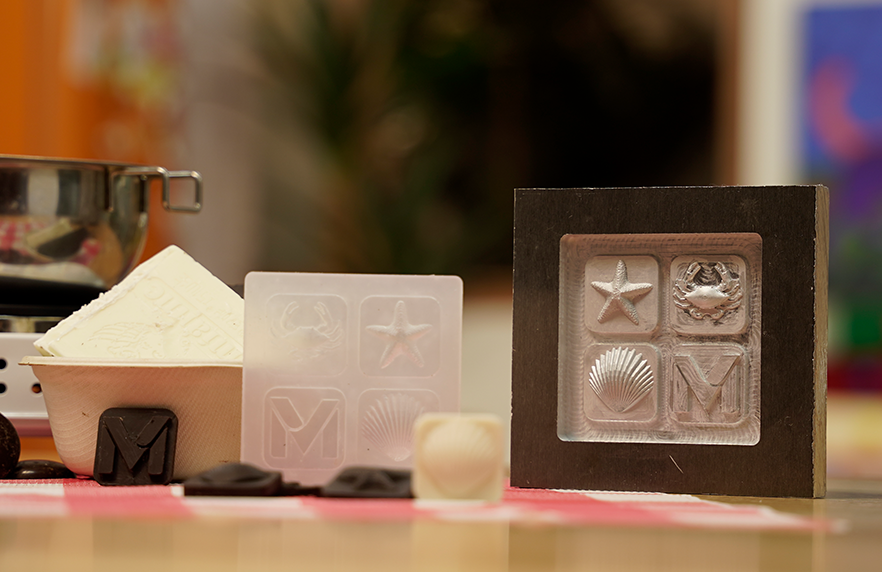
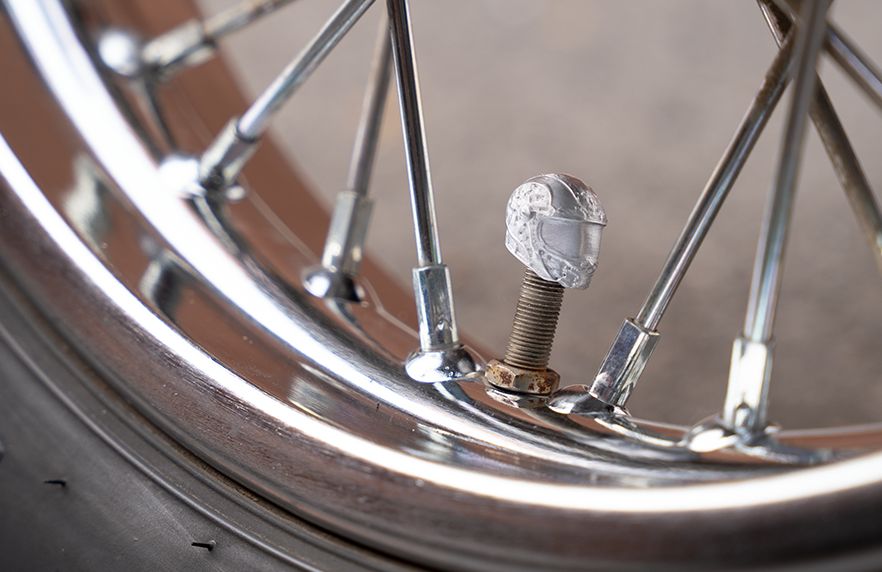
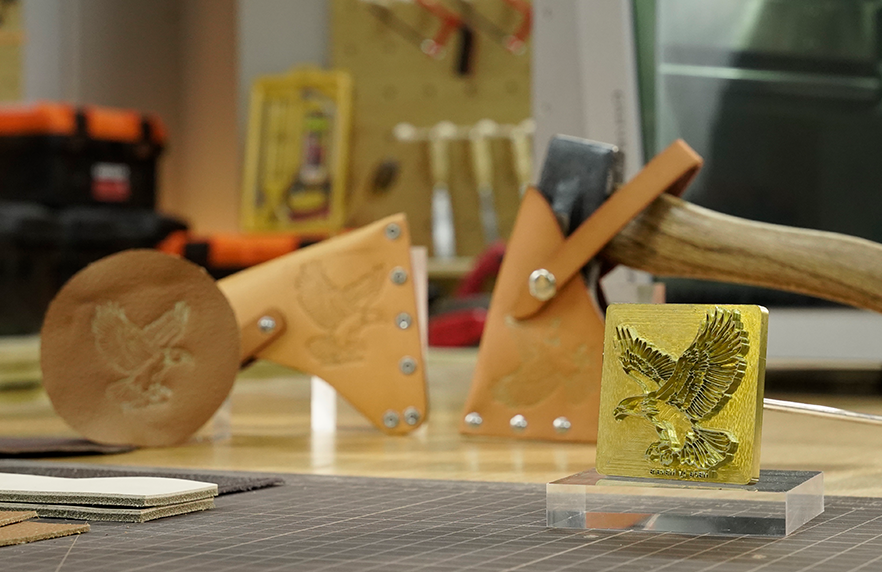
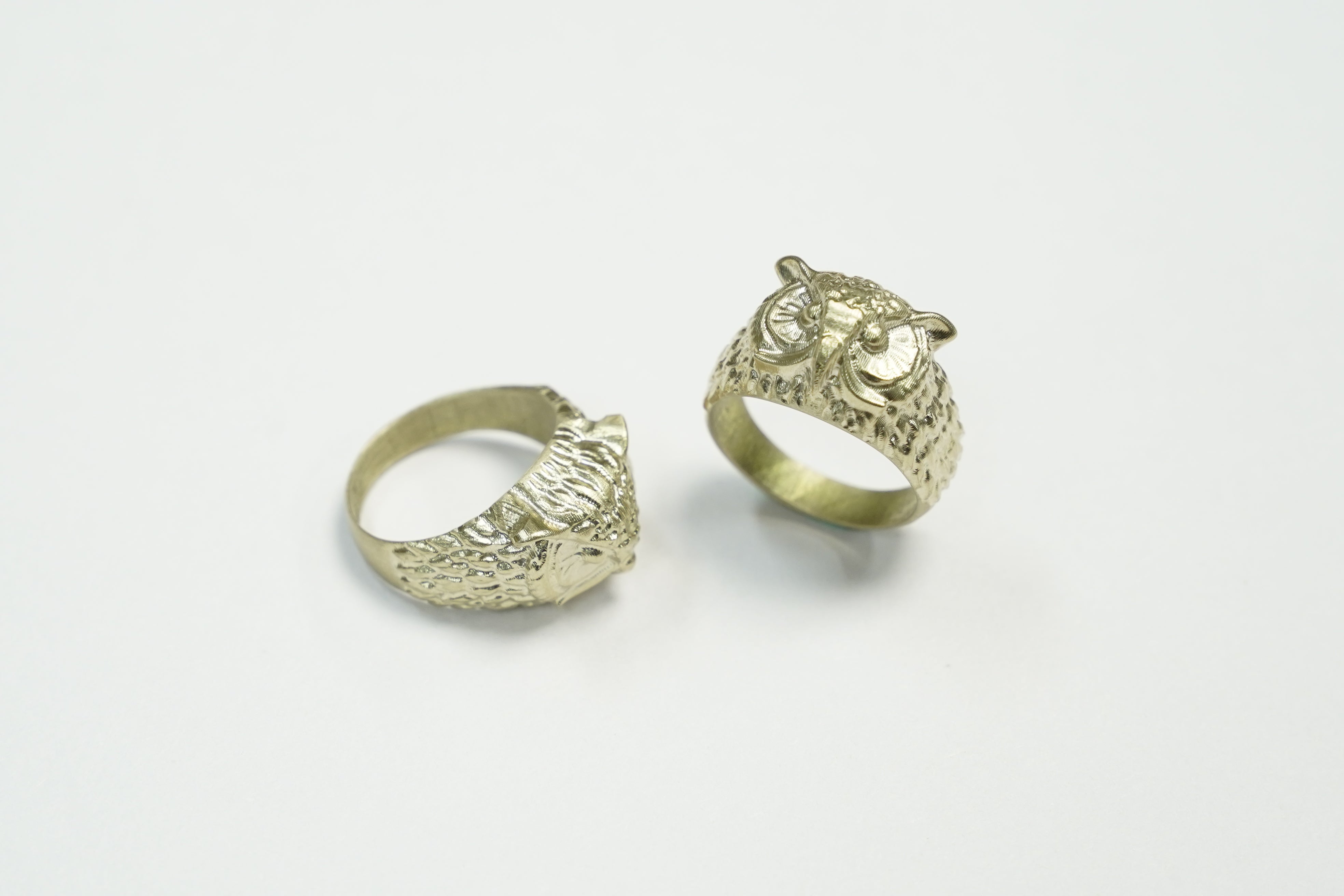
Flux de travail basé sur l'IA
Personnalisez des modèles CNC sans aucune compétence en modélisation. Découvrez ce flux de travail basé sur l'IA et créez de superbes créations artisanales comme un pro. (Disponible d'ici la fin de l'année pour tous les utilisateurs Makera )
Caractéristiques techniques
-
Zone de travail300 mm (X) × 200 mm (Y) × 130 mm (Z) / 11,8 pouces × 7,9 pouces × 5,1 pouces
-
Zone de travail 4ème Axe (en option)92 mm (diamètre) * 200 mm (longueur) / 3,6 pouces * 7,9 pouces
-
Dégagement du portiquecent vingt millimètres / 4,7 pouces
-
Hauteur maximale (couvercle ouvert)Huit cent quarante millimètres / trente-trois pouces
-
Empreinte écologique500 mm (largeur) * 450 mm (profondeur) * 450 mm (hauteur) / 19,7 pouces * 17,7 pouces * 17,7 pouces
-
Poids30 kg / 66 lb (environ)
-
PuissanceDeux cents watts
-
Vitesse0 - 13 000 tr/min avec régulation en boucle fermée
-
ColletPince de serrage sur mesure avec ⅛ pouce intégré (en option : ¼ pouce, 6 mm, 4 mm, 3 mm)
-
Méthode de changement d'outilChangeur d'outils rapide
-
RefroidissementRefroidissement par air
-
Assistance pneumatiquePrend en charge le raccordement d'un compresseur d'air externe
-
MoteurMoteurs pas à pas à boucle fermée
-
Mode de transmissionAxe Z : rails linéaires + vis à billes ; axes X/Y : tiges trempées et chromées (arbres linéaires) + vis à billes
-
Vitesse maximale de déplacement4 000 mm / 157 pouces par minute
-
Méthode d'entraînement 4ème Axe (en option)Entraînement harmonique
-
Faux-rond de la brocheMoins de 0,01 mm / 0,0004 pouce
-
Résolution0.01mm / 0.0004in
-
PuissanceCinq watts
-
Type de laserLaser à diode semi-conductrice de 445 nm
-
Dépoussiéreur à cyclone (en option)Dépoussiéreur externe avec conduit d'évacuation des copeaux à l'arrière + chapeau anti-poussière de broche
-
MétalIdéal pour l'aluminium, le laiton et le cuivre. Compatible avec certaines restrictions : acier, titane (déconseillé pour un usinage prolongé)
-
BoisBois durs, bois tendres, MDF, contreplaqués, etc.
-
PlastiqueMousse, PVC, ABS, acrylique, PC, PEHD, etc.
-
Matériau compositeFibre de carbone, FR4, etc.
-
Matériau à graver au laserBois, plastique, tissu, cuir, carton, etc.
-
ContrôleurUn logiciel dédié prend en charge les fonctions CARVERA. La nouvelle application mobile « Makera Controller », qui vous permettra de contrôler et de surveiller votre machine à distance, sera disponible d'ici la fin de l'année.
-
Connectivité des manettesUSB / Wi-Fi
-
Contrôleur OSiOS, Android, Mac OS, Windows, Linux, etc.
-
Logiciel CAM dédiéMakera CAM. Makera: la nouvelle version de Makera CAM sera disponible gratuitement pour tous les utilisateurs Makera d'ici la fin de l'année.
-
Logiciels deCAM compatiblesFusion360, SolidWorks, AutoCAD, VCarve Pro, Aspire, Illustrator, etc.
-
MakerablesUne plateforme universelle de partage de projets CNC proposée par Makera.
-
AI CraftL'outil d'IA Makera vous permet de personnaliser des modèles CNC sans aucune compétence en modélisation.
Foire aux questions
Qu'en est-il des frais de livraison et des taxes ?
Carvera Air est une machine de précision : solide, lourde et délicate, dotée de composants magnétiques. Son poids à l'expédition est d'environ 50 kg. Bien que nous prenions en charge une partie des frais de livraison et que nous proposions la livraison gratuite dans certaines zones, des frais de livraison supplémentaires peuvent s'appliquer pour certaines régions. Pour plus d'informations, consultez notre Politique de livraison.
Quelle est la différence entre Carvera Air et le Carvera original ?
Carvera Air a pour objectif principal de proposer une solution similaire, offrant des fonctionnalités et des capacités d'usinage proches Carvera, à des clients disposant d'un budget relativement limité, en particulier ceux qui découvrent l'usinage CNC.
Les principales différences sont les suivantes :
- Changeur d'outils automatique (Carvera) VS changeur d'outils rapide (Carvera Air)
- Platine plus grande (Carvera) VS platine plus petite (Carvera Air)
- Module laser intégré (Carvera) VS module laser en option (Carvera Air)
- Système d'aspiration intégré (Carvera) VS système d'aspiration externe (Carvera Air)
- Actuellement en stock (Carvera) ; le modèle VS sera disponible d'ici la fin de l'année (Carvera Air)
Carvera peut être considérée comme une option haut de gamme, tandis qu'Air constitue un choix plus abordable.
Je débute dans le domaine de la CNC. Comment puis-je me familiariser rapidement avec Carvera Air et réaliser mes projets ?
La CNC est un sujet assez vaste, en particulier en ce qui concerne la CAO et CAM. Il existe de nombreuses ressources disponibles sur Internet.
Pour l'appareil Carvera Air, nous fournirons un mode d'emploi détaillé ainsi qu'un guide d'exemples afin de permettre aux nouveaux utilisateurs de se familiariser avec l'appareil.
Nous publions des tutoriels vidéo étape par étape sur notre chaîne YouTube : https://www.youtube.com/@Makera.
En rejoignant notre groupe de discussion sur Facebook ou Discord, vous pourrez rencontrer des milliers de propriétaires et d'amateurs Carvera et Carvera Air, et échanger entre vous pour trouver de l'aide et de l'inspiration.
Par ailleurs, nous disposons d'une base de connaissances sous forme de wiki pour les sujets plus techniques et les informations détaillées.
J'ai de l'expérience en CNC, que dois-je savoir avant d'utiliser Carvera Air?
Consultez le mode d'emploi et suivez le guide pratique étape par étape pour mener à bien vos premiers projets. Vous apprendrez très rapidement à utiliser Carvera Air.
Quel logiciel CAM Carvera Air devrait-elle utiliser ?
Nous recommandons Makera CAM pour les modèles Carvera et Carvera Air, car ce logiciel a été soigneusement optimisé pour votre machine, ce qui le rend plus simple et plus intuitif à utiliser, tant pour les débutants que pour les professionnels.
Cliquezicipour télécharger.
Vous avez vos propres préférences en matière de logiciels ? Pas de souci ! Nous sommes compatibles avec tous les logiciels ! Fusion, VCarve, SolidWorks et d’autres logiciels CAM populaires sont entièrement pris en charge. Nous sommes toujours à l’écoute de nos utilisateurs et élargissons sans cesse notre compatibilité afin que vous puissiez concevoir et créer comme vous le souhaitez.
Quel logiciel CAM utiliser pour la fabrication de circuits imprimés ?
Nous vous recommandons Makera CAM pour les modèles Carvera et Carvera Air, car ce logiciel a été soigneusement optimisé pour votre machine, ce qui le rend plus simple et plus intuitif à utiliser, tant pour les débutants que pour les professionnels. Vous pouvez également utiliser FlatCAM ou CopperCAM pour fabriquer des circuits imprimés.
Carvera Air peut-il traiter l'acier ?
Si vous usinez de l'acier de temps en temps et que le temps passé n'a pas trop d'importance pour vous, alors la réponse est oui ! Vous pouvez usiner de l'acier au carbone et de l'acier inoxydable pour obtenir une finition nette à une vitesse relativement faible.
Voici une vidéo sur le fraisage du titane sur YouTube. Jetez-y un œil : https://www.youtube.com/watch?v=CynRyyO4Gko.
Mais dans l'ensemble, nous déconseillons fortement de l'utiliser pour usiner de l'acier ou des matériaux plus durs. La Carvera Air a été conçue principalement pour le bois, le plastique et les métaux tendres comme l'aluminium et le laiton.
Quelle est la zone d'intervention Carvera Air?
La zone de travail pour le fraisage à 3 axes est de : 30 cm (X) * 20 cm (Y) * 13 cm (Z) / 11,8 pouces * 7,9 pouces * 5,1 pouces, et la zone de travail pour le fraisage à 4 axes est de : 9,2 cm (diamètre) * 20 cm (longueur) / 3,6 pouces * 7,9 pouces. Vous pouvez consulter d'autres caractéristiques techniques détaillées sur notre page.
Quelle est la tension et la puissance d'entrée du Carvera Air?
Tension : 100-120 V CA / 200-240 V CA à 50/60 Hz, puissance d'entrée maximale de 400 watts.
Quels sont les composants présentés dans la vidéo et sur la page Web qui sont fournis avec la machine, et lesquels ne le sont pas ? Par exemple : le support pour tablette et la tablette elle-même, le système d'aspiration, le système d'assistance pneumatique, etc.
Le support pour téléphone/tablette est fourni, mais le téléphone/la tablette n'est pas inclus. Vous pouvez utiliser votre propre téléphone/tablette pour le faire fonctionner.
Le tuyau d'aspiration et le manchon anti-poussière sont fournis, mais l'aspirateur externe n'est pas inclus.
Le tuyau d'air et la tête de soufflage sont fournis, mais la pompe à air externe n'est pas fournie.
Pourriez-vous nous recommander des systèmes de vide et de pompes à air adaptés chez Carvera Air?
1. Nous vous recommandons le dépoussiéreur Makera Cyclone, spécialement conçu pour le fraisage prolongé et continu avec Carvera et Carvera Air. Cliquez ici pour plus d'informations >>
2. Tout d'abord, un compresseur d'air n'est pas indispensable, même pour l'usinage de métaux tels que l'aluminium ou le cuivre. Vous pouvez choisir pratiquement n'importe quel compresseur d'air disponible sur le marché. Le diamètre d'entrée d'air Carvera est de 8 mm. D'après notre expérience et les retours des utilisateurs Carvera, une pression de 3,5 bars (50 psi) ou plus est suffisante.