

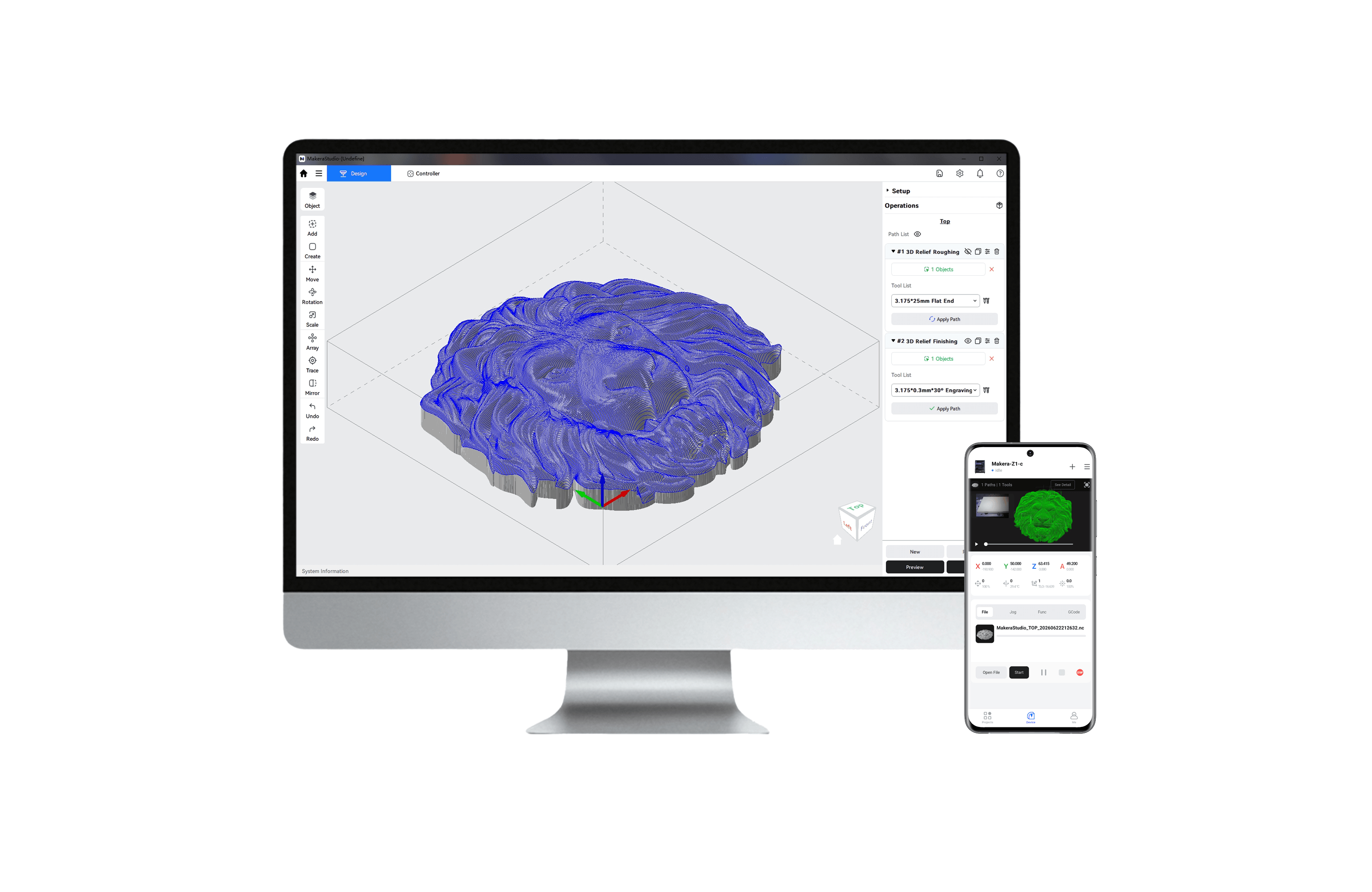
Makera Studio (bêta publique) – CAM + contrôleur, tout en un.
Smart Wizard, les recommandations automatiques d'outils et la simulation en temps réel vous évitent d'avoir à deviner. Rejoignez la communauté Makerables pour accéder à des projets prêts à l'emploi : vous pourrez ainsi créer dès le premier jour. La version bêta est désormais disponible !
Guide de configuration recommandée et de dépannage Makera Studio
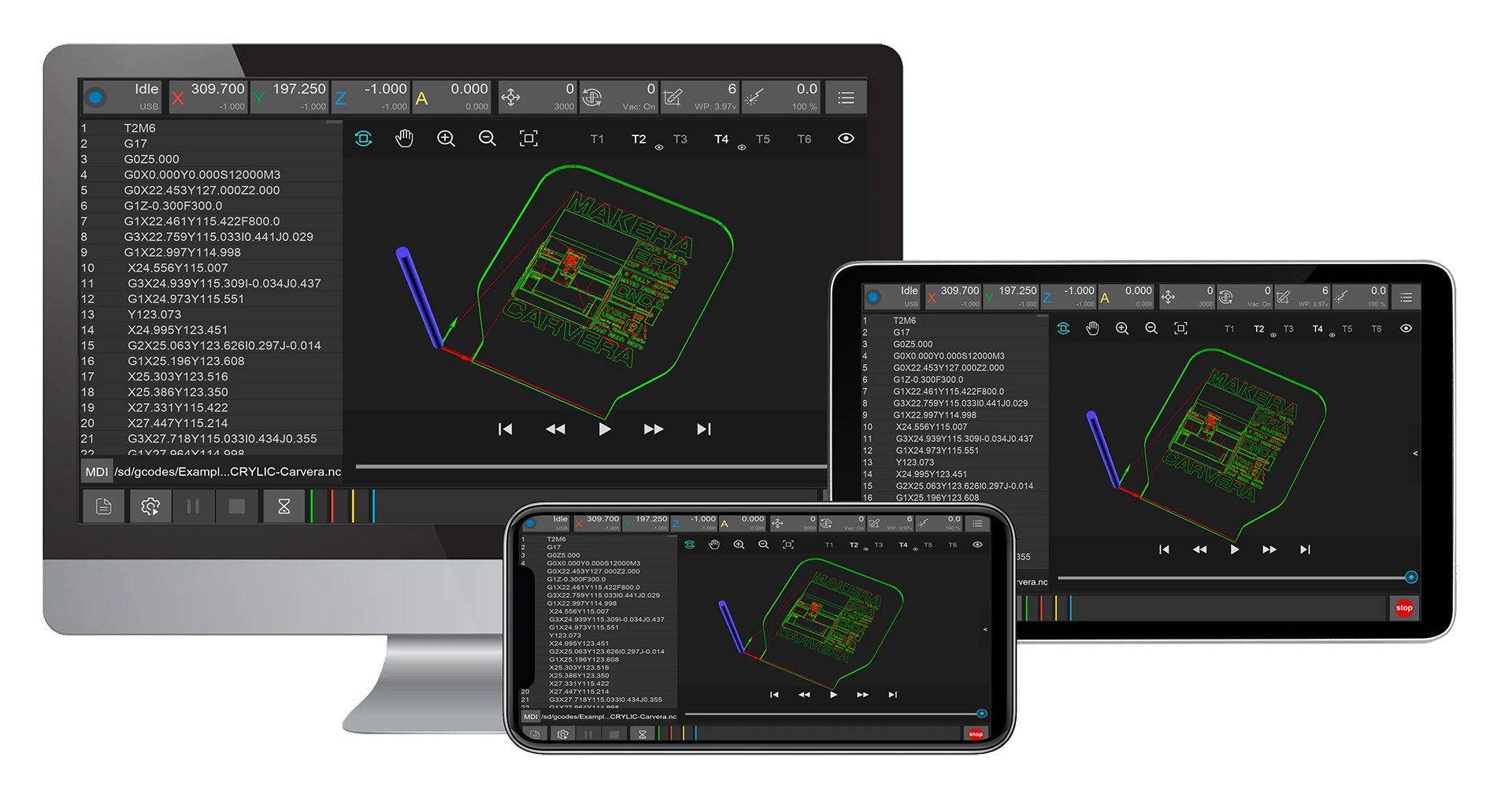
Carvera Carvera Air Contrôleur
Une machine performante nécessite un logiciel performant.
Le logiciel du contrôleur prend entièrement en charge votre Carvera Carvera Air machine ou Carvera Airet fonctionne sous Windows, Mac, Android, Linux et iOS, aussi bien en mode filaire qu'à distance.
Le logiciel recherche automatiquement les mises à jour et la dernière version est disponible au téléchargement ci-dessous.
Comment utiliser l'application du contrôleur
Voir les instructions d'installation et la version complète ici >
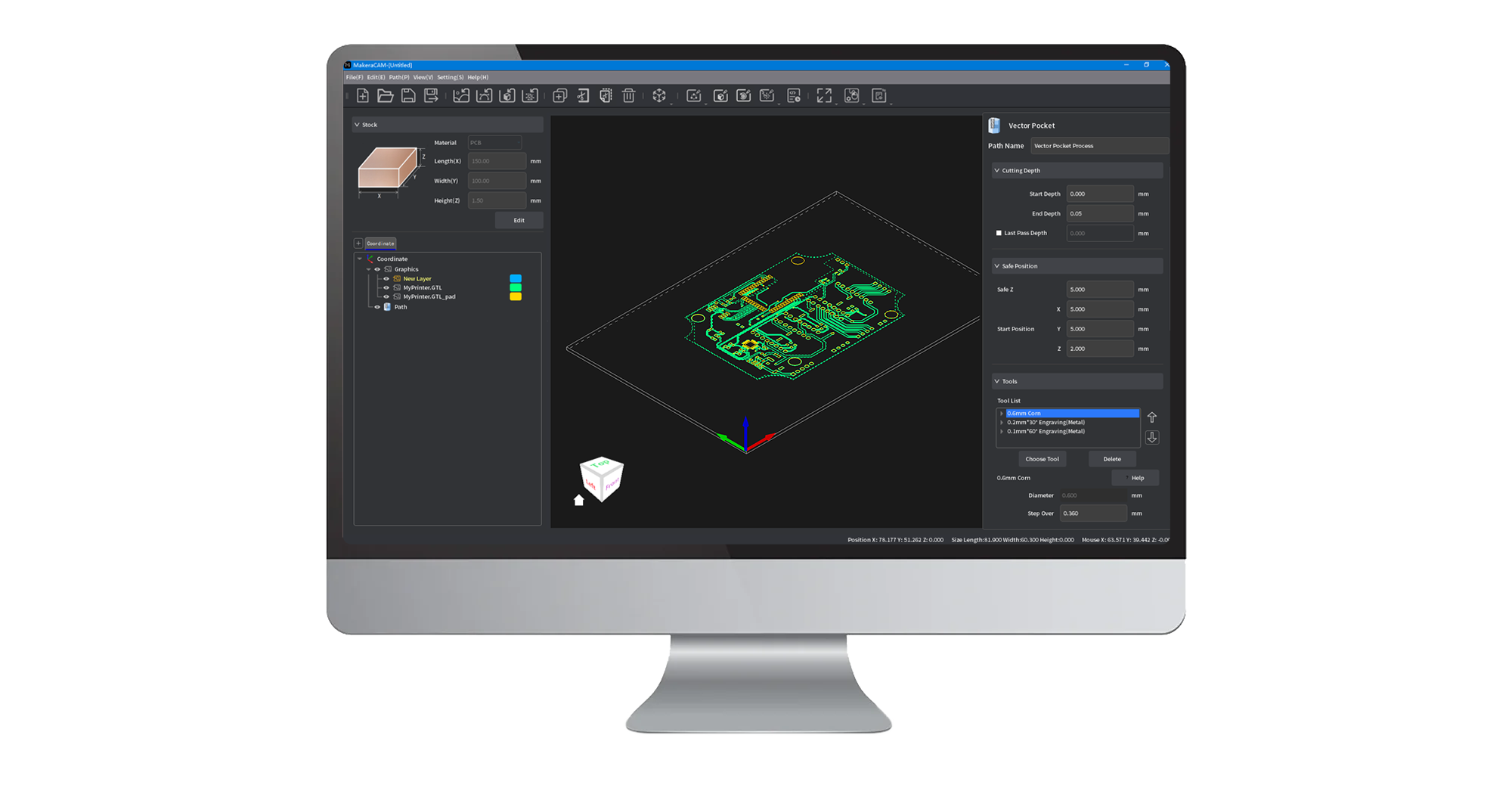
Makera CAM
Makera CAM takes the complexity out of CNC machining, transforming your designs into reality faster and with greater ease.
Whether you're working with 2D designs, 3D models, 4th-axis projects, or the laser, we've got you covered through this all-in-one software solution!
Carvera & Carvera Air customers get free access to Makera CAM—and if you don’t own a Makera machine yet, enjoy a 15-day free trial on us!
Carvera Carvera Air micrologiciel
The Carvera and Carvera Air Firmware is the software that runs on the machine. You can download and upgrade it in the Controller.
CAM Logiciels pris en charge
Consultez la CAM liste CAMdes logiciels pris en charge.
Nous vous
recommandons Makera CAMpour le Carveraet Carvera Air le Carvera Carvera Air, car ils ont été soigneusement optimisés pour votre machine, ce qui les rend plus faciles et plus intuitifs à utiliser, tant pour les débutants que pour les professionnels.
Vous avez vos propres préférences en matière de logiciels ? Pas de souci ! Nous sommes compatibles avec tout ! Fusion, VCarve, SolidWorks et d'autres CAM
solutions logicielles populaires CAM
sont entièrement prises en charge. Nous sommes toujours à l'écoute de nos utilisateurs et élargissons sans cesse notre compatibilité afin que vous puissiez concevoir
et créer comme vous le souhaitez.
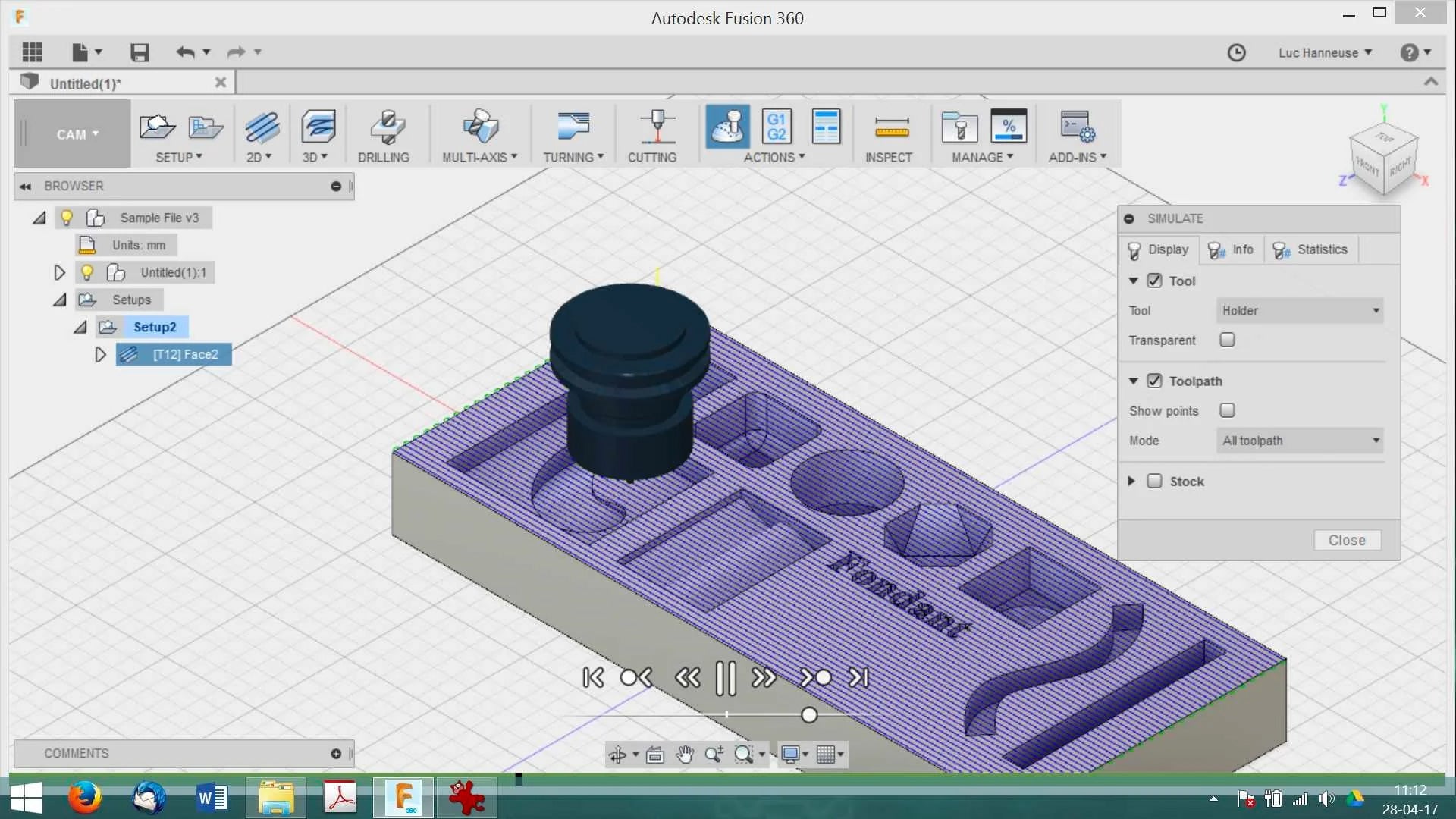
Fusion 360
Compare to other industrial software, Fusion 360 is relatively easy to learn and is an all-in-one solution. If you are new to CAD and CAM, and you are interested in making mechanical/electronic/robot/drone parts or something like them, fusion 360 is a good option.
It's free for students or startups with full functions, the personal version is free too but has some limitations.
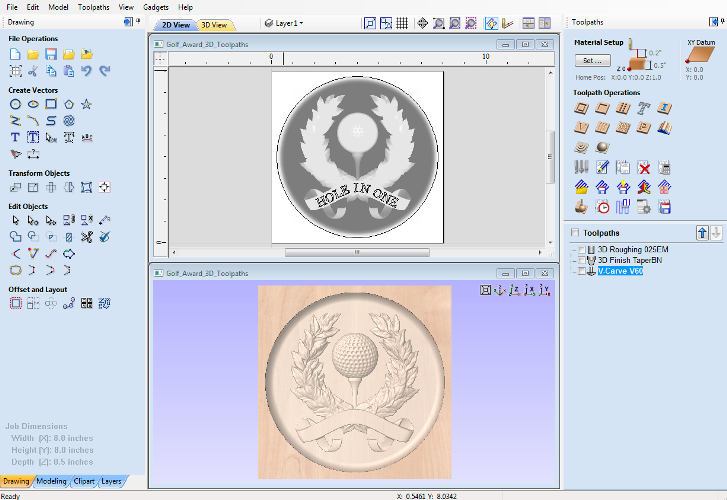
VCarve Desktop
VCarve Desktop is suitable for woodworking, jewelry making, art making, etc.
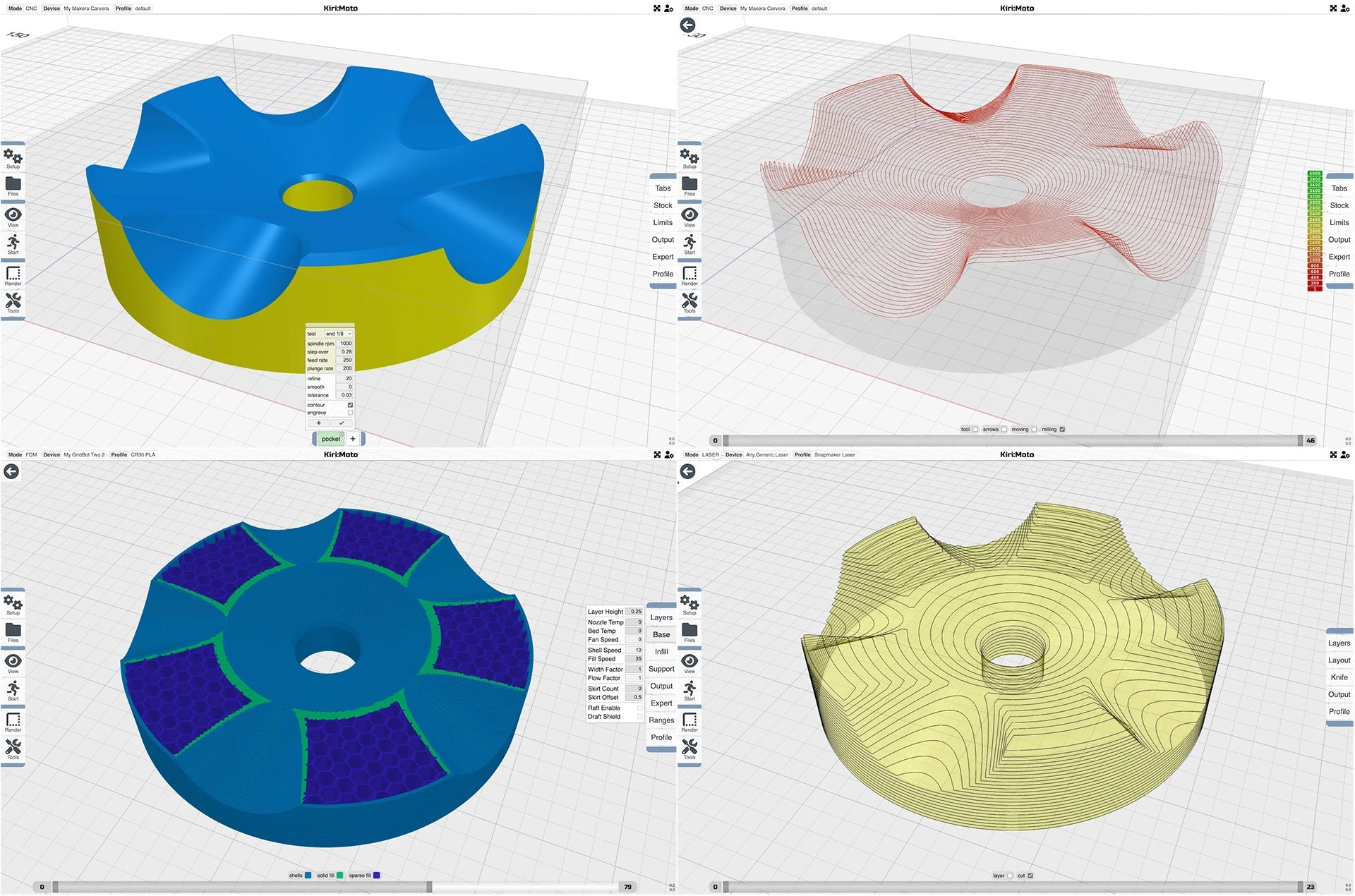
Kiri:Moto
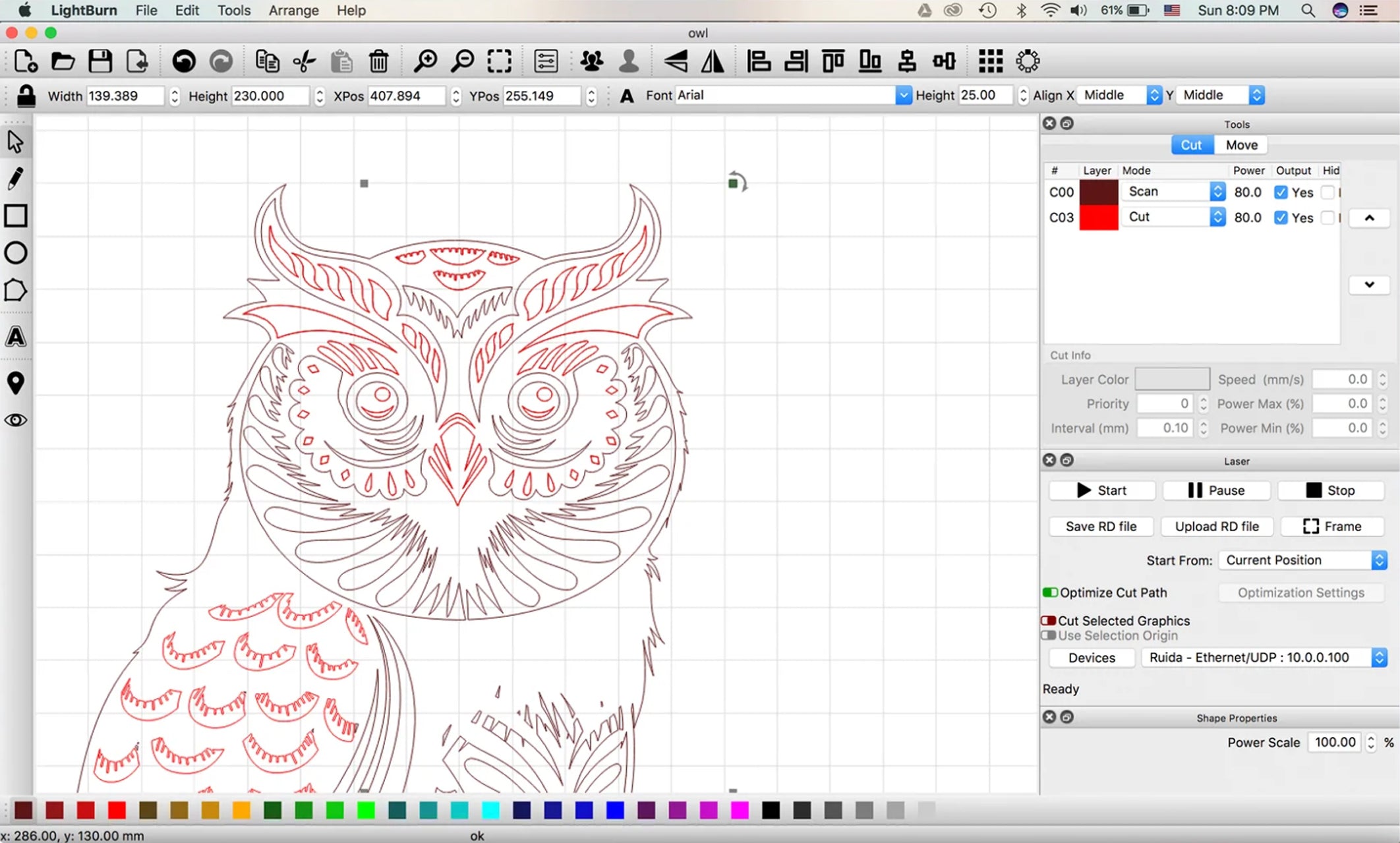
LightBurn
- Import artwork in a variety of common vector graphic and image formats.
- Arrange, edit, and even create new vector shapes within the editor.
- Apply settings like power, speed, number of passes, cut order, brightness & contrast, dithering mode, and much more.